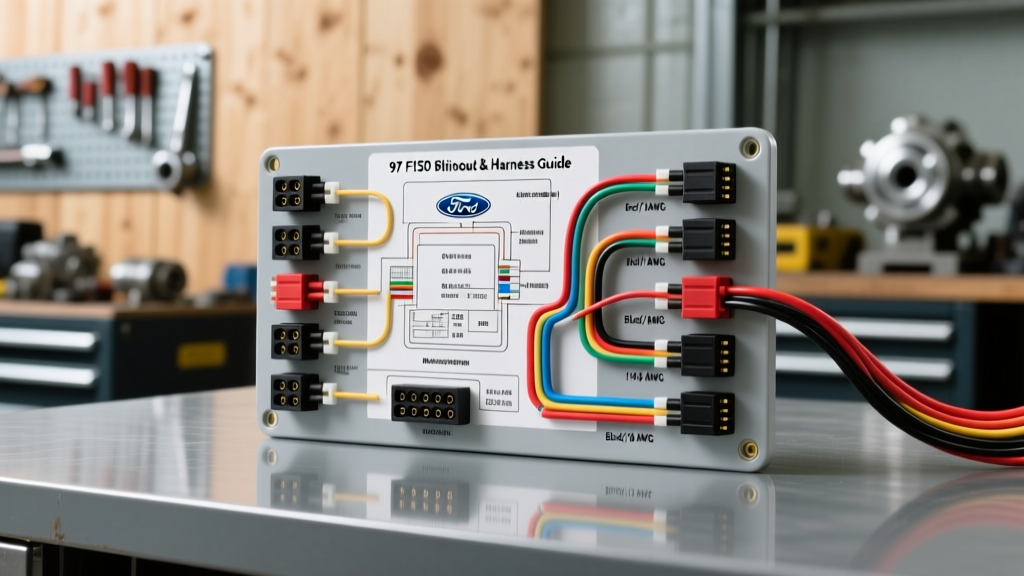
1997 Ford F-150 Stereo Wiring Diagram & Pinout Reference
The 1997 Ford F-150, marking the debut of the tenth-generation platform, utilizes a standardized 16-pin Motorola-style rectangular radio harness for its base and premium audio systems. Whether you are upgrading to a modern double-DIN multimedia receiver, diagnosing a parasitic battery draw, or repairing a short in the dash, understanding the exact 97 F150 stereo wiring diagram is critical for a safe and functional installation. This technical specification reference details OEM wire colors, American Wire Gauge (AWG) ratings, Central Junction Box (CJB) fuse routing, and advanced troubleshooting protocols for automotive electrical technicians and advanced DIYers.
OEM 16-Pin Radio Harness Pinout Specifications
The factory head unit connects to the vehicle's main chassis harness via a single 16-pin TE Connectivity / Motorola connector. Below is the definitive pinout chart mapping the OEM functions, wire colors, and standard AWG sizes. Note that aftermarket wiring harness adapters (such as the Metra 70-1770) translate these OEM colors to the universal EIA (Electronic Industries Alliance) color code standard.
| Pin | Function | OEM Wire Color | AWG | EIA Adapter Color |
|---|---|---|---|---|
| 1 | Right Rear Speaker (+) | Purple | 18 | Purple |
| 2 | Right Rear Speaker (-) | Purple/Black Stripe | 18 | Purple/Black |
| 3 | Right Front Speaker (+) | Gray | 18 | Gray |
| 4 | Right Front Speaker (-) | Gray/Black Stripe | 18 | Gray/Black |
| 5 | Left Rear Speaker (+) | Green | 18 | Green |
| 6 | Left Rear Speaker (-) | Green/Black Stripe | 18 | Green/Black |
| 7 | Left Front Speaker (+) | White | 18 | White |
| 8 | Left Front Speaker (-) | White/Black Stripe | 18 | White/Black |
| 9 | Chassis Ground | Black/Light Green | 16 | Black |
| 10 | Illumination (12V+) | Light Blue/Red | 18 | Orange/White |
| 11 | Dimmer (Variable) | Orange/Black | 18 | Orange |
| 12 | Power Antenna Trigger | Blue | 18 | Blue |
| 13 | Switched 12V (Accessory) | Yellow/Black | 14 | Red |
| 14 | Constant 12V (Battery) | Light Green/Yellow | 14 | Yellow |
| 15 | Not Connected (NC) | N/A | N/A | N/A |
| 16 | Not Connected (NC) | N/A | N/A | N/A |
Speaker Wire Routing, AWG, and Polarity
The 1997 F-150 utilizes 18 AWG stranded copper wire for all speaker runs from the head unit to the door and cab pillars. According to SAE J1128 standards for low-tension primary cable, 18 AWG wire is sufficient for the short runs (under 15 feet) and low current (typically under 3 amps per channel) required by a standard 4x50W internal head unit amplifier. When splicing into the OEM harness, maintaining absolute polarity is critical for low-frequency phase alignment. If the Left Front speaker is wired out of phase (positive to negative), the mid-bass response will suffer from destructive acoustic interference, resulting in a 'hollow' sound profile. Always verify polarity using a digital multimeter or a dedicated AA-battery speaker pop-test tool before finalizing heat-shrink connections.
Premium Sound Amplifier Bypass Procedure
Higher trim levels (XLT and Lariat) of the 1997 F-150 were optionally equipped with the Ford 'Premium Sound' package. This system utilizes an external, low-wattage analog amplifier typically mounted under the driver's seat or behind the right-side kick panel. A notorious failure point in the 10th-gen F-150 is the OEM amplifier's internal output ICs shorting out due to moisture ingress or thermal fatigue, resulting in zero audio output despite the head unit powering on.
Bypass Protocol:
- Locate the external amplifier and disconnect the negative battery terminal.
- Unplug the differential input and amplified output harnesses from the amp.
- Cut the OEM speaker wires at the amplifier plug, leaving enough pigtail to splice.
- Run new 16 AWG speaker wire from your aftermarket head unit's harness directly to the speaker voice coil wires, completely eliminating the dead OEM amplifier from the circuit.
- Cap and isolate the OEM amplifier's 12V power and ground wires to prevent parasitic drain.
Antenna Integration and Accessory Notes
The 1997 F-150 utilizes a standard Motorola male antenna plug located behind the passenger side kick panel or routed through the lower dash. No amplified antenna module is present in the base model. However, if your truck is equipped with the power mast antenna, Pin 12 (Blue) must be connected to the aftermarket head unit's 'Auto Antenna' or 'Amp Turn-On' lead. Note on Steering Wheel Controls: Unlike later 11th and 12th-generation F-150s, the 1997 model year did not feature factory integrated steering wheel audio controls (SWC). Therefore, SWC interface modules (such as the Axxess ASWC-1 or PAC SWI-JACK) are not applicable and will not function on this specific chassis year.
Multimeter Verification & Grounding Standards
Before connecting any aftermarket harness, verify the health of the OEM circuit using a digital multimeter (DMM). Testing Constant and Switched Power: Set your DMM to DC Voltage. Probe Pin 14 (Light Green/Yellow) against a known good chassis ground. You should read 12.2V - 12.6V regardless of the key position. Next, probe Pin 13 (Yellow/Black). This should read 0V with the key off, and 11.5V - 12.4V with the key in the 'ACC' or 'RUN' position. The G200 Ground Bus: The factory radio ground (Pin 9, Black/Light Green) terminates at the G200 ground bus located behind the driver's side kick panel. If you are experiencing alternator whine or erratic head unit reboots during engine cranking, do not run a redundant ground wire to the radio chassis. Instead, remove the kick panel, unbolt the G200 bus, clean the terminal rings and chassis contact patch with a wire brush, and apply a thin layer of dielectric grease before torquing to 7 Nm (62 lb-in).
Troubleshooting Common 10th-Gen Audio Faults
Symptom: Radio Loses Memory Presets and Clock Upon Shutdown
Cause: This occurs when the Constant 12V (Pin 14) and Switched 12V (Pin 13) circuits are swapped at the aftermarket adapter harness, or if the memory fuse is blown. Fix: First, check the Central Junction Box (CJB) located under the dash on the driver's side. Verify that Fuse 21 (5A) and Fuse 10 (15A) are intact. If fuses are good, use a DMM to verify that the Yellow wire on your aftermarket harness is receiving constant battery voltage. If not, swap the Red and Yellow connections at the harness adapter.
Symptom: Display Illumination Does Not Dim with Headlights
Cause: The OEM dimmer circuit (Pin 11, Orange/Black) relies on the analog rheostat located inside the headlight switch assembly. If the rheostat is faulty, or if the aftermarket head unit requires a 'Ground to Dim' signal rather than a 'Variable 12V to Dim' signal, the display will remain at maximum brightness. Fix: Consult your aftermarket head unit's manual. If it requires a ground trigger for dimming, you must install a 12V automotive relay. Use the OEM Pin 11 wire to trigger the relay coil, and wire the relay's switched output to ground the head unit's dimmer wire when the headlights are activated.
Symptom: Blown CJB Fuses Immediately Upon Head Unit Power-Up
Cause: A short to ground in the speaker wiring, commonly caused by a pinched wire inside the driver's door A-pillar rubber boot (a frequent failure point on 1997-2003 F-150s due to door hinge flex). Fix: Disconnect the speaker harness at the A-pillar. Use a multimeter in continuity mode to check for a short between the speaker positive wire and the door chassis. If continuity exists, pull the door panel and inspect the speaker terminal for moisture corrosion or crushed wiring.