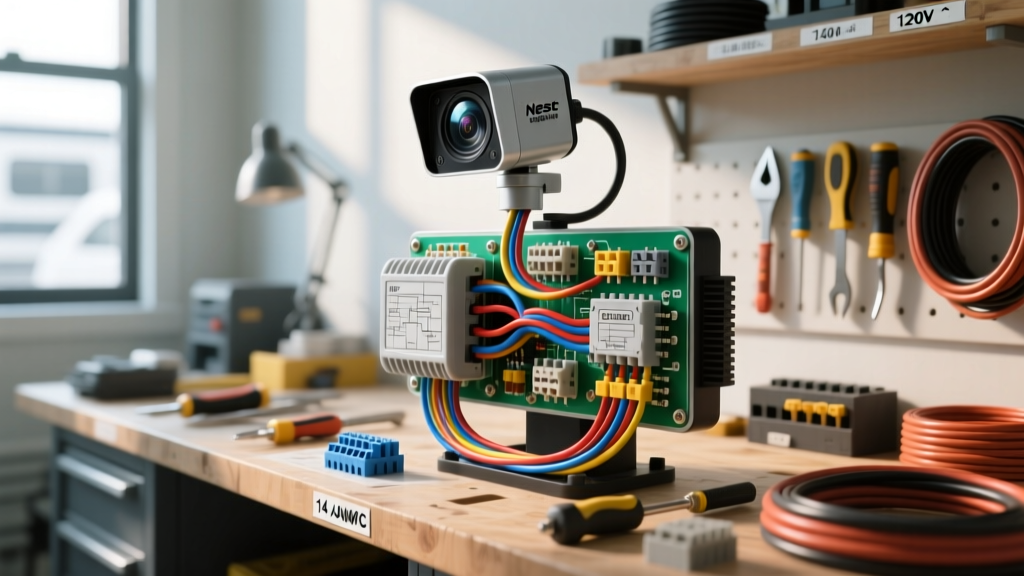
Bridging Smart Home Tech and Overland RV Electrical Systems
Integrating residential smart security into mobile platforms like expedition trucks, skoolies, and Sprinter camper vans has become a hallmark of modern overland builds. The Google Nest Floodlight Wired is a popular choice for rig security, offering brilliant lumens and reliable motion tracking when parked at campsites or storage facilities. However, executing a proper RV Nest floodlight camera installation requires far more than simply splicing wires. You are bridging sensitive residential microelectronics with the harsh, vibration-heavy, and electrically noisy environment of an automotive 12V DC and 120V AC system.
As an automotive electrical specialist, I frequently see mobile builds fail because installers treat an RV's AC system exactly like a stationary residential home. Vehicles experience extreme thermal cycling, chassis flex, and high-frequency vibration. This beginner-friendly fundamentals guide will walk you through the exact wire gauges, inverter requirements, and vibration-proof termination methods necessary to ensure your smart camera survives the road.
Power Architecture: The Pure Sine Wave Mandate
The most critical failure point in any mobile smart home installation is the inverter. The Nest Floodlight requires a 100-240V AC input. In an RV or work truck, this power is generated by an inverter converting 12V (or 24V/48V) DC battery power into AC.
You must use a Pure Sine Wave (PSW) inverter. Modified Sine Wave (MSW) inverters produce a stepped square wave that introduces severe Total Harmonic Distortion (THD). The Nest camera utilizes a high-frequency internal switching power supply to step down 120V AC to its internal 5V/12V DC logic rails. Feeding an MSW output into this power supply causes excessive heat buildup in the camera's internal MOSFETs and capacitors, leading to premature logic board failure, Wi-Fi module dropout, and voided warranties. Always verify your inverter outputs a true sine wave with a THD of less than 3%.
AC Circuit Sizing and 14 AWG Wire Routing
According to NFPA 1192 (Standard on Recreational Vehicles) and general RVIA Electrical Standards, 120V AC branch circuits in mobile applications must be properly sized for both amperage and voltage drop. While the Nest Floodlight draws a relatively modest continuous current (peaking around 0.5A to 1.0A depending on floodlight activation), the circuit must be protected and wired to standard 15A AC branch specifications to accommodate the junction box and breaker limitations.
| Wire Gauge (AWG) | Max Overcurrent Protection | Max Continuous Load (80%) | Voltage Drop @ 25ft (120V) | Application |
|---|---|---|---|---|
| 14 AWG Stranded | 15 Amp Breaker | 12 Amps | ~1.5% (1.8V) | Standard RV AC Lighting/Camera Branch |
| 12 AWG Stranded | 20 Amp Breaker | 16 Amps | ~0.9% (1.1V) | AC Receptacles / High Draw Inverter Feeds |
| 10 AWG Stranded | 30 Amp Breaker | 24 Amps | ~0.6% (0.7V) | Main AC Distribution / Heavy HVAC |
Note: Always use multi-strand, flexible copper wire rated for mobile use (e.g., THHN/THWN-2 or marine-grade primary wire). Solid core Romex is strictly prohibited in vehicles due to metal fatigue and wire breakage from chassis vibration.
Mechanical Mounting on Automotive Substrates
Residential installations rely on screwing into wooden studs or vinyl siding. In an expedition truck or RV, you are likely mounting to aluminum sheet metal, fiberglass, or composite panels. 1. Backing Plates: Never mount a heavy camera assembly solely to thin aluminum skin. Use a 1/8-inch aluminum backing plate inside the wall cavity to distribute the shear load. 2. Galvanic Corrosion: If mounting to an aluminum skin, use 18-8 Stainless Steel hardware. Applying a layer of butyl tape or marine-grade sealant (like Sikaflex-221) between the camera's IP65 mounting base and the vehicle skin prevents water ingress and dissimilar metal corrosion. 3. Rivnuts: For steel truck caps or aluminum extrusions, drill out the mounting holes and install steel or aluminum rivnuts. This provides machine-thread strength that will not strip out when driving over washboard roads.
Step-by-Step RV Nest Floodlight Camera Installation
Step 1: Breaker Panel Integration
Identify an available 15A slot on your RV's main AC breaker panel. Ensure the main shore power cord is disconnected and the inverter is completely powered down. Install a 15A single-pole AC breaker. Route 14/2 AWG stranded marine wire from the breaker panel to the exterior junction box location, ensuring the wire passes through rubber grommets where it crosses any sharp metal bulkheads.
Step 2: Junction Box Prep and Weatherproofing
Use an exterior-rated, IP65 (or higher) marine junction box. Drill your entry holes on the bottom of the box to create a water drip loop, preventing capillary action from drawing rain into the enclosure. Apply a bead of marine silicone around the cable gland connectors once the 14/2 wire is pulled through.
Step 3: Vibration-Proof Terminations
Standard twist-on wire nuts are a massive liability in automotive environments; constant vibration will cause them to back off, creating high-resistance arcing points that can start electrical fires. Instead, strip 12mm of insulation from your 14 AWG wires and use WAGO 221 Lever-Nuts. These spring-clamp connectors maintain constant, vibration-proof pressure on stranded wire. Alternatively, use adhesive-lined marine heat shrink butt connectors to pigtail the camera's factory whip to your 14 AWG branch circuit.
Wiring Diagram and Pinout Configuration
The Nest Floodlight utilizes a standard 3-wire AC connection. Below is the terminal mapping for your junction box integration.
| Camera Wire Color | RV Branch Circuit Wire | Terminal / Connection Point | Function & Safety Notes |
|---|---|---|---|
| Black (Line) | Black (14 AWG) | WAGO Lever-Nut / Breaker | Switched 120V AC Hot. Must be routed through the 15A breaker. |
| White (Neutral) | White (14 AWG) | WAGO Lever-Nut / Neutral Bus | AC Return Path. Never bond to chassis ground downstream of the panel. |
| Green/Bare (Ground) | Green (14 AWG) | AC Ground Bus Bar | Safety Earth. Must route back to the AC panel ground bus, not the DC chassis. |
Troubleshooting Decision Tree
Mobile environments introduce unique electrical anomalies. Use this diagnostic tree to resolve common post-installation issues.
- Symptom: Camera randomly reboots or drops Wi-Fi when the vehicle engine is running.
Cause: Alternator whine or voltage spikes on the 12V DC bus are causing the inverter's internal protection circuitry to micro-cycle, creating momentary AC dropouts.
Fix: Install a 12V DC line noise filter (ferrite core) on the inverter's DC input. Verify the inverter's DC ground is tied via a heavy-gauge (2/0 AWG) cable directly to the chassis star ground, avoiding daisy-chained grounds. - Symptom: The RV's GFCI breaker trips instantly upon connection.
Cause: AC Neutral and AC Ground are improperly bonded. In mobile applications, neutral and ground should only be bonded at the source (the inverter's internal bonding switch or the shore power cord), never downstream at the camera junction box.
Fix: Check the junction box. Ensure the bare copper ground wire and the white neutral wire are completely isolated from one another and only meet at the main AC distribution panel. - Symptom: Floodlights flicker at a high frequency.
Cause: Modified Sine Wave inverter output causing LED driver instability.
Fix: Replace the MSW inverter with a Pure Sine Wave inverter. There is no software workaround for harmonic distortion on LED drivers.
By adhering to these automotive-grade wiring standards, your smart security integration will remain robust, safe, and fully operational whether you are parked in a suburban driveway or boondocking deep in the backcountry.