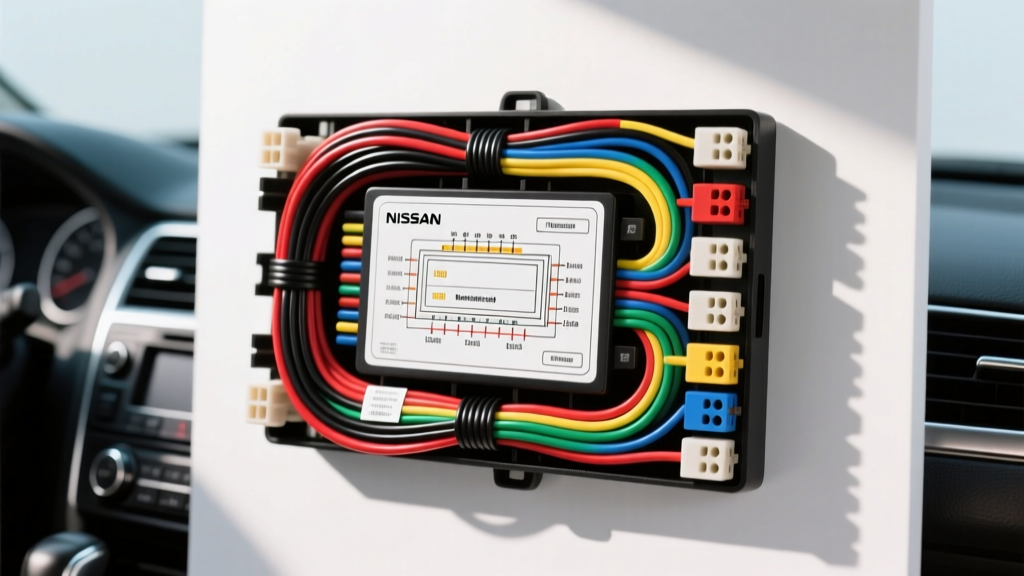
Decoding the Nissan Audio Architecture
When upgrading the stereo in popular models like the Altima, Rogue, Sentra, or Frontier, deciphering the factory wiring harness color code Nissan radio wiring diagram is the most critical step in your installation. Unlike older vehicles where splicing into the dash harness was a simple matter of matching red-to-red, modern Nissan vehicles utilize complex multiplexed CAN-bus networks and highly sensitive Body Control Modules (BCMs). A single miswired pin or an improper ground can trigger a parasitic drain, disable your steering wheel controls, or even interfere with the Nissan Anti-Theft System (NATS).
This practical how-to guide provides expert-level wiring data, pinout configurations, and installation protocols to ensure your aftermarket head unit or amplifier integration is executed flawlessly, preserving the integrity of your vehicle's electrical system.
Understanding the Nissan 16-Pin and Data Connectors
Most 2007-2018 Nissan models utilize a standardized two-piece connector setup behind the OEM head unit. The primary connector is a 16-pin Yazaki block dedicated to power, ground, illumination, and four-channel speaker outputs. The secondary connector is typically an 8-pin or 40-pin block that handles Steering Wheel Controls (SWC), CAN-bus data lines, and auxiliary inputs.
Before cutting or splicing any wires, it is highly recommended to use a vehicle-specific plug-and-play wiring harness adapter (such as the Metra 70-7552 or Scosche NN02B). These adapters translate the sometimes non-standard Nissan factory wire colors into the universal EIA (Electronic Industries Alliance) color code used by all aftermarket radio manufacturers.
Factory Wiring Harness Color Code: Nissan Radio Wiring Diagram Table
The table below outlines the standard 16-pin Nissan power and speaker harness. Note that while aftermarket adapters use standard EIA colors, the raw factory wires in the dash may vary slightly by model year. Always verify with a digital multimeter (DMM) before making permanent connections.
| Pin # | Function | Factory Wire Color (Typical) | Aftermarket EIA Color | AWG Spec |
|---|---|---|---|---|
| 1 | Front Left Speaker (+) | White | White | 18 AWG |
| 2 | Front Left Speaker (-) | White/Black Stripe | White/Black | 18 AWG |
| 3 | Front Right Speaker (+) | Gray | Gray | 18 AWG |
| 4 | Front Right Speaker (-) | Gray/Black Stripe | Gray/Black | 18 AWG |
| 5 | Rear Right Speaker (+) | Green | Green | 18 AWG |
| 6 | Rear Right Speaker (-) | Green/Black Stripe | Green/Black | 18 AWG |
| 7 | Rear Left Speaker (+) | Purple | Purple | 18 AWG |
| 8 | Rear Left Speaker (-) | Purple/Black Stripe | Purple/Black | 18 AWG |
| 9 | Chassis Ground | Black | Black | 16 AWG |
| 10 | Switched 12V (ACC) | Red or Blue/Red | Red | 16 AWG |
| 11 | Constant 12V (Battery) | Yellow or Blue | Yellow | 16 AWG |
| 12 | Illumination | Orange/White or Red/Black | Orange/White | 20 AWG |
| 13 | Power Antenna / Amp Turn-On | Blue/White | Blue/White | 18 AWG |
| 14 | Mute Control | Brown | Brown | 22 AWG |
| 15 | Reserved / NC | - | - | - |
| 16 | Reserved / NC | - | - | - |
Step-by-Step Installation: Splicing vs. Plug-and-Play Adapters
As a strict rule in automotive electrical integration, cutting the OEM harness is highly discouraged. Modern Nissan vehicles use SAE J1128 compliant low-tension primary cables with specific insulation ratings. Splicing can introduce resistance, voltage drop, and potential short circuits. Always use a dedicated harness adapter.
Step 1: Disconnect and Extract the OEM Unit
- Disconnect the negative terminal of the vehicle's battery. Wait 3 minutes for the SRS (airbag) and BCM capacitors to discharge.
- Use a nylon trim removal tool to pop the climate control and radio bezel trim. Nissan uses fragile push-clips; avoid metal pry bars to prevent scratching the soft-touch dash materials.
- Remove the four 10mm hex bolts securing the radio mounting bracket.
- Press the release tabs on the 16-pin and secondary data connectors to unplug the OEM unit.
Step 2: Wire Matching and Gauge Verification
If you are building a custom harness or repairing a damaged OEM plug, you must match the wire gauge. The OEM speaker wires are typically 18 AWG (approx. 0.82mm²), capable of handling up to 50W RMS per channel. If you are bypassing the factory amplifier, ensure your new speaker wires are at least 16 AWG to minimize resistance over the long runs to the rear doors. For the Constant 12V and Ground wires, use a minimum of 14 AWG to 16 AWG to support the head unit's memory and internal amplification without voltage sag.
Step 3: Soldering and Heat Shrinking (Best Practices)
Never use twist-on wire caps or standard electrical tape in a vehicle environment; vibration and thermal cycling will cause them to fail. Instead:
- Strip 3/8 inch of insulation from both the adapter and aftermarket radio harness.
- Slide a piece of 3M dual-wall adhesive heat shrink tubing over the wire.
- Twist the copper strands together, apply rosin-core solder, and heat until the solder wicks into the braid.
- Slide the heat shrink over the joint and apply heat until the adhesive seals the ends, creating a waterproof, vibration-proof bond.
Troubleshooting Common Nissan Radio Wiring Failures
Even with a perfect wiring diagram, Nissan's CAN-bus architecture can present unique challenges. Use this decision tree to diagnose common post-installation issues:
Symptom: Radio Will Not Turn Off / Battery Drain
Cause: Swapped Constant (12V) and Switched (ACC) wires. In some Nissan models, the factory ACC wire is Blue, while the Constant is Yellow. If using a raw factory harness without an adapter, testing with a DMM is mandatory.
Fix: Re-test Pin 10 and Pin 11 with the ignition ON and OFF. Re-solder the connections to the correct EIA standard wires on your aftermarket harness.
Symptom: Alternator Whine Through Speakers
Cause: Ground loop. The aftermarket radio ground is tied to a painted metal surface or shared with a high-current module.
Fix: Ensure the Black ground wire is terminated to a bare, unpainted metal chassis point behind the dash using a ring terminal and a self-tapping sheet metal screw, or bolt it to an existing OEM ground stud. Do not ground the radio to the metal radio mounting sleeve.
Symptom: No Steering Wheel Controls (SWC)
Cause: Modern Nissans do not use simple analog resistor ladders for SWC; they use digital CAN-bus signals transmitted over the secondary harness.
Fix: You must install a data retention module (such as the iDatalink Maestro or Axxess ASWC-1). Connect the module's CAN-H and CAN-L wires to the vehicle's data lines. Warning: Never use a test light or standard multimeter to probe CAN-bus lines, as the voltage spike can destroy the BCM. Refer to the Crutchfield Vehicle Fit Database for the exact CAN-bus pin locations for your specific model year.
Authoritative References
- SAE J1128 Low Tension Primary Cable Standard - Guidelines for automotive wire gauge, insulation, and temperature ratings.
- Crutchfield Vehicle Fit Database - Comprehensive fitment and adapter requirements for Nissan models.
- Nissan Owner and Service Manuals - Official FSM references for BCM pinouts and NATS system warnings.