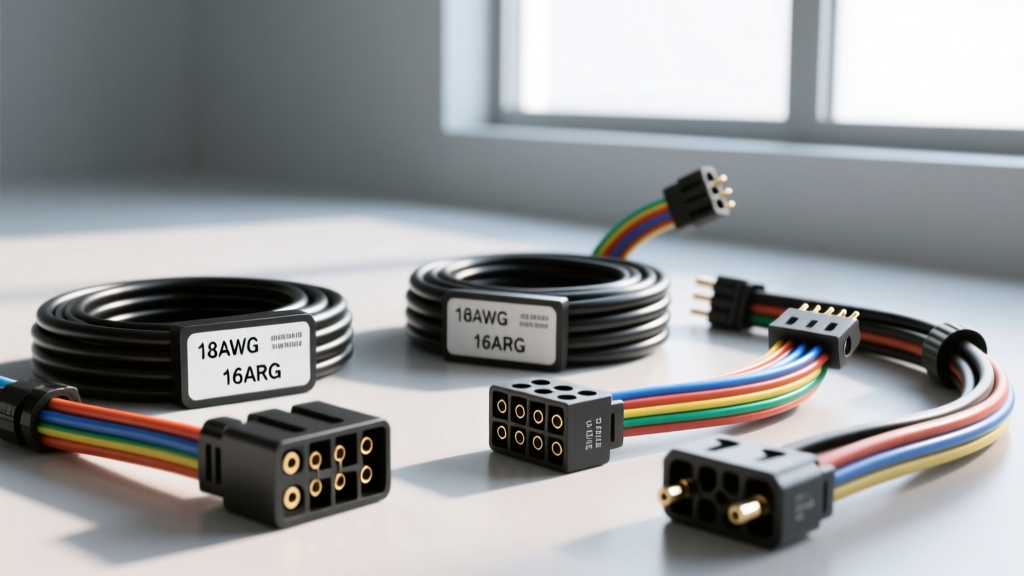
The Architecture of an Aftermarket Radio Wiring Harness With OEM Plug
Upgrading a factory head unit requires bridging the gap between proprietary vehicle networks and standardized mobile electronics. Choosing the correct aftermarket radio wiring harness with OEM plug compatibility ensures you maintain critical vehicle functions—such as chimes, OnStar, steering wheel controls, and CAN-bus wake signals—without splicing into the factory loom. Cutting factory wires alters impedance, risks short circuits, and destroys resale value. A dedicated harness acts as a physical and electrical translator, mapping the vehicle's specific connector pinout to the universal EIA/CEA-2002 standard used by aftermarket manufacturers like Pioneer, Kenwood, and Alpine.
At the core of these harnesses are stranded copper conductors, typically insulated with cross-linked polyethylene (XLPE) or PVC. According to the SAE J1128 Low Tension Primary Cable Standard, automotive wire must withstand extreme temperature fluctuations and chemical exposure. While most basic harnesses utilize 18 AWG GXL wire for both power and speaker leads, high-draw modern head units often require 16 AWG for the constant 12V (Yellow) and switched 12V (Red) circuits to prevent voltage drop under peak load.
Top Harness Brands Compared: Metra vs. Axxess vs. PAC
Not all harnesses are created equal. The market is dominated by three primary engineering houses, each taking a different approach to data retention and signal translation.
Metra Electronics: The Standard for Basic Swaps
Metra is the industry baseline for non-data-retentive swaps. Their standard harnesses (such as the 70-1817 for GM or 71-5520 for Ford) provide bare, color-coded leads that match the EIA standard. These are ideal for pre-2004 vehicles or base-model trims lacking multiplexed data networks. However, Metra's basic plugs do not contain active PCBs for data translation, meaning they will not retain factory amplifiers or digital chimes on modern platforms without an add-on module.
Axxess Integrate: Mastering CAN-Bus and Data Networks
Axxess (a Metra brand) specializes in complex data integration. Harnesses like the XSVI-2104-NAV feature integrated microcontrollers that sniff the vehicle's GMLAN or MS-CAN bus and translate those digital packets into 12V analog triggers for the aftermarket radio's accessory wire. If your vehicle requires a data bus wake-up signal to turn on the radio, an Axxess data harness is often the most reliable 'plug-and-play' solution, eliminating the need for separate interface boxes tucked behind the dash.
PAC Audio: Premium Amplifier and Chime Retention
PAC (e.g., the RP5-GM31 or RP4-FD11 series) excels in premium audio retention. When a vehicle features a factory Bose, Alpine, or JBL amplified system, the speaker-level outputs from the new radio will blow out the factory amplifier's low-impedance inputs. PAC harnesses often include built-in line-level converters or specialized RCA passthroughs, alongside robust MOSFET-driven chime retention modules that ensure you still hear your turn signals and door-ajar warnings through the driver-side speaker.
Technical Specifications: Wire Gauges, Pinouts, and Color Codes
When splicing your chosen aftermarket radio wiring harness with OEM plug ends to your new head unit's ISO harness, strict adherence to the CEA-2002 color code is mandatory. Below is the standard mapping, alongside common OEM variations found in GM and Ford platforms.
| Function | EIA/CEA-2002 Standard Color | Typical GM OEM Color (16/24-Pin) | Typical Ford OEM Color (8/16-Pin) | AWG Spec |
|---|---|---|---|---|
| Constant 12V (Memory) | Yellow | Orange / Orange-Stripe | Yellow / Violet | 16-18 AWG |
| Switched 12V (Accessory) | Red | Brown / Pink | Light Green / Violet | 16-18 AWG |
| Chassis Ground | Black | Black / Black-White | Black / Black-Green | 16 AWG (Min) |
| Illumination / Dimmer | Orange / Orange-White | Gray / Brown-White | Orange / Black | 18-20 AWG |
| Power Antenna / Amp Turn-On | Blue / Blue-White | Pink / Dark Green | Blue / Blue-White | 18 AWG |
| Left Front Speaker (+/-) | White / White-Black | Tan / Gray | Orange / Orange-Black | 18 AWG |
| Class 2 / CAN Data Bus | N/A (Purple on SWC) | Dark Green (Pin 2 or 11) | Gray/Red (MS-CAN) | 20-22 AWG |
Reference: Metra Electronics Technical Database and PAC Audio Interface Engineering Specs for vehicle-specific pinout variations.
CAN-Bus, Class 2 Data, and GMLAN: When a Standard Plug Isn't Enough
The most common mistake installers make is assuming physical plug compatibility equals electrical compatibility. A 2008 Chevrolet Silverado and a 2002 Chevrolet Silverado may share a similar 16-pin block connector, but the 2008 model relies on GMLAN (Global Controller Area Network) to send the 'accessory wake' command to the radio. If you use a basic passive harness on the 2008 model, the radio will not turn on with the key.
GM Data Network Evolution:
- Pre-2004 (Class 2 Data): Single-wire data bus. Requires a simple Class 2 to 12V analog converter (e.g., Metra XSVI-2005).
- 2004-2007 (Transitional): Mix of Class 2 and early CAN. Requires specific DIP-switch configuration on interface modules.
- 2006+ (GMLAN): High-speed twisted pair network. Requires advanced data modules that read VIN-specific CAN IDs to generate the accessory 12V and retain OnStar routing.
Ford MS-CAN / HS-CAN Networks:
Modern Fords utilize the MS-CAN (Medium Speed) bus for interior body modules, including the Accessory Delay feature. The aftermarket radio wiring harness with OEM plug must intercept Pins 7 and 8 (on the 8-pin connector) or specific pins on the 16-pin quadlock to read the ignition cylinder status and output a clean 12V switched signal to the Red wire on the aftermarket ISO harness.
Step-by-Step Selection Matrix for Common Platforms
Use this decision tree to select the exact harness architecture required for your build:
- Identify the Audio Tier: Does the vehicle have a premium amplified system (Bose, JBL, Infinity, Shaker)? If Yes: You need a PAC RP4 or Axxess harness with line-level conversion or RCA pre-out passthrough. If No: Proceed to step 2.
- Identify the Data Network: Is the vehicle 2006 or newer? If Yes: You require a CAN-Bus/GMLAN data retention module (Axxess XSVI or PAC RP5 series). If No: Proceed to step 3.
- Identify Chime/Warning Systems: Does the vehicle route door chimes, seatbelt warnings, or parking sensors through the radio? If Yes: Select a harness with an integrated chime retention speaker or data module. If No: A standard passive Metra harness (e.g., 70-1771) is sufficient.
- Steering Wheel Controls (SWC): If retaining SWC, ensure your harness includes the dual-resistor network wires (common on Chrysler/Ford) or a 3.5mm data jack to interface with an Axxess ASWC-1 module.
Common Failure Modes and Troubleshooting
Even with the correct aftermarket radio wiring harness with OEM plug, installation errors can lead to frustrating electrical gremlins. Here are the most frequent failure modes observed in the field:
Symptom: Alternator Whine in Speakers
Cause: Ground loop induced by using a chassis ground instead of the dedicated OEM ground pin.
Fix: Never ground the Black wire to the metal dash frame. Always route the Black ground wire back to the OEM plug's dedicated ground pin. If the OEM ground is compromised, run a dedicated 16 AWG ground directly to a clean, unpainted chassis point near the kick panel, ensuring both the radio and the harness share the exact same ground potential.
Symptom: Radio Turns On, But No Audio and No Chimes
Cause: The factory amplifier turn-on wire (Blue/White) is not receiving 12V, or the data module has not successfully booted to send the wake command.
Fix: Use a multimeter to test the Blue/White wire at the ISO harness during key-on. If it reads 0V, check the data module's DIP switches or ensure the CAN-H and CAN-L wires are not reversed. Twisted pair data wires must maintain their twist as close to the connector as possible to prevent electromagnetic interference (EMI) rejection.
Symptom: Parasitic Battery Drain Overnight
Cause: Constant 12V (Yellow) and Switched 12V (Red) are swapped at the butt-splice junction. The radio never enters sleep mode because it constantly sees ignition voltage on the memory circuit, or the data module remains awake.
Fix: Cut the splices, verify the Yellow wire reads 12V with the key OFF, and the Red wire reads 12V only with the key in ACC/ON. Re-splice using heat-shrink butt connectors.
Best Practices for Splicing and Termination
The weakest point of any harness installation is the splice between the vehicle-side OEM plug harness and the radio-side ISO harness. Do not use twist-and-tape methods. The automotive environment is subject to severe vibration and thermal cycling.
For a permanent connection, use rosin-core solder and heat shrink tubing, or high-quality nylon-insulated heat-shrink butt connectors crimped with a ratcheting crimper. This ensures a gas-tight seal that prevents copper oxidation and voltage drop over the lifespan of the vehicle. When routing the harness behind the DIN sleeve, use Tesa tape (fleece automotive harness tape) to bundle the wires and prevent them from vibrating against the metal HVAC housing, which can wear through the insulation and cause a dead short to the chassis.