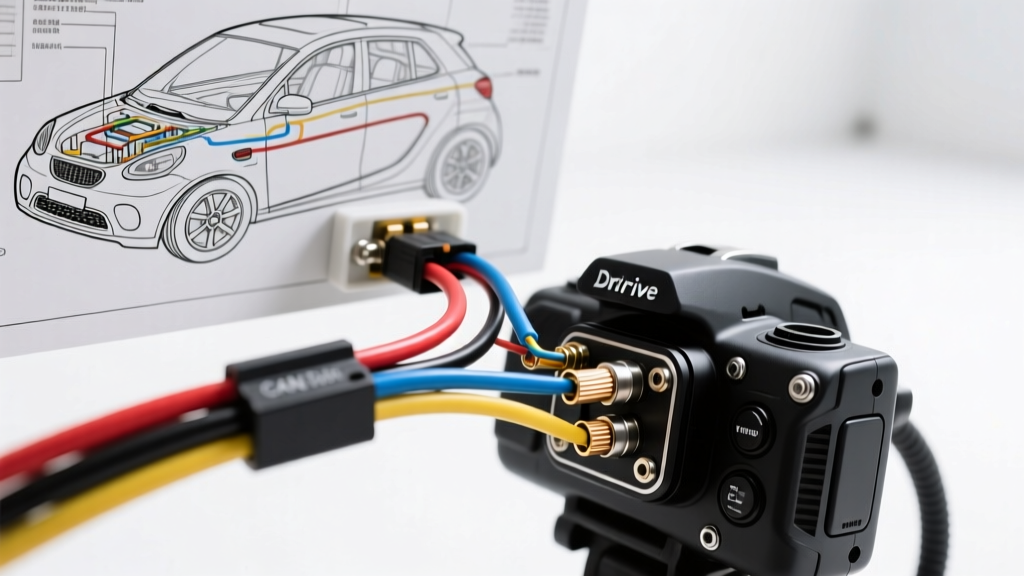
Introduction to SmartDrive Fleet Camera Systems
Installing a SmartDrive event-recording camera system requires a deep understanding of commercial vehicle electrical architectures. Unlike standard consumer dash cams, SmartDrive systems (and similar fleet telematics units) rely on continuous power, ignition sensing, and high-speed CAN bus data to trigger multi-channel video recording. Whether you are outfitting a light-duty Ford Transit or a heavy-duty Freightliner Cascadia, improper wiring can lead to parasitic battery drain, CAN bus fault codes, or intermittent video loss. This practical how-to guide details the exact wire gauges, pinout configurations, and routing protocols required for a flawless SmartDrive camera installation.
Pre-Installation: Tools and Wire Gauge Requirements
Before tapping into the vehicle's harness, gather the correct materials. Fleet vehicles experience high vibration and thermal cycling, meaning standard PVC tape and T-taps will inevitably fail. You must use automotive-grade GXL (Cross-linked polyethylene) wire and adhesive-lined heat shrink.
- Main Power & Ground: 16 AWG GXL wire (rated for up to 18A in engine bays).
- Ignition & Trigger Wires: 18 AWG GXL wire.
- CAN Bus Data Lines: 22 AWG twisted pair (shielded).
- Connectors: Molex Mini-Fit Jr. for main harness, FAKRA Z-type coaxial for cameras.
- Tools: Digital multimeter, wire strippers, heat gun, terminal crimpers, and trim removal pry tools.
Step 1: Main Unit Power and Ignition Wiring
SmartDrive main processing units typically feature an auto-sensing voltage regulator (9V to 36V), making them compatible with both 12V light-duty and 24V heavy-duty electrical systems. You must establish three primary power connections: Constant Battery, Switched Ignition, and Chassis Ground.
Power and Ground Specifications
| Wire Function | Wire Color | Gauge | Source / Termination | Protection |
|---|---|---|---|---|
| Constant Power (V-BATT) | Red | 16 AWG | Direct to Battery Positive or Main PDC | 5A ATO Blade Fuse (within 6 inches of source) |
| Switched Ignition (IGN) | Yellow | 18 AWG | Ignition Switch Output or Run-Only Fuse Slot | 2A Micro2 Fuse |
| Chassis Ground (GND) | Black | 16 AWG | Factory M8 Ground Stud on Bare Metal | N/A (Use ring terminal and anti-oxidation paste) |
Expert Tip: Never ground the SmartDrive unit to a painted surface or a seat belt bolt. Locate a factory ground point on the chassis or cab frame. Remove the paint using a wire wheel, apply a ring terminal crimped with a closed-barrel die, and torque the M8 bolt to 10-12 Nm. Coat the terminal in dielectric grease to prevent galvanic corrosion.
Step 2: CAN Bus Integration (J1939 / OBDII)
To capture vehicle speed, RPM, harsh braking, and steering angle data, the SmartDrive unit must interface with the vehicle's CAN bus. In heavy-duty trucks, this is the SAE J1939 network; in light-duty vehicles, it is standard OBDII CAN.
Heavy-Duty J1939 Integration (9-Pin Diagnostic Port)
For Class 8 trucks, tap into the 9-pin Deutsch diagnostic connector located under the dash. According to SAE International J1939 standards, the pinout is standardized:
- Pin C (CAN High): Green wire. Connect to SmartDrive Green/White wire.
- Pin D (CAN Low): Yellow wire. Connect to SmartDrive Yellow/White wire.
CRITICAL WARNING: Do not cut the factory CAN wires. Use Posi-Tap connectors to bridge the SmartDrive data lines. Furthermore, ensure the total terminating resistance of the CAN bus network remains at 60 ohms. Tapping into the network incorrectly or damaging the shielding can alter the resistance, throwing the Engine Control Module (ECM) into a limp-home mode.
Light-Duty OBDII Integration
For vans and light trucks, use an OBDII Y-splitter harness to maintain access to the diagnostic port for future mechanic scans. Connect to OBDII Pin 6 (CAN High) and Pin 14 (CAN Low).
Step 3: Routing and Connecting FAKRA Camera Cables
SmartDrive systems utilize FAKRA Z-type coaxial connectors for transmitting high-definition analog or digital video signals from the road-facing, driver-facing, and side-view cameras. These cables are highly sensitive to signal degradation.
FAKRA Routing Best Practices
- Maintain Bend Radius: Coaxial cables have a strict minimum bend radius. For standard RG-174 FAKRA cables, do not bend the cable tighter than a 1.5-inch radius. Kinking the cable will crush the dielectric insulator, causing impedance mismatches and resulting in a 'Camera Signal Lost' error on the SmartDrive portal.
- Separation from High Voltage: Route FAKRA video cables at least 6 inches away from high-current wiring (e.g., alternator output cables, starter motors, or AC compressor clutches) to prevent electromagnetic interference (EMI). For deeper insights into EMI prevention, refer to SAE J1113 Electromagnetic Compatibility standards.
- Drip Loops: When routing cables through the cab roof for exterior marker cameras, always create a 'drip loop' before the cable enters the grommet. This prevents water from wicking down the cable jacket and corroding the FAKRA connector pins.
Pinout Diagram & Connector Reference
The main SmartDrive processing unit utilizes a 12-pin Molex Mini-Fit Jr. connector for primary I/O. Below is the standard pin configuration for fleet integrations:
| Pin Number | Function | Wire Color | Connection Notes |
|---|---|---|---|
| 1 | V-BATT (Constant 12/24V) | Red | Direct battery with inline fuse |
| 2 | Ground | Black | Chassis ground point |
| 3 | Ignition Sense | Yellow | Switched 12/24V source |
| 4 | CAN High (J1939/OBD) | Green | Twisted pair with Pin 5 |
| 5 | CAN Low (J1939/OBD) | Yellow/White | Twisted pair with Pin 4 |
| 6 | Reverse Trigger | Purple | Connect to backup lamp circuit |
| 7 | Parking Brake Trigger | Orange | Connect to parking brake switch |
| 8 | Driver Input 1 (Button) | Blue | Momentary switch to ground |
| 9 | Audio Output (Speaker +) | White | In-cab warning speaker |
| 10 | Audio Output (Speaker -) | White/Black | In-cab warning speaker |
Troubleshooting Common Installation Faults
Even with meticulous wiring, fleet technicians occasionally encounter integration issues. Use this symptom-cause-fix decision tree to diagnose SmartDrive camera anomalies.
- Symptom: SmartDrive Unit Boot-Loops Every 3 Minutes
- Cause: Voltage drop on the Constant Power (V-BATT) line during engine cranking. The unit loses minimum operating voltage (9V) and restarts.
- Fix: Verify the 16 AWG red wire is connected directly to the battery or a high-amperage stud on the power distribution center (PDC), not a low-amperage accessory fuse. Check for a corroded inline fuse holder causing resistance.
- Symptom: CAN Bus Offline / No Telematics Data on Portal
- Cause: Reversed CAN High/CAN Low wires, or missing terminating resistors in the J1939 network.
- Fix: Use a multimeter to check the voltage on the CAN lines with the ignition ON. CAN High should read approximately 2.6V to 3.5V, and CAN Low should read 1.5V to 2.4V. If reversed, swap the pins at the Molex connector. If voltages are correct, check the network resistance (should be 60 ohms across High and Low with power off).
- Symptom: 'Camera Not Detected' Error for Road-Facing Cam
- Cause: Damaged FAKRA Z-type center pin or coaxial shielding short.
- Fix: Disconnect the FAKRA cable at both the main unit and the camera. Inspect the center pin for bending. Use a multimeter in continuity mode to test the center pin (should have continuity end-to-end) and the outer shield (should have continuity end-to-end). Finally, test between the center pin and the shield; there must be NO continuity (infinite resistance). If there is continuity, the cable is internally shorted and must be replaced.
- Symptom: Parasitic Battery Drain Over the Weekend
- Cause: Ignition sense wire (Yellow) is incorrectly tapped into a constant 12V source, preventing the SmartDrive unit from entering low-power sleep mode.
- Fix: Verify the Yellow wire reads 0V when the key is removed and the vehicle modules have gone to sleep (usually 20-45 minutes after shutdown). Move the Posi-Tap to a true ignition-run circuit, such as the windshield wiper or radio accessory fuse.
Final Verification and FMCSA Compliance
Once the physical installation is complete, perform a 15-minute road test to verify the G-sensor calibration and harsh braking triggers. Ensure the system is securely mounted using the provided aluminum bracket; double-sided tape is insufficient for commercial environments and violates Federal Motor Carrier Safety Administration (FMCSA) guidelines regarding secure mounting of electronic devices in the cab. Properly route all excess wiring, secure it with UV-resistant zip ties, and upload the initial calibration file via the SmartDrive cellular connection. With the correct wire gauges, secure grounding, and precise CAN bus integration, your fleet camera system will provide years of reliable, high-definition incident capture.