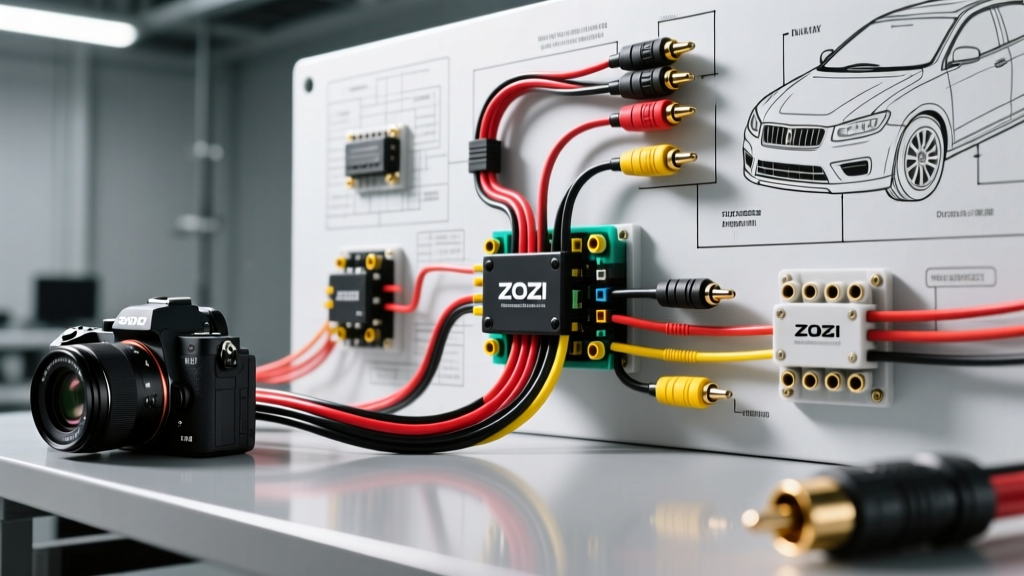
System Architecture: The 4-Pin Aviation Connector
When performing a ZOSI camera installation on an RV, heavy-duty truck, or custom trailer build, you will rarely encounter standard RCA and barrel-plug connections at the camera head. Instead, ZOSI utilizes a locking, weather-resistant GX12 4-pin aviation connector. This connector consolidates 12V DC power, chassis ground, composite video signaling, and an audio/microphone or reverse-trigger channel into a single shielded cable harness. Understanding the exact pinout of this connector is the foundational step in your wiring diagram walkthrough, as miswiring Pin 1 and Pin 2 will instantly fry the camera's internal CMOS sensor.
GX12 4-Pin Aviation Connector Pinout Matrix
| Pin Number | Wire Color (Typical) | Function | Specification Notes |
|---|---|---|---|
| Pin 1 | Red | 12V DC Power (+) | Requires 12.5V - 14.4V DC. Max draw 250mA. |
| Pin 2 | Black | Chassis Ground (-) | Must share common ground plane with video shield. |
| Pin 3 | Yellow (Coax Core) | Composite Video Signal | NTSC/PAL analog signal, 1.0V p-p, 75-ohm impedance. |
| Pin 4 | Blue / Green | Audio / Mic / Trigger | Model dependent. Often used for built-in mic or reverse trigger. |
Step 1: 12V DC Power Routing and AWG Selection
The most common failure point in any aftermarket camera installation is improper wire gauge selection leading to severe voltage drop. ZOSI cameras operate nominally at 12V DC, but their internal voltage regulators will shut down if the input voltage drops below 10.5V under load. According to Blue Sea Systems circuit calculators, running 18 AWG wire for distances exceeding 15 feet will result in an unacceptable voltage drop of over 3% on a 1A circuit.
For standard cab-to-bumper truck installations (under 15 feet), 18 AWG SAE J1128 GXL primary wire is sufficient. However, for RV or fifth-wheel trailer installations where the cable run exceeds 20 feet from the fuse block to the rear camera header, you must step up to 16 AWG GXL wire. Always protect the 12V+ (Red) wire with a 2A or 3A ATC blade fuse located within 18 inches of the power source (battery or main distribution bus). Never rely solely on the monitor's internal fuse to protect the long-run wiring harness.
Step 2: Video Signal Transmission and EMI Shielding
Analog composite video signals are highly susceptible to Electromagnetic Interference (EMI), particularly from the high-frequency noise generated by vehicle alternators and LED driver modules. The SAE J1113 standard for electromagnetic compatibility dictates that sensitive signal lines must be properly shielded in mobile environments. The ZOSI 4-pin cable features a braided copper shield surrounding the yellow coaxial video core.
When adapting the 4-pin aviation cable to standard RCA connectors at the monitor head, ensure the braided shield is continuously tied to the RCA outer ground ring. If you experience horizontal rolling bars or 'alternator whine' in the audio channel, the ground shield has been compromised. In high-EMI environments (such as near heavy-duty diesel alternators or inverters), installing a 12V DC Ground Loop Isolator on the video and audio lines between the camera harness and the ZOSI monitor is highly recommended to eliminate ground-potential differences.
Step 3: Wiring the Reverse Trigger Circuit via Relay
A critical aspect of the ZOSI camera installation is integrating the reverse trigger so the monitor automatically switches to the camera view when the vehicle is shifted into reverse. Many installers make the mistake of splicing the monitor's low-current trigger wire directly into the vehicle's reverse light circuit. Modern vehicles utilize PWM (Pulse Width Modulation) for lighting and CAN-bus multiplexing, which will feed erratic voltage spikes into the ZOSI monitor, potentially destroying its logic board.
To safely wire the reverse trigger, use a standard 12V ISO Mini Relay (Bosch-style 4-pin or 5-pin) as a buffer. Follow this relay wiring diagram:
- Pin 30 (Common): Connect to a fused 12V ignition-switched source.
- Pin 87 (Normally Open): Connect to the ZOSI Monitor's Reverse Trigger input wire (usually pink or purple).
- Pin 86 (Coil +): Connect to the vehicle's reverse light positive wire (use a Posi-Tap, never a piercing T-tap).
- Pin 85 (Coil -): Connect to a clean, bare-metal chassis ground.
This configuration ensures that the monitor only receives a clean, steady 12V+ signal from the relay when the reverse lights are energized, completely isolating the sensitive ZOSI monitor logic from the vehicle's harsh automotive electrical noise. For detailed relay wiring best practices, refer to the guides at The 12 Volt resource center.
Step 4: Monitor Side Adaptation and Grounding
At the monitor end of the installation, the 4-pin aviation cable must be broken out into its respective RCA video, 12V DC barrel plug, and trigger wires. ZOSI typically supplies a 'pigtail' breakout cable for this purpose. When connecting the 12V DC barrel plug to the monitor, verify the polarity with a multimeter. The center pin must be positive (+). Reversing this polarity will bypass the monitor's internal protection diode and destroy the LCD controller board.
Furthermore, the monitor's chassis ground must be secured to a dedicated, unpainted metal surface on the vehicle's dashboard or chassis frame. Do not daisy-chain the monitor's ground wire with high-draw accessories like 12V air compressors or aftermarket stereo amplifiers, as the inductive kickback from those devices will cause the ZOSI monitor to reboot randomly.
Troubleshooting Decision Matrix
Even with meticulous wiring, environmental factors and manufacturing variances can cause issues. Use the following diagnostic matrix to isolate faults in your ZOSI camera installation.
| Symptom | Probable Root Cause | Diagnostic Fix |
|---|---|---|
| Video flickers or cuts out when engine is running | Alternator EMI noise or voltage spike on 12V line. | Install a 1000µF capacitor across the 12V/Ground lines at the camera head, or add a ground loop isolator. |
| Monitor displays 'No Signal' in Reverse | Reverse trigger wire not receiving 12V, or PWM interference. | Test Pin 87 on the ISO relay with a multimeter while in reverse. If voltage is pulsing, add a 1N4007 diode across the relay coil. |
| Image is black and white or rolling | NTSC/PAL mismatch or damaged coaxial video core. | Check monitor OSD settings to match camera output (usually NTSC). Inspect GX12 Pin 3 for bent pins or shorted shielding. |
| Camera works on bench, but dies in vehicle | Severe voltage drop due to undersized wire or bad ground. | Measure voltage at the camera's Pin 1 and Pin 2 under load. If below 11.5V, upgrade to 16 AWG and clean chassis ground. |
Weatherproofing and Final Validation
The final step in a professional-grade ZOSI camera installation is environmental sealing. The GX12 aviation connectors are rated for moisture resistance, but they are not fully submersible and are highly vulnerable to road salt and calcium chloride corrosion. Before mating the male and female GX12 connectors, apply a generous amount of dielectric silicone grease to the pins and the rubber O-ring seal. This prevents galvanic corrosion and ensures the locking collar threads smoothly.
For any splices made outside the vehicle cabin (such as near the license plate or trailer hitch), you must use adhesive-lined dual-wall heat shrink tubing. Standard electrical tape will unravel within months due to UV exposure and thermal cycling. The inner melamine adhesive layer melts during the shrinking process, creating a 100% watertight seal around the wire insulation. Once all connections are sealed, perform a final 15-minute operational test with the engine running and the vehicle in reverse to verify thermal stability and trigger reliability.