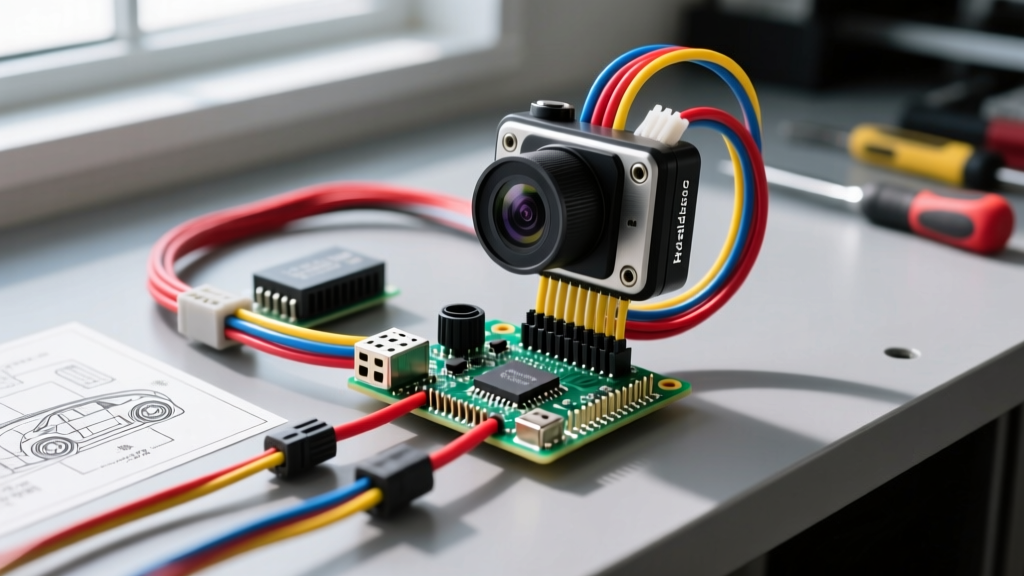
Introduction to Automotive Raspberry Pi Camera Install
Executing a custom raspberry pi camera install in a vehicle transforms a standard commuter car into a telemetry-gathering, dual-view dash and backup camera powerhouse. Unlike off-the-shelf dash cams, a Raspberry Pi 4 Model B paired with the Pi Camera Module V2 or HQ Camera allows for deep integration with OBD-II CAN bus data, GPS logging, and custom Python scripts. However, the automotive electrical environment is notoriously hostile. Voltage spikes, alternator whine, and load dump transients can instantly destroy sensitive 3.3V logic boards if not properly managed.
This complete wiring diagram walkthrough provides the exact specifications, wire gauges, and circuit protection methodologies required to safely integrate a Raspberry Pi into your vehicle's 12V DC system. We will cover the primary power buck conversion, the critical reverse-light optocoupler trigger circuit, and electromagnetic interference (EMI) shielding for the Camera Serial Interface (CSI) ribbon cable.
Core Component Specifications & Power Requirements
Before tapping into the vehicle's fuse box, you must understand the power envelope of the Pi. Under heavy processing loads (such as encoding 1080p60 video from the camera module), the Raspberry Pi 4 can draw up to 3.0A at 5.1V. Standard USB car chargers are insufficient and prone to voltage drop. You must use a hardwired, high-efficiency DC-DC step-down (buck) converter.
| Component | Specification | Automotive Purpose |
|---|---|---|
| Compute Board | Raspberry Pi 4 Model B (4GB+) | Video encoding, CAN bus logging, GPIO triggering |
| Camera Module | Pi Camera V2 (IMX219) or HQ (IMX477) | Primary dash or reverse video feed via CSI-2 |
| Buck Converter | LM2596HV (Input up to 53V, Output 5.1V) | Steps 12-14.4V vehicle power down to stable 5.1V |
| Trigger Isolator | PC817 Optocoupler | Protects 3.3V GPIO from 12V reverse lamp spikes |
| Main Feed Wire | 16 AWG GXL Stranded Copper | Handles 10A+ continuous draw with minimal voltage drop |
| Ground Wire | 16 AWG GXL Stranded Copper | Low-resistance path to chassis ground point |
Power Circuit Wiring Diagram Walkthrough
The foundation of any reliable raspberry pi camera install is a clean, switched 12V power source. Do not wire directly to the battery; this will drain your vehicle's starter battery within days due to the Pi's parasitic draw in idle states.
Step 1: The Add-A-Circuit Fuse Tap
Locate the interior fuse panel and identify an 'Accessory' (ACC) switched fuse. Common candidates include the 12V cigarette lighter socket, rear wiper, or accessory power outlet. Using a multimeter, verify that the fuse has 12V only when the ignition is in the ACC or ON position. Install an Add-A-Circuit fuse tap with a 10A ATO blade fuse. Run 16 AWG GXL wire from the fuse tap to the input terminal of your LM2596HV buck converter, ensuring you place an inline 10A AGU fuse holder within 6 inches of the tap for secondary short-circuit protection.
Step 2: Buck Converter Configuration & Grounding
Automotive grounds are notorious for introducing resistance. Scrape away paint and clear coat from a solid chassis bolt (such as a seatbelt anchor or dash support strut) to establish a zero-ohm ground. Connect the 16 AWG ground wire to this point using a ring terminal. Before connecting the Raspberry Pi, use a multimeter to dial the potentiometer on the LM2596HV buck converter to exactly 5.15V. This slight over-voltage compensates for the voltage drop across the USB-C cable and the Pi's onboard polyfuse, ensuring the BCM2711 SoC receives a stable 5.0V under load.
Reverse Light Trigger & GPIO Optocoupler Integration
To use the Pi as a backup camera, the system must detect when the vehicle is shifted into reverse. The reverse lamp circuit operates at 12V-14.4V and is riddled with inductive spikes. Never connect 12V directly to a Raspberry Pi GPIO pin. Doing so will instantly fry the Broadcom SoC. Instead, we use a PC817 optocoupler to provide galvanic isolation.
Optocoupler Wiring Pinout
- Reverse Lamp 12V Feed: Tap into the reverse light wire at the tailgate or transmission range selector. Run an 18 AWG wire to the cabin.
- Current Limiting Resistor: Connect the 12V feed to a 1.2kΩ (1/4W) resistor. This limits the current to the optocoupler's internal LED to a safe ~10mA.
- Optocoupler Anode (Pin 1): Connect to the output side of the 1.2kΩ resistor.
- Optocoupler Cathode (Pin 2): Connect to a clean chassis ground.
- Optocoupler Emitter (Pin 4): Connect directly to Raspberry Pi GPIO 17 (Physical Pin 11).
- Optocoupler Collector (Pin 3): Connect to Raspberry Pi 3.3V Power (Physical Pin 1).
When the vehicle is shifted into reverse, 12V illuminates the optocoupler's internal LED, which closes the transistor on the Pi side, pulling GPIO 17 HIGH (3.3V). Your Python script can monitor Pin 11 using the GPIO.add_event_detect function to instantly switch the display output from the forward dash cam to the rear reverse camera feed. For deeper automotive electrical theory regarding inductive kickback and flyback diodes, refer to the AutoShop101 Electrical Fundamentals guide.
Camera Module CSI Ribbon Routing & EMI Shielding
The Camera Serial Interface (CSI-2) utilizes a fragile, unshielded 15-pin or 22-pin flat flexible cable (FFC). In an automotive environment, the alternator generates massive amounts of electromagnetic interference (EMI), which can couple into the CSI ribbon and manifest as horizontal tearing, pixelation, or complete camera dropouts in the video feed. The SAE J1113 standard outlines the strict electromagnetic compatibility requirements for vehicle components, and while a Pi isn't OEM-certified, we can mimic these shielding practices.
Shielding and Routing Protocol
Wrap the entire length of the CSI ribbon cable in adhesive copper foil tape. Ensure the copper tape makes continuous contact along the length of the cable. At the Raspberry Pi end, solder a small 22 AWG stranded ground wire to the copper foil and terminate it to the Pi's ground plane or a nearby chassis ground. This creates a makeshift Faraday cage, shunting alternator whine and ignition coil RFI away from the delicate high-speed MIPI data lanes.
When routing the camera to the exterior or rear hatch, never run the CSI cable parallel to the vehicle's main wiring harness or high-current audio amplifier power wires. Cross high-current wires at 90-degree angles to minimize inductive coupling. If routing through the A-pillar, ensure the cable is secured behind the curtain airbag deployment zone using Tesa tape and plastic loom to prevent the airbag from turning the wire into a projectile during a collision.
Troubleshooting Common Automotive Pi Camera Failures
Even with meticulous wiring, the harsh realities of vehicle voltage fluctuations can cause issues. Use this decision tree to diagnose common raspberry pi camera install failures.
| Symptom | Probable Cause | Technical Fix |
|---|---|---|
| Lightning Bolt Icon / Throttling | Voltage drop below 4.63V at the SoC due to long USB-C cable or inadequate buck converter. | Measure voltage at the Pi's 5V GPIO pins (Pin 2 and 4). Upgrade to a heavier gauge USB-C cable or increase buck converter output to 5.20V. |
| Video Tearing / Green Artifacts | EMI interference coupling into the unshielded CSI ribbon from the alternator or ignition system. | Apply copper foil tape shielding to the CSI cable and ground it. Add a 0.1µF ceramic bypass capacitor across the camera module's 5V and GND pins. |
| Pi Reboots When Engine Cranks | Starter motor voltage sag drops the 12V system below the buck converter's dropout voltage. | Install a supercapacitor bank (e.g., 10F 16V) across the 12V input of the buck converter to bridge the 1-2 second crank voltage dip. |
| GPIO 17 False Triggers | Inductive spikes from the reverse lamp circuit tricking the optocoupler. | Add a 100nF ceramic filter capacitor in parallel with the optocoupler's LED (Pins 1 and 2) to debounce the signal and absorb high-frequency transients. |
By adhering to these rigorous wiring standards, your custom setup will rival commercial fleet telemetry systems. Always verify your pinouts using the official Raspberry Pi Camera Software Documentation before applying power, and ensure all automotive connections are crimped and sealed with heat shrink adhesive to prevent corrosion from cabin humidity and temperature cycling.