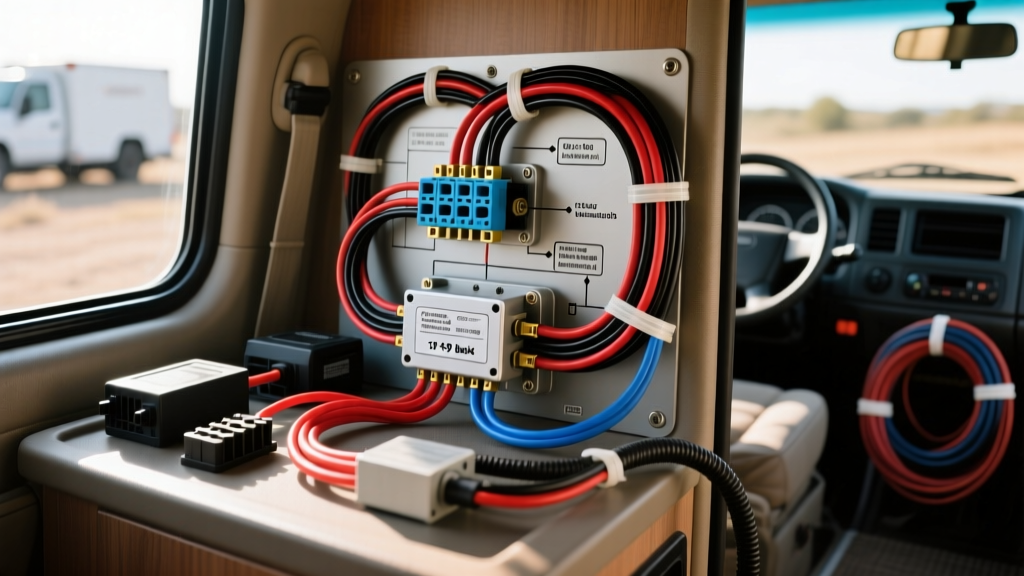
The Challenge of a Mobile Wyze Camera Install
Adapting smart home security cameras for automotive, fleet, and recreational vehicle applications has become a cornerstone of modern overlanding and mobile security. The Wyze Cam v3, with its IP65 weather resistance and starlight sensor, is a prime candidate for trailer hitch monitoring, RV interior security, and fleet dash recording. However, executing a reliable Wyze camera install in a 12V DC vehicle environment requires overcoming significant electrical and radio-frequency (RF) hurdles. Unlike native automotive cameras that operate on 12V analog or digital signals, the Wyze ecosystem requires a regulated 5V 2A USB-C power delivery and a stable 2.4GHz Wi-Fi connection. Supplying clean, spike-free 5V power from a vehicle's notoriously noisy 14.4V alternator system demands precise component selection and strict adherence to automotive wiring standards.
Power Delivery Methods Compared
When integrating a 5V smart camera into a vehicle, the primary objective is converting 12V-14.4V DC to a stable 5V DC without introducing alternator whine, voltage sags, or parasitic battery drain. Below is a comparison of the three most common integration methods.
Method 1: Add-A-Circuit Fuse Tap with Synchronous Buck Converter
This is the most common approach for daily drivers and light commercial vans. By tapping into the interior fuse box, you can route power through a high-efficiency synchronous step-down (buck) converter.
- Pros: Clean installation, utilizes existing vehicle wiring, allows for switched (ignition-controlled) or constant power routing.
- Cons: Alternator load dumps can destroy cheap linear regulators; requires strict fuse sizing to protect the factory harness.
- Best For: Fleet vehicle interior monitoring where the camera only needs to record while the engine is running.
Method 2: Auxiliary LiFePO4 Battery Direct-Tap
For RVs, campers, and overland rigs, tying the camera to the house battery bank via a DC-DC isolator ensures the vehicle's starter battery is never compromised.
- Pros: Zero risk of starter battery depletion; provides cleaner DC power with less high-frequency alternator noise.
- Cons: Requires a secondary battery system and heavy-gauge primary wiring runs.
- Best For: 24/7 RV security and trailer monitoring while parked off-grid.
Method 3: OBD-II Hardwire Adapter
Utilizing the OBD-II port (Pin 16 for 12V constant, Pins 4/5 for Chassis/Signal Ground) offers a plug-and-play power source.
- Pros: No splice connectors or fuse panel modifications required.
- Cons: OBD-II circuits are typically constant 12V. A 10W camera draw will consume roughly 20Ah per day, which can drain a standard 60Ah lead-acid starter battery in under 48 hours.
- Best For: Temporary diagnostics or vehicles equipped with high-capacity AGM batteries and solar trickle chargers.
Hardware Selection & Component Specifications
Automotive environments subject electronics to extreme thermal cycling, high-frequency vibration, and massive voltage transients (load dumps up to 40V). Standard consumer-grade USB adapters will fail. The following table outlines the required specifications for a professional-grade Wyze camera install.
| Component | Specification | Automotive Grade Requirement |
|---|---|---|
| Step-Down Converter | MP2315 Synchronous Buck | Input: 4.5V-24V; Output: 5V @ 3A. Must feature thermal shutdown and over-current protection. |
| Primary Wire (12V Side) | 18 AWG GXL Copper | Cross-linked polyethylene insulation rated for 125°C. Complies with SAE J1128 Low Tension Primary Cable Standard. |
| Secondary Wire (5V Side) | 22 AWG Stranded | Flexible stranded wire for tight-radius routing behind interior trim panels. |
| Inline Fuse | 2A Mini-ATO or Micro2 | Based on Littelfuse Automotive Fuse Guidelines, a 2A fuse protects the 18 AWG wire and limits the 12V draw safely. |
| Ground Termination | 10-12 AWG Ring Terminal | Adapted to 18 AWG wire via adhesive-lined heat shrink. Ensures mechanical retention to the chassis bolt. |
Step-by-Step Wiring Diagram & Pinout Integration
To execute the Add-A-Circuit fuse tap method, follow these precise routing and termination steps to ensure longevity and prevent electrical fires.
- Circuit Selection: Use a multimeter to identify an ignition-switched fuse (e.g., 12V accessory socket or wiper motor). Verify it drops to 0V when the key is removed to prevent parasitic drain.
- Fuse Tap Configuration: Insert the original factory fuse into the slot closest to the prongs (protecting the factory circuit). Insert the new 2A fuse into the outer slot (protecting the Wyze camera circuit).
- DC-DC Conversion: Wire the 12V input of the MP2315 buck converter to the fuse tap lead. Splice using adhesive-lined marine heat shrink butt connectors. Never use solder in high-vibration automotive zones, as solder wicks into the wire strands, creating a rigid point that will snap under chassis vibration.
- Grounding: Locate a bare metal bolt on the vehicle chassis within 18 inches of the camera mounting location. Sand away paint and primer using 80-grit sandpaper to expose bare steel. Secure the ring terminal and apply a dielectric grease cap to prevent galvanic corrosion.
- USB-C Termination: Cut the USB-A to USB-C cable. Splice the 5V (Red) and Ground (Black) wires from the buck converter output to the USB-C VBUS and GND pins. Verify polarity with a multimeter before connecting the camera; a reversed 5V polarity will instantly destroy the Wyze logic board.
Voltage Drop Calculations & Wire Routing
When routing power from the cabin fuse box to a rear-mounted camera (e.g., in a transit van or truck cap), wire length becomes critical. According to Victron Energy Wiring Unlimited, voltage drop must be kept under 3% for sensitive electronics.
For a 15-foot run (30 feet total round-trip) using 18 AWG copper wire:
- Resistance: 18 AWG = 6.385 Ohms per 1,000 ft.
- Total Resistance: 30 ft * (6.385 / 1000) = 0.191 Ohms.
- Current Draw (12V side): 5V @ 2A = 10W. At 13.5V (engine running), 10W / 13.5V = 0.74 Amps.
- Voltage Drop: 0.74A * 0.191 Ohms = 0.14V.
A 0.14V drop is well within acceptable limits, confirming 18 AWG is perfectly adequate for runs up to 25 feet. If routing through the vehicle firewall, always use a rubber grommet and wrap the harness in TESA cloth tape to prevent abrasion against sheet metal edges.
Environmental & RF Troubleshooting Matrix
The most frequent failure mode in a mobile Wyze camera install is not power-related, but RF-related. A vehicle's steel unibody acts as a Faraday cage, severely attenuating the 2.4GHz Wi-Fi signal required for the camera to authenticate and upload alerts.
| Symptom | Root Cause | Automotive Fix |
|---|---|---|
| Camera powers on but shows 'Offline' in app | 2.4GHz signal blocked by steel roof/bulkhead. | Install a 2.4GHz Wi-Fi repeater inside the cabin, or use a router with an external RP-SMA antenna mounted on the roof via a magnetic NMO mount. |
| Camera reboots randomly while driving | Alternator voltage spikes tripping the buck converter's over-voltage protection. | Install a transient voltage suppression (TVS) diode across the 12V input terminals of the buck converter to clamp load dump spikes. |
| Night vision IR reflects blindingly | IR glare off interior windshield glass or exterior bumper. | Angle the camera 5 degrees downward to avoid direct glass reflection, or disable the onboard IR LEDs and rely on the vehicle's reverse lights or auxiliary LED rock lights. |
| Corrosion on USB-C port | Galvanic reaction from high humidity in marine/RV environments. | Coat the USB-C connection in dielectric grease and seal the connection cavity with 3M Marine Adhesive Sealant 5200. |
By treating the Wyze camera not as a consumer home device, but as a sensitive automotive telemetry node, installers can achieve a highly reliable, weather-proof mobile surveillance system capable of withstanding the harsh realities of the road.