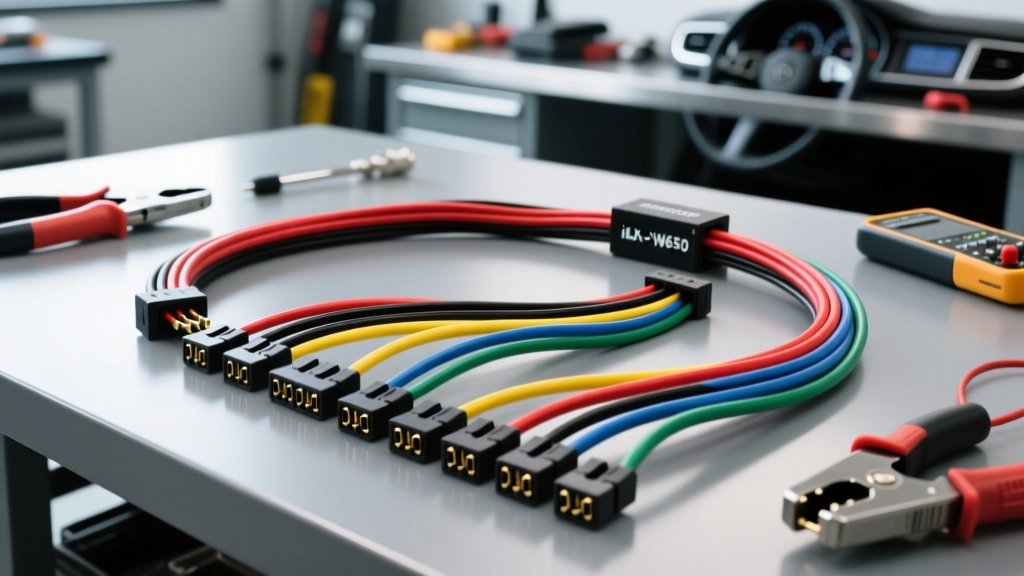
Introduction to the Alpine iLX-W650 Harness Architecture
The Alpine iLX-W650 is a premier shallow-chassis multimedia receiver designed for seamless integration into tight dashboard cavities. However, the physical depth of the head unit is only half the battle; the true challenge lies in the proper integration of the Alpine iLX-W650 wiring harness with your vehicle-specific adapter harness. Because the iLX-W650 utilizes a standard 16-pin ISO power and speaker connector alongside proprietary data and steering wheel control (SWC) pigtails, understanding the exact pinout, wire gauge requirements, and splicing methodologies is critical for a reliable installation.
In this comprehensive guide, we will break down the exact wire color codes, AWG specifications, and crimping techniques required to mate the Alpine harness to an aftermarket adapter kit. Whether you are installing this unit in a classic muscle car or a modern CAN-bus-equipped daily driver, following these electrical best practices will prevent voltage drop, alternator whine, and premature head unit failure.
Required Tools and Materials for Harness Integration
Before cutting or stripping a single wire, ensure your workbench is equipped with the proper automotive electrical tools. Using household wire strippers or cheap crimpers is the leading cause of high-resistance connections and subsequent stereo reboots.
- Wire Strippers: Calibrated for 18 AWG to 22 AWG stranded copper wire. Precision stripping prevents nicking the copper strands, which reduces current capacity.
- Ratcheting Crimper: Use a ratcheting crimper designed for insulated terminals. This ensures uniform pressure and a gas-tight connection.
- Heat Shrink Butt Connectors: 22-18 AWG nylon or polyolefin heat shrink barrels. Avoid T-taps (vampire taps) entirely, as they pierce the wire insulation, introduce corrosion pathways, and fail under automotive vibration profiles.
- Digital Multimeter (DMM): Essential for verifying 12V constant, 12V switched, and chassis ground continuity before mating the harnesses.
- Heat Gun: For properly sealing the adhesive-lined heat shrink connectors.
- Wire Loom and Tesa Tape: For bundling the harness and preventing rattles against the metal dashboard substructure.
Alpine iLX-W650 16-Pin ISO Harness Pinout and Wire Colors
The primary power and speaker output for the iLX-W650 is routed through a standard 16-pin ISO connector. Below is the definitive pinout chart detailing the function, standard Alpine wire color, and recommended wire gauge for each circuit.
| Pin | Wire Color | Function | AWG Rating |
|---|---|---|---|
| 1 | Purple | Right Rear Speaker (+) | 18 AWG |
| 2 | Purple w/ Black Stripe | Right Rear Speaker (-) | 18 AWG |
| 3 | Gray | Right Front Speaker (+) | 18 AWG |
| 4 | Gray w/ Black Stripe | Right Front Speaker (-) | 18 AWG |
| 5 | White | Left Front Speaker (+) | 18 AWG |
| 6 | White w/ Black Stripe | Left Front Speaker (-) | 18 AWG |
| 7 | Green | Left Rear Speaker (+) | 18 AWG |
| 8 | Green w/ Black Stripe | Left Rear Speaker (-) | 18 AWG |
| 9 | Black | Chassis Ground | 16-18 AWG |
| 10 | Red | Accessory 12V (Switched) | 18 AWG |
| 11 | Yellow | Battery 12V (Constant Memory) | 16-18 AWG |
| 12 | Orange w/ White Stripe | Illumination Dimmer | 22 AWG |
| 13 | Blue w/ White Stripe | Amplifier Turn-On / Power Antenna | 18 AWG |
| 14 | Brown w/ White Stripe | Phone Mute (Rarely Used) | 22 AWG |
| 15 | Orange | Dimmer Control | 22 AWG |
| 16 | Brown w/ Black Stripe | Reverse Gear Trigger (Backup Cam) | 22 AWG |
Step-by-Step Harness Preparation and Splicing
Step 1: Prepping the Vehicle-Specific Adapter Harness
Lay the Alpine iLX-W650 harness and your vehicle-specific adapter harness (such as a Metra or Scosche kit) side-by-side on a clean workbench. Using your calibrated wire strippers, remove exactly 5/16 of an inch of insulation from the ends of the wires you are joining. Stripping too little wire leaves exposed copper outside the crimp barrel, which can short against the chassis. Stripping too much wire causes the copper to bunch up inside the barrel, preventing the crimp tool from seating properly and resulting in a weak mechanical bond.
Step 2: Making the Connections (Crimping vs. Soldering)
Slide a piece of 22-18 AWG adhesive-lined heat shrink tubing over one side of the wire pair before crimping. Insert the stripped ends of the Alpine wire and the adapter wire into opposite sides of the heat shrink butt connector. Using your ratcheting crimper, apply pressure until the tool releases. The ratcheting mechanism ensures the exact amount of force is applied to cold-weld the copper strands to the brass terminal.
While some installers prefer soldering, automotive electrical standards favor high-quality crimping. According to SAE J1128 standards for low-tension automotive cable, crimped connections better withstand the thermal cycling and high-frequency vibrations inherent in vehicle operation. Soldered joints can become brittle over time and crack under the stress of engine and road vibrations. Once crimped, apply heat evenly with a heat gun until the adhesive oozes from the ends of the shrink tubing, creating a waterproof seal.
Step 3: CAN-Bus and Steering Wheel Control Integration
The iLX-W650 features a dedicated 3.5mm SWC input jack and supports the iDatalink Maestro RR module for advanced CAN-bus integration. If your vehicle uses a CAN-bus network to control the accessory wake-up signal, you will be using a Maestro harness. The Maestro data lines utilize 22 AWG wire. When splicing the Maestro CAN-High and CAN-Low wires to the vehicle OBD2 or radio connector, extreme care must be taken. Twisted pair data lines should be kept away from the 18 AWG power and speaker wires to prevent electromagnetic interference (EMI) from the amplifier turn-on or speaker signals corrupting the digital data stream.
Troubleshooting Common Harness Installation Issues
Even with meticulous preparation, harness integration can present challenges. Use this diagnostic tree to resolve common iLX-W650 installation anomalies:
- Symptom: Head unit turns on but loses presets and clock memory when the key is removed.
Cause: The Yellow (Constant 12V) and Red (Switched 12V) wires are swapped on the adapter harness.
Fix: Use a multimeter to identify the wire on the vehicle adapter that has 12V at all times. Connect this to the Alpine Yellow wire. The wire that only shows 12V in the ACC or ON position must connect to the Alpine Red wire. - Symptom: Alternator whine or high-pitched engine noise through the speakers.
Cause: Poor ground connection or ground loop.
Fix: Verify that the Alpine Black ground wire is connected to a clean, unpainted metal surface on the vehicle chassis using a ring terminal. Do not ground the harness to a plastic dash support or a bolt that only threads into sheet metal without a solid chassis path. Sand away paint and rust to ensure bare metal-to-metal contact. - Symptom: Backup camera does not trigger when the vehicle is shifted into reverse.
Cause: The Brown/Black Stripe (Pin 16) reverse trigger wire is not receiving 12V.
Fix: Locate the vehicle reverse light circuit at the taillight or front BCM. Use a relay if the reverse light circuit is PWM (Pulse Width Modulated) or CAN-controlled, as the iLX-W650 requires a clean, solid 12V analog signal on Pin 16 to switch the video input. - Symptom: External amplifier turns on with a loud pop or thump.
Cause: The Blue/White Stripe amplifier turn-on wire is sending a signal before the head unit internal audio circuits have fully stabilized, or it is wired to the power antenna wire which drops voltage when the radio source is changed to Bluetooth.
Fix: Ensure the Blue/White wire (Amp Turn-On) is used, not the solid Blue wire (Power Antenna). If the pop persists, install a 1-second delayed turn-on relay module on the Blue/White trigger line.
Finalizing the Harness Routing
Once all connections are verified with a multimeter and the head unit is bench-tested, wrap the entire harness bundle in Tesa tape or corrugated split loom. This not only protects the wires from sharp metal edges behind the dashboard but also eliminates the annoying plastic rattles that occur when driving over rough roads. Carefully fold the harness into the deepest part of the dashboard cavity, ensuring no wires are pinched between the iLX-W650 chassis and the metal dash brace. For more detailed vehicle-specific wiring diagrams and adapter solutions, consult the Alpine Electronics Support Portal or reference your specific vehicle's factory service manual via Haynes Manuals.