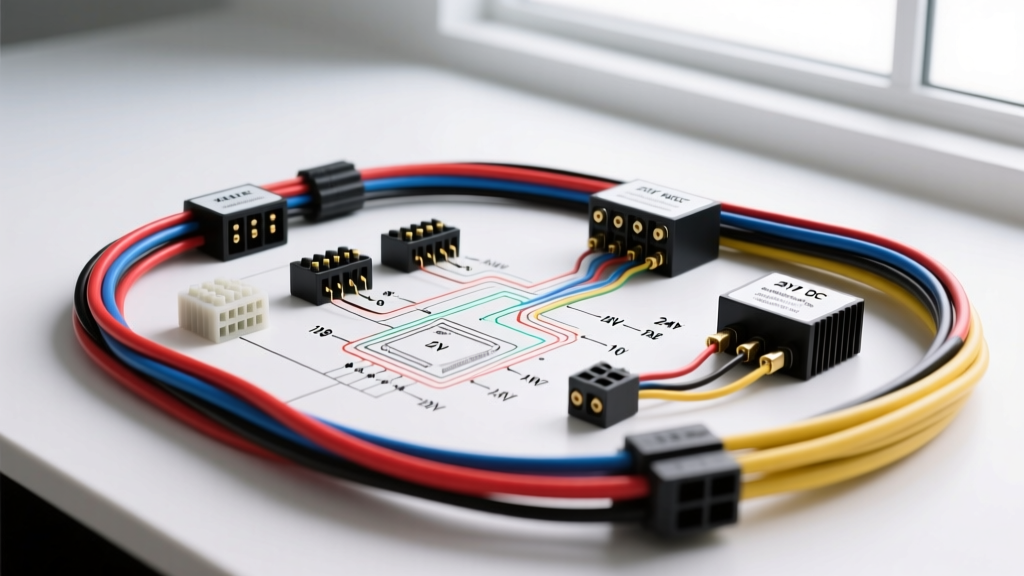
Integrating Smart Climate Control in Expedition Vehicles
Adapting residential smart-home technology into custom RVs, camper vans, and expedition vehicles requires bridging the gap between low-voltage smart controls and high-current automotive DC architectures. The nest wiring diagram 3rd generation is fundamentally designed for 24V AC residential HVAC systems. However, off-grid vehicle builds utilizing 12V or 24V DC roof air conditioners (such as the Dometic RTX 2000) or diesel air heaters (like the Webasto AirTop 2000) require a specialized interface to translate the Nest's low-current switching signals into high-amperage DC relay triggers. This complete wiring walkthrough details how to safely adapt the 3rd Generation Nest Learning Thermostat for automotive and marine climate control systems without damaging the internal TRIAC switches.
Understanding the Nest 3rd Gen Terminal Block
Before interfacing with automotive relays, it is critical to understand the base plate terminal assignments. The 3rd Generation Nest utilizes a proprietary push-button terminal block designed for 18 AWG to 16 AWG stranded copper wire. For vehicle applications, we focus on the primary control terminals:
- Rc (Red): 24V AC Power Input. In an RV, this requires a dedicated 12V DC to 24V AC inverter transformer.
- C (Blue): 24V AC Common. Completes the circuit to power the Nest's internal Wi-Fi radios and display.
- Y1 (Yellow): Stage 1 Cooling. Outputs 24V AC when cooling is demanded.
- G (Green): Blower Fan. Outputs 24V AC to trigger the HVAC blower motor.
- W1 (White): Stage 1 Heating. Outputs 24V AC to trigger the diesel heater or heat strip.
According to the Google Nest Pro Installation Guide, the terminal screws require a precise torque of 0.4 to 0.5 Nm. Over-tightening will strip the brass threads, while under-tightening causes voltage drop and intermittent Wi-Fi disconnects—a common failure mode in high-vibration vehicle environments.
The 24V AC Power Supply Challenge in 12V Vehicles
The most common point of failure when adapting the nest wiring diagram 3rd generation for camper vans is the power supply. The Nest requires a continuous 24V AC supply to maintain its connection and internal battery. You cannot wire the Rc and C terminals directly to a 24V DC battery bank or a 12V DC step-up converter. The Nest's internal power management IC specifically looks for an alternating current sine wave to calculate power draw and manage the internal lithium-ion charging circuit.
Solution: Install a 40VA (Volt-Ampere) 12V DC to 24V AC isolation transformer. A 40VA transformer provides approximately 1.6 Amps at 24V AC, which is more than sufficient to power the Nest (which draws roughly 0.2A peak) and provide the necessary current to trigger the opto-isolated relay interface board. Mount this transformer in a ventilated area near the main DC distribution bus, using 14 AWG wire for the primary 12V side to minimize voltage drop over long vehicle wire runs.
Automotive Relay Integration and Back-EMF Protection
Automotive HVAC compressors and high-velocity 12V blower motors draw anywhere from 15A to 45A. The Nest's internal relays are solid-state TRIACs rated for a maximum of 1A at 24V AC. Wiring a 12V DC automotive relay coil directly to the Nest's Y1 or G terminals will result in catastrophic failure of the thermostat's motherboard due to Back-Electromotive Force (Back-EMF) voltage spikes generated when the DC relay coil de-energizes.
To interface the Nest with standard Bosch ISO Mini Relays (rated for 40A continuous), you must use an opto-isolated relay interface board. The Nest's 24V AC output from the Y1, G, or W1 terminals acts as the trigger signal for the opto-isolator's LED input. The opto-isolator then switches a separate 12V DC circuit that grounds Pin 85 of the Bosch automotive relay, safely engaging the high-current compressor circuit without any electrical feedback to the Nest.
Complete Pinout and Wiring Reference Table
| Nest 3rd Gen Terminal | Wire Color (18 AWG) | Signal Output | RV Interface Board Connection | Automotive Relay Target |
|---|---|---|---|---|
| Rc | Red | 24V AC Power | 24V AC Transformer Secondary (+) | N/A (Power Source) |
| C | Blue | 24V AC Common | 24V AC Transformer Secondary (-) | N/A (Power Source) |
| Y1 | Yellow | 24V AC Cooling Call | Opto-Isolator Input Channel 1 | Bosch Relay Pin 85 (via 12V DC) |
| G | Green | 24V AC Blower Call | Opto-Isolator Input Channel 2 | Bosch Relay Pin 85 (via 12V DC) |
| W1 | White | 24V AC Heat Call | Opto-Isolator Input Channel 3 | Webasto Heater Pin 1 (Signal) |
Step-by-Step Wiring Walkthrough
Step 1: Preparing the Thermostat Wire
For vehicle applications, standard residential solid-core thermostat wire is highly susceptible to fatigue and breakage due to chassis vibration and road shock. Instead, utilize an 18 AWG stranded copper multi-conductor cable that meets SAE J1128 specifications for low-tension primary cable. Strip exactly 1/4 inch (6mm) of insulation from each conductor. Crimp 18 AWG bootlace ferrules onto the stripped ends to prevent the stranded wires from fraying inside the Nest's push-button terminals, ensuring a gas-tight connection.
Step 2: Wiring the High-Current Automotive Relays
Mount the Bosch 12V 40A ISO mini relays in a centralized, weather-sealed fuse/relay block. For the Y1 (Cooling/Compressor) circuit:
- Pin 30 (Common): Connect to the main 12V battery positive bus via a 30A inline ATC fuse.
- Pin 87 (Normally Open): Connect to the positive trigger wire of the Dometic RTX AC compressor.
- Pin 86 (Coil Power): Connect to a switched 12V ignition or house-bank positive source.
- Pin 85 (Coil Ground): Connect to the output side of the opto-isolator relay board.
Critical Expert Note: If your opto-isolator board does not feature built-in flyback diodes, you must solder a 1N4007 rectifier diode across Pins 85 and 86 of the Bosch relay, with the diode's cathode (striped end) facing Pin 86. This clamps the inductive voltage spike to less than 1V, protecting the Nest's upstream circuitry.
Step 3: Configuring the Nest Software for DC Systems
Once the physical wiring is complete, power on the Nest. Navigate to Settings > Equipment. The Nest will detect the signals on Y1, G, and W1. You must manually configure the system type to 'Custom' or 'Conventional' and disable 'Heat Pump' logic, as the O/B terminal is unused in this DC RV configuration. Set the compressor lockout temperature to match your diesel heater's operational parameters to prevent simultaneous cooling and heating calls, which can cause severe amperage spikes on the vehicle's DC bus.
Common Troubleshooting and Failure Modes
Symptom: Nest display flashes red and reboots when the AC compressor kicks on.
Cause: Voltage drop on the 24V AC transformer primary side. When the high-current DC compressor engages, the vehicle's 12V DC bus voltage may sag to 11.5V or lower. If the 12V-to-24V AC transformer cannot maintain output, the Nest loses its 'C' wire reference and reboots.
Fix: Upgrade the transformer primary wiring from 16 AWG to 12 AWG, or install a dedicated 12V DC to 12V DC regulated buck-boost converter ahead of the transformer to ensure a steady 13.8V input regardless of alternator or inverter fluctuations.
Symptom: Blower motor (G terminal) remains on continuously, even when cooling is satisfied.
Cause: Inductive leakage or a failed TRIAC on the Nest base plate caused by a missing flyback diode on the blower relay.
Fix: Replace the opto-isolator channel and verify the presence of a suppression diode across the 12V DC blower relay coil. Test the G terminal output with a multimeter; it should read 0V AC when the system is idle.
Conclusion
Successfully executing the nest wiring diagram 3rd generation in a mobile environment requires a deep understanding of both residential low-voltage logic and automotive high-current DC systems. By utilizing 18 AWG stranded wire with ferrules, a properly sized 40VA 24V AC isolation transformer, and opto-isolated relay interfaces with Back-EMF suppression, you can achieve reliable, smart climate control in any expedition vehicle or custom camper van build.