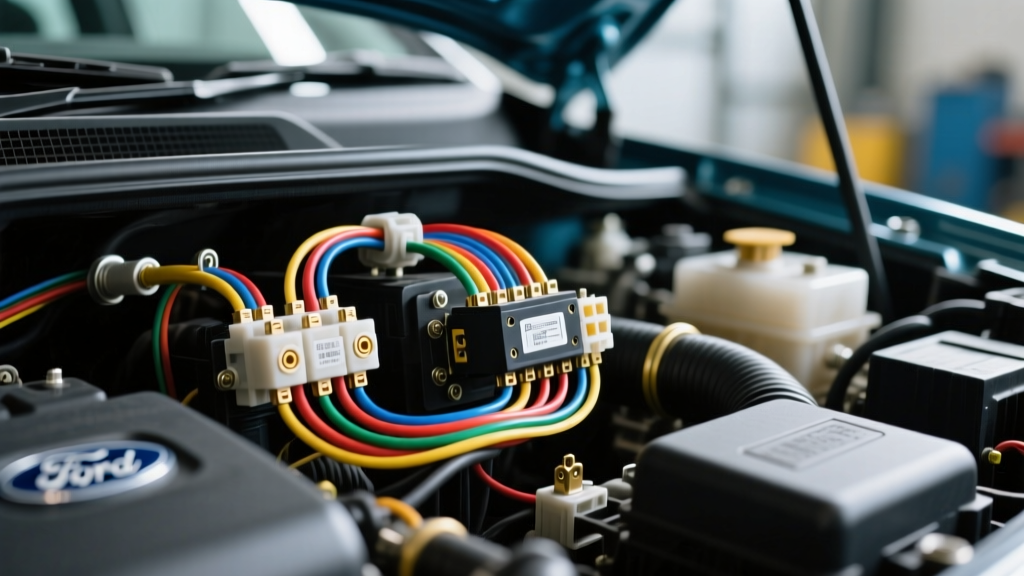
The Hidden Dangers of Ford Ranger Radio Installs
Upgrading the stereo in a Ford Ranger (specifically the highly modified 1998–2011 generations) seems like a straightforward weekend project. However, a quick glance at a Ford Ranger wiring diagram radio schematic reveals a complex network of multiplexed circuits, the Generic Electronic Module (GEM), and the Passive Anti-Theft System (PATS). Many DIY installers rely on generic color-code charts found on forums, leading to catastrophic electrical failures. As an automotive electrical specialist, I have diagnosed countless Rangers towed into shops with fried GEM modules, parasitic battery drains, and disabled immobilizers—all stemming from improper radio harness splicing.
This guide bypasses the basic plug-and-play instructions and focuses strictly on the critical safety warnings, real-world failure modes, and the most common wiring mistakes made when integrating aftermarket head units and amplifiers into the Ford Ranger platform.
Critical Safety Warnings Before You Cut a Single Wire
Before stripping a single piece of 18 AWG wire, you must understand the high-stakes environment behind the Ranger’s dash. Ignoring these protocols can result in personal injury or thousands of dollars in module replacement costs.
1. The PATS Transceiver Ring Hazard
The Ford Ranger utilizes the Passive Anti-Theft System (PATS). The transceiver ring is located directly behind the plastic steering column shroud, wrapping around the ignition cylinder. The wiring for this ring (typically Green/White and White/Yellow or similar low-voltage multiplexed pairs) is highly sensitive. If you accidentally nick, stretch, or short these wires while routing a new microphone cable or fishing a power wire through the dash, the truck will crank but immediately shut off. The PATS system will disable the fuel injectors, and you will be forced to tow the vehicle to a dealership for a proprietary IDS (Integrated Diagnostic System) reprogramming.
2. SRS Airbag Loom Protocol
Any wire wrapped in a yellow corrugated loom or featuring yellow connectors is part of the Supplemental Restraint System (SRS). Never probe, splice, or apply 12V test lights to yellow-wrapped wires. According to Mobile Electronics Certification Program (MECP) safety standards, you must disconnect the negative battery terminal and wait a minimum of 15 minutes for the SRS backup capacitor to deplete before working within 12 inches of the steering column or center console.
3. Battery Disconnect and GEM Protection
The Ranger’s GEM module controls everything from the windshield wipers to the interior lighting and 4WD engagement. Splicing into the radio harness while the battery is connected can send voltage spikes through the shared ground planes, permanently frying the GEM's internal relays. Always disconnect the negative battery terminal before making any connections.
Decoding the Ford Ranger Wiring Diagram Radio Harness
The 1998–2005 Ford Ranger utilizes a standard 16-pin rectangular/oval Ford radio connector. Below is the definitive OEM pinout and wire color reference. Note that factory speaker wire is typically 18 AWG, while the power and ground circuits are 14 AWG to 16 AWG.
| Pin | Function | OEM Wire Color | AWG |
|---|---|---|---|
| 1 | Left Rear Speaker (+) | Pink/Green | 18 |
| 2 | Left Rear Speaker (-) | Pink/Blue | 18 |
| 3 | Right Rear Speaker (+) | Pink/Purple | 18 |
| 4 | Right Rear Speaker (-) | Orange/Blue | 18 |
| 5 | Right Front Speaker (+) | White/Red | 18 |
| 6 | Right Front Speaker (-) | Black/White | 18 |
| 7 | Left Front Speaker (+) | Orange/Green | 18 |
| 8 | Left Front Speaker (-) | White | 18 |
| 9 | Factory Amp Turn-On (Premium) | Blue/White or Light Green | 18 |
| 10 | Illumination / Dimmer | Orange/Black | 20 |
| 11 | Not Used / Reserved | - | - |
| 12 | Not Used / Reserved | - | - |
| 13 | Not Used / Reserved | - | - |
| 14 | Constant 12V (Battery) | Light Green/Yellow | 14 |
| 15 | Switched 12V (Accessory) | Yellow/Black | 14 |
| 16 | Chassis Ground | Black / Black-Light Green | 14 |
Reference: Helm Incorporated Ford Service Manuals and OEM wiring schematics for 1998-2005 Ranger platforms.
Top 5 Fatal Mistakes (And How to Fix Them)
Mistake 1: The Parasitic Draw (Swapping Constant and Switched 12V)
The Error: Installers frequently confuse Light Green/Yellow (Constant) with Yellow/Black (Switched). If reversed, the aftermarket radio’s internal memory stays on, but the main power circuit remains live 24/7. This results in a parasitic draw that will kill your Ranger's battery in 48 hours.
The Fix: Never trust color charts blindly. Use a digital multimeter set to DC Volts. Probe the suspected Constant wire; it should read 12.4V with the key completely out of the ignition. Probe the Switched wire; it should read 0V with the key off, and jump to 12.4V only when the key is turned to the 'ACC' or 'RUN' position.
Mistake 2: Backfeeding the Illumination Circuit
The Error: The Orange/Black illumination wire is tied directly into the Ranger's headlight switch and GEM module dimmer circuit. Many modern aftermarket Android head units draw too much current or push voltage back through the dimmer wire, causing the dash lights to flicker, the headlight switch to melt, or the GEM to short out.
The Fix: If your aftermarket radio requires an illumination signal for screen dimming, use a 1-amp diode (e.g., 1N4001) on the Orange/Black wire, with the stripe facing the radio. Alternatively, connect the radio's illumination wire to the parking light circuit behind the headlight switch using a proper T-tap, completely isolating it from the GEM.
Mistake 3: Grounding to a Painted Dash Bracket
The Error: Twisting the Black ground wire into a bolt on the painted steel dashboard support bracket. Paint is an insulator. This creates a high-resistance ground, forcing the radio to seek a ground path through the RCA audio cables or antenna shield, resulting in severe alternator whine that pitches up and down with engine RPM.
The Fix: Run a dedicated 14 AWG ground wire from the radio harness to a bare metal chassis point under the dash. Use a sanding disc to remove all paint and primer, secure it with a steel bolt and a star washer to bite into the metal, and verify the connection with a multimeter (it must read less than 0.5 ohms to the negative battery terminal).
Mistake 4: Ignoring the Factory Amp Turn-On
The Error: If your Ranger is equipped with the premium Mach audio package, it has a factory amplifier located under the passenger seat or behind the rear kick panel. Installers often plug in the new radio, turn it on, and get zero sound because they failed to trigger the factory amp.
The Fix: Locate Pin 9 on the harness (Blue/White or Light Green). This must be connected to the aftermarket radio’s 'Amp Turn-On' or 'Power Antenna' wire (usually solid Blue or Blue/White). When the radio powers on, it sends a +12V signal to wake up the factory amplifier.
Mistake 5: Overloading the Cigar Lighter Circuit for Amp Power
The Error: Running a 500W aftermarket subwoofer amplifier's power wire to the 12V accessory (cigar lighter) socket behind the dash to avoid routing wire through the firewall.
The Fix: The Ranger’s accessory socket is typically fused at 20A and wired with 16 AWG wire. According to the SAE J1128 Low-Tension Cable Standard, pushing high-amperage audio loads through undersized, long-run factory wiring will cause severe voltage drop, melted insulation, and potential electrical fires. Amplifiers drawing more than 30A must be wired directly to the battery using 8 AWG or 4 AWG OFC (Oxygen-Free Copper) wire, routed through the firewall via an existing rubber grommet, and fused within 18 inches of the battery positive terminal.
Professional Splicing and Connection Standards
When integrating an aftermarket harness (like the Metra 70-1771 or Axxess XFD-17) with the Ranger's OEM plug, avoid the 'twist and tape' method. Electrical tape degrades under the extreme temperature fluctuations inside a truck dashboard, leading to exposed copper and intermittent shorts.
For permanent, reliable connections, use heat-shrink butt connectors with an adhesive-lined interior, or solder the joints and cover them with dual-wall heat shrink tubing. For speaker wires, ensure your crimp connectors are fully compressed using a ratcheting crimp tool to prevent wire strands from pulling loose due to the vibration inherent in a pickup truck cabin.
Final Diagnostic Checklist
Before reassembling the dash trim and bezel, perform this final validation sequence: 1. Reconnect the negative battery terminal. 2. Turn the key to ACC: Verify the radio powers on and memory retains presets. 3. Turn the key to OFF: Verify the radio powers down completely (no parasitic draw). 4. Turn on headlights: Verify the radio screen dims and dash illumination remains stable. 5. Play audio: Test all four speaker channels for correct phase and ensure no alternator whine is present at idle and 2,000 RPM.
By respecting the specific architecture of the Ford Ranger's electrical system and adhering to strict safety protocols, you can achieve a flawless, factory-grade audio upgrade without compromising the vehicle's vital electronic modules.