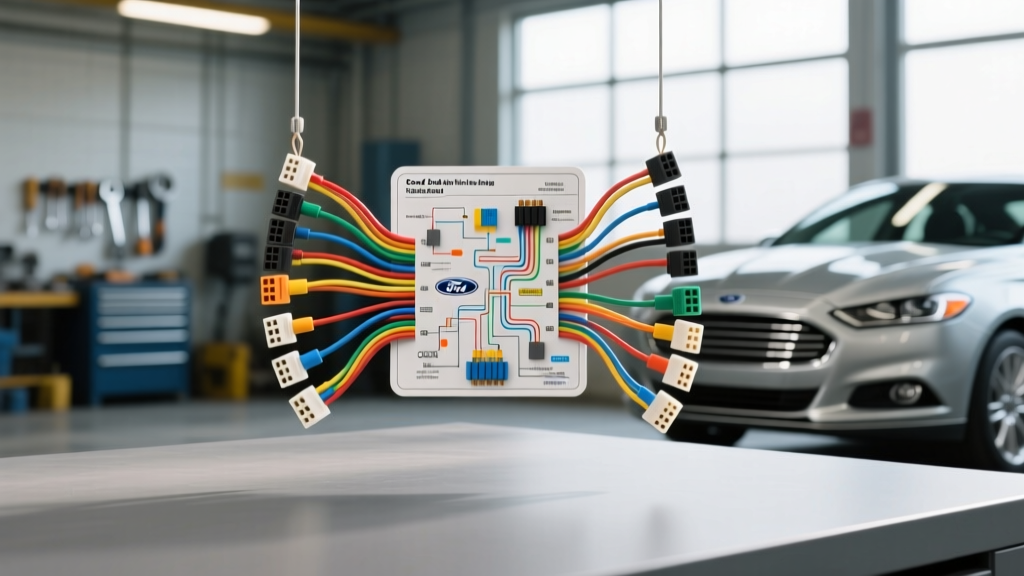
Navigating the Ford Fusion Wiring Diagram Stereo Upgrade
When planning a custom audio build or a simple head unit replacement in a modern Ford vehicle, understanding the factory electrical architecture is critical. The Ford Fusion wiring diagram stereo layout is not a simple collection of 12-volt power and speaker wires; it is a complex network integrated with the vehicle’s high-speed and medium-speed Controller Area Network (CAN-bus). For the 2013-2020 CD4 platform Fusion models, the audio system is deeply tied to the Accessory Protocol Module (ACM), the Front Control Interface Module (FCIM), and the Sync touchscreen display.
Bypassing or misinterpreting these data lines during an aftermarket stereo installation can result in the loss of steering wheel controls, vehicle warning chimes, and even parasitic battery drains. This comprehensive guide breaks down the OEM 24-pin power and speaker harness, LVDS data routing, and the exact wire color codes required to execute a flawless audio modification without triggering diagnostic trouble codes (DTCs) on the Ford IPC (Instrument Panel Cluster).
The 24-Pin Power and Speaker Pinout Table
The primary connection point for aftermarket head units or digital signal processors (DSPs) is the 24-pin connector located at the rear of the OEM ACM. According to Ford Motorcraft Service documentation, this harness carries the constant 12V memory, switched accessory power, ground, and the low-level analog speaker outputs. Below is the definitive pinout chart for the standard non-amplified Ford Fusion 24-pin harness.
| Pin | Function | Wire Color | AWG |
|---|---|---|---|
| 1 | Rear Right Speaker (+) | White/Green | 20 |
| 2 | Rear Right Speaker (-) | Brown/Green | 20 |
| 3 | Rear Left Speaker (+) | White/Purple | 20 |
| 4 | Rear Left Speaker (-) | Brown/Purple | 20 |
| 5 | Front Right Speaker (+) | White/Violet | 20 |
| 6 | Front Right Speaker (-) | Brown/Violet | 20 |
| 7 | Front Left Speaker (+) | White/Orange | 20 |
| 8 | Front Left Speaker (-) | Brown/Orange | 20 |
| 16 | MS-CAN High (Data) | White/Blue | 22 |
| 17 | MS-CAN Low (Data) | White/Brown | 22 |
| 21 | 12V Battery Constant (B+) | Yellow/Green | 16 |
| 22 | 12V Accessory (ACC) | Green/Yellow | 18 |
| 23 | Illumination (DIM) | Blue/White | 22 |
| 24 | Chassis Ground (GND) | Black/Green | 16 |
Handling the MS-CAN Data Lines
Pins 16 and 17 are the MS-CAN (Medium Speed Controller Area Network) bus lines. These wires do not carry audio; they carry digital commands for steering wheel volume toggles, track skipping, and the SYNC system status. If you are installing an aftermarket double-DIN receiver, you cannot simply splice these wires into a standard universal steering wheel control interface. You must use a dedicated CAN-bus translation module, such as those engineered by iDatalink Maestro or the PAC RP4-FD11, which intercepts the digital MS-CAN packets and converts them into analog resistance-based signals that aftermarket head units can understand.
Speaker Wire Routing and OEM Amplifier Bypass
If your Ford Fusion is equipped with the premium Sony or B&O Play audio package, the 24-pin connector will only carry low-level pre-out signals or digital data, not amplified speaker-level outputs. The OEM amplifier is typically located in the trunk on the driver’s side behind the rear seat bolster.
For a complete aftermarket overhaul, we recommend bypassing the OEM amplifier entirely. To do this, you must run new 16 AWG OFC (Oxygen-Free Copper) speaker wire from your new head unit or aftermarket DSP directly to the door kick panels. The factory 20 AWG speaker wire is insufficient for high-fidelity aftermarket components and will introduce frequency-dependent resistance, severely damping the bass response of your new component speakers.
LVDS and the Sync Touchscreen Dilemma
One of the most significant hurdles in a Fusion stereo upgrade is retaining the climate controls and vehicle settings housed within the center touchscreen. The Fusion uses an LVDS (Low-Voltage Differential Signaling) cable to transmit video and touch data between the APIM (Accessory Protocol Interface Module) located behind the dash and the screen itself. LVDS is not compatible with standard RCA or HDMI connections. To retain the OEM screen while upgrading the audio, you must utilize a video passthrough interface that preserves the LVDS handshake, or replace the entire APIM and screen with an aftermarket CarPlay/Android Auto capable unit designed specifically for the Ford Sync 3 bezel.
Amplifier Integration: AWG Specs & Grounding Standards
When adding external amplification to your Fusion, proper power delivery is paramount. The factory alternator on the 2.5L and 1.5L EcoBoost models typically outputs between 150A and 200A. Adhering to SAE J1199 and general automotive electrical standards ensures your wiring can handle the transient current demands of modern Class-D amplifiers without melting the insulation or causing voltage sag.
| Amplifier RMS Wattage | Recommended Power Wire (AWG) | Ground Wire (AWG) | Inline Fuse Rating |
|---|---|---|---|
| Up to 400W | 10 AWG OFC | 10 AWG OFC | 40A AGU |
| 400W - 800W | 8 AWG OFC | 8 AWG OFC | 60A ANL |
| 800W - 1500W | 4 AWG OFC | 4 AWG OFC | 100A ANL |
| 1500W+ | 1/0 AWG OFC | 1/0 AWG OFC | 150A ANL |
Establishing a Chassis Ground in the Fusion
Ford utilizes extensive e-coating and sound-deadening materials on the floor pans and trunk metal, which act as electrical insulators. When grounding your amplifier in the trunk, do not simply screw into an existing bolt. You must use a wire brush or sandpaper to strip away the paint, e-coat, and primer down to bare, shiny steel. Secure your 4 AWG or 8 AWG ground wire using a heavy-duty ring terminal and a self-tapping sheet metal screw or a bolt with a star washer to ensure maximum surface contact. A poor ground is the leading cause of alternator whine and clipping in upgraded audio systems.
Troubleshooting Common Fusion Audio Mod Failures
1. Parasitic Battery Drain After Installation
Symptom: The vehicle battery dies after sitting for 12-24 hours. Cause: The aftermarket head unit or CAN-bus interface is failing to go to sleep when the vehicle’s GEM (Generic Electronic Module) shuts down the MS-CAN bus. Some cheap interfaces keep the CAN-bus awake by continuously polling for data. Fix: Verify that your interface module has the latest firmware flashed via the manufacturer’s desktop software. Ensure the accessory wire on your aftermarket stereo is tied to the CAN-bus generated accessory output from the interface, not hardwired to the ignition switch, which can backfeed voltage into the BCM (Body Control Module).
2. Loud ‘Pop’ Through Speakers on Engine Start
Symptom: A severe mechanical pop or thump occurs through the subwoofers every time the push-button start is pressed. Cause: The remote turn-on lead (Pin 22 or interface-generated) is triggering the amplifiers before the head unit’s internal RCA pre-outs have stabilized their DC offset voltage. Fix: Install a 1-second delayed turn-on relay module on the amplifier’s remote trigger wire. This ensures the amplifiers only power up after the DSP or head unit has fully booted and stabilized its audio output stage.
3. Loss of Turn Signal Chimes and Warning Alerts
Symptom: The vehicle no longer makes a clicking sound for turn signals, and door-ajar chimes are silent. Cause: The OEM ACM generates these chimes and mixes them into the front left speaker channel. Removing the ACM without a proper data integration module eliminates the vehicle’s audible warning system, which is a severe safety and inspection failure. Fix: You must use an integration module that features an internal speaker or a dedicated chime-pass-through relay. Modules like the Maestro RR capture the digital chime request from the IPC and synthesize the audio tone, routing it to the front left speaker via the aftermarket DSP to maintain factory safety compliance.
Final Verification and Testing
Before reassembling the center console and dash trim panels of your Ford Fusion, perform a full system diagnostic. Use a digital multimeter to verify that your constant 12V (Yellow/Green) and accessory 12V (Green/Yellow) wires are showing a minimum of 12.2V with the engine off. Check the CAN-bus lines with an oscilloscope if available, ensuring the MS-CAN High sits around 2.5V and MS-CAN Low sits around 2.0V when active. Finally, test all steering wheel controls, Sync climate functions, and verify that the amplifier turns off completely when the driver’s door is opened and the vehicle enters sleep mode. By respecting the intricate wiring diagram and data topology of the Ford Fusion, your stereo upgrade will deliver audiophile-grade sound while maintaining the seamless functionality of the OEM vehicle electronics.