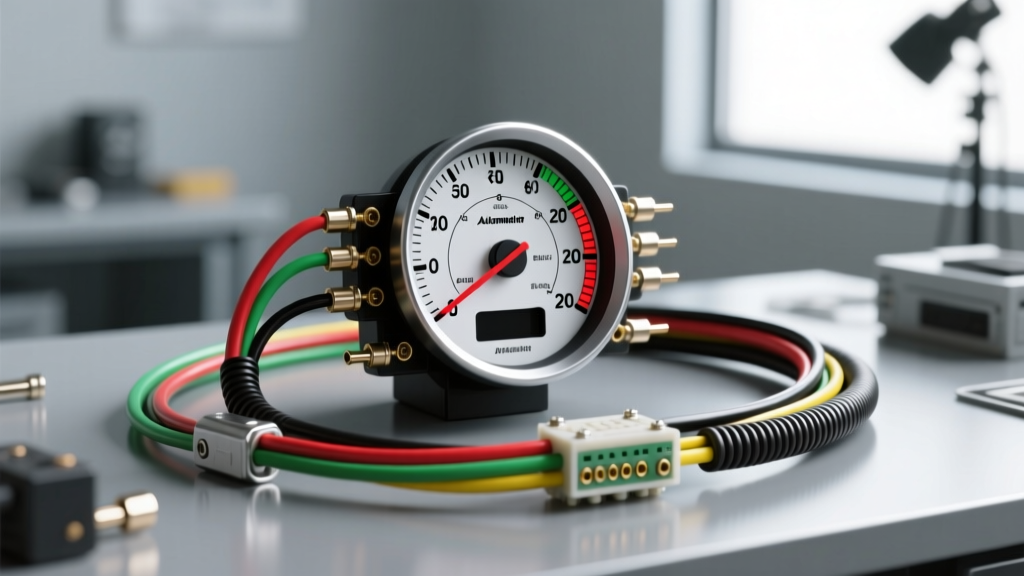
Introduction to Autometer Electronic Speedometer Wiring
Transitioning from a fragile, cable-driven mechanical speedometer to an electronic programmable unit is one of the most common upgrades in custom automotive builds, LS swaps, and restomods. However, interpreting an Autometer speedometer wiring diagram requires more than just connecting power and ground. Improper signal routing, incompatible Vehicle Speed Sensor (VSS) outputs, and electromagnetic interference (EMI) can result in bouncing needles, erratic shifting in modern transmissions, and complete gauge failure.
This complete wiring walkthrough dissects the standard Autometer 5-wire gauge harness, the 3-wire Hall-effect sensor integration, and the critical interfaces required when tapping into OEM ECU speed signals. Whether you are installing an Ultra-Lite, Phantom, or NV series electronic speedometer, this guide provides the exact AWG specifications, pinouts, and signal conditioning requirements necessary for a flawless installation.
Deconstructing the Main Gauge Harness (5-Wire System)
Most Autometer electronic programmable speedometers utilize a standardized 5-wire pigtail harness. Unlike simple voltmeters that only require switched power and ground, the speedometer requires constant memory power and dedicated lighting circuits. Below is the definitive pinout and wire color chart for the primary gauge harness.
| Wire Color | Function | Recommended AWG | Connection Point & Notes |
|---|---|---|---|
| Red | Switched 12V (+) | 18 AWG | Ignition switch "Run" position. Do not connect to unswitched battery power or the starter solenoid. |
| Black | Chassis Ground (-) | 18 AWG | Clean, bare metal on the chassis or engine block. Avoid daisy-chaining grounds with high-draw accessories like fuel pumps. |
| White | Speed Signal Input | 20-22 AWG | Connects to the Hall-effect sensor signal wire or OEM VSS buffer output. Must be a square wave signal. |
| Yellow | Constant 12V (+) | 18 AWG | Direct to battery (with inline fuse) or constant fuse box feed. Retains calibration memory and trip odometer data. |
| Green | Lighting 12V (+) | 20 AWG | OEM headlight switch illumination circuit. See PWM dimming section below for late-model vehicles. |
The Hall-Effect Speed Sensor Wiring Diagram
If your build utilizes a transmission without an integrated electronic VSS (such as a classic TH350, TH400, or early T-56), you will need to install an Autometer Hall-effect speed sensor (Part #5291 or #5292) into the transmission tail housing. This sensor requires a precise 3-wire setup to generate the 5V-12V square wave the gauge expects.
Sensor Pinout Configuration
- Red Wire (Sensor Power): Connect to a clean, regulated 5V to 12V source. An ECU 5V reference wire or a dedicated 12V switched source works best. Do not use unregulated alternator power, as voltage spikes will destroy the internal Hall chip.
- Black Wire (Sensor Ground): Must be grounded directly to the engine block or transmission case to ensure the sensor housing and internal circuit share the same ground plane.
- White Wire (Sensor Signal): This is the pulse output. Route this wire directly to the White wire on the main gauge harness.
Signal Shielding and EMI Prevention
According to SAE J1113 Electromagnetic Compatibility Standards, low-voltage signal wires are highly susceptible to radiated emissions from high-energy ignition systems (such as LSx Coil-Near-Plug or MSD CDI boxes). To prevent a bouncing speedometer needle:
- Never route the White signal wire parallel to spark plug wires or ignition coil harnesses.
- If you must cross high-voltage ignition wires, do so at a strict 90-degree angle.
- For severe EMI environments, replace the standard sensor signal wire with a Shielded Twisted Pair (STP) cable, grounding the shield drain wire at the gauge end only to prevent ground loops.
Integrating OEM Vehicle Speed Sensors (VSS)
In modern engine swaps (e.g., Coyote, LS, or Honda K-Series), the transmission already features an OEM VSS. However, you cannot simply splice the Autometer White wire into the OEM VSS signal wire in most cases. OEM sensors often output a low-amplitude sine wave or a 5V square wave that lacks the current drive to power the Autometer gauge's internal opto-isolator.
The VSS Buffer Solution
To bridge the gap between an OEM ECU and an aftermarket gauge, use a VSS Interface Module (such as the Autometer 5291 VSS Adapter or a Dakota Digital SGI-5C).
- Input Side: Wire the adapter's input to the OEM VSS signal wire (consult your specific Haynes OEM VSS testing manual for your exact ECU pinout).
- Output Side: The adapter converts the sine wave into a robust 12V square wave. Connect the adapter's output to the Autometer gauge's White wire.
- ECU Protection: Using a buffer prevents the aftermarket gauge from pulling down the ECU's signal voltage, which could otherwise trigger a Check Engine Light (P0500) or cause harsh transmission shifts.
Lighting Circuits and PWM Dimming Compatibility
The Green wire on the Autometer harness controls the gauge illumination. In classic vehicles (pre-1990s), this wire simply splices into the 12V headlight switch output. However, late-model vehicles (GM GMT800/900, Chrysler LX, and modern Ford platforms) utilize Pulse Width Modulation (PWM) to dim interior lights.
The Problem: If you connect the Autometer Green wire to a PWM dimming circuit, the gauge lighting will flicker violently or fail to turn on, as the gauge expects a steady DC voltage, not a rapidly pulsing signal.
The Fix: You must use a PWM-to-DC converter module (like the Autometer 5293 Dimming Module) or trigger a standard 12V automotive relay using the OEM PWM circuit, feeding the gauge steady 12V from the relay's switched terminal.
Calibration Walkthrough: Pulse Rate vs. The 2-Mile Drive
Once the wiring is verified against the Autometer Official Installation Guides, the gauge must be calibrated. You have two options:
Method 1: The 2-Mile Drive (Recommended for Accuracy)
- Enter calibration mode by pressing and holding the gauge button while powering on the ignition.
- Drive the vehicle exactly two miles (using highway mile markers or a GPS tracker).
- Press the button again. The gauge automatically calculates the exact Pulses Per Mile (PPM) based on your specific tire diameter and gear ratio.
Method 2: Manual Pulse Rate Calculation
If the vehicle cannot be driven, calculate the PPM manually:
PPM = (Sensor Pulses Per Revolution) × (Transmission Output Revs Per Mile)
Enter this 4-to-6 digit number into the gauge using the push-button interface.
Troubleshooting Decision Tree
If your installation results in erratic behavior, follow this diagnostic sequence:
- Symptom: Needle reads zero at all speeds.
- Cause: No signal reaching the White wire.
- Fix: Check the Hall-effect sensor Red wire for 5V-12V. Verify the sensor gap to the reluctor wheel (must be 0.030" - 0.050").
- Symptom: Needle bounces wildly at idle but stabilizes at highway speeds.
- Cause: EMI interference from the ignition system coupling into the signal wire at low frequencies.
- Fix: Reroute the White signal wire away from the distributor/coils. Install a 0.1µF ceramic capacitor across the sensor power and ground wires to filter high-frequency noise.
- Symptom: Gauge loses calibration memory after battery disconnect.
- Cause: Yellow wire is wired to switched ignition instead of constant 12V.
- Fix: Move the Yellow wire to a constant battery feed with an inline 2A fuse.
Final Inspection and Torque Specs
Before finalizing the dash installation, ensure all soldered connections are sealed with marine-grade heat shrink (avoid electrical tape, which degrades under dash heat). If utilizing a mechanical sensor drive adapter, torque the retaining nut to 15-20 ft-lbs to prevent transmission fluid leaks. Proper execution of this Autometer speedometer wiring diagram guarantees a responsive, accurate, and reliable speedometer that will outlast the vehicle itself.