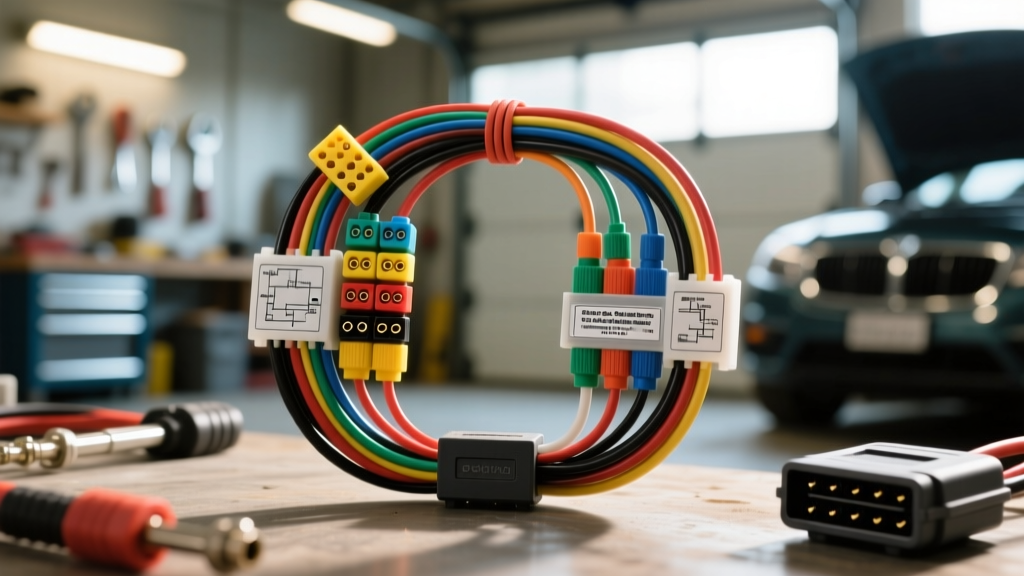
The Complexity of Auto Gadgets Diagnostics & Electrical Repairs
Modern vehicles are essentially rolling local area networks. When owners or fleets install aftermarket electronics—such as OBD2 GPS telematics trackers, hardwired dashcams, remote starters, or aftermarket infotainment heads—the electrical architecture becomes significantly more complex. Performing effective auto gadgets diagnostics & electrical repairs requires a systematic approach to isolate faults without triggering secondary module failures or voiding OEM warranties.
Unlike simple 12V accessory circuits of the past, today's gadgets interact directly with the vehicle's Controller Area Network (CAN) bus, Body Control Modules (BCM), and sleep-cycle logic. A poorly installed 18 AWG wire tap or a backfeeding OBD2 tracker can cause parasitic drains, CAN bus collisions, and phantom electrical gremlins. This guide provides a professional, step-by-step troubleshooting flow to diagnose and repair electrical issues related to automotive gadgets.
Step 1: Isolate the Gadget Circuit (Parasitic Draw Testing)
The most common symptom of a failing or poorly installed auto gadget is a dead battery. Modern vehicles require all modules to 'go to sleep' within 20 to 40 minutes of the ignition being turned off. If an OBD2 telematics device or a hardwired dashcam fails to enter sleep mode, it will drain the battery overnight.
The Parasitic Draw Test Procedure
- Prepare the Vehicle: Ensure all doors are closed (or door jamb switches are taped down), the hood latch is engaged, and the key fob is at least 15 feet away to prevent passive polling.
- Connect the DMM: Set your Digital Multimeter (DMM) to the 10A DC setting. Disconnect the negative battery terminal and connect the DMM in series between the negative post and the disconnected cable. Note: Ensure your battery terminals are clean and torqued to spec (typically 5 Nm or 44 in-lbs) to establish a baseline.
- Wait for Sleep Mode: Monitor the amperage. It will initially spike (up to 3-5 Amps) as modules wake up, then slowly drop. Wait 30 to 45 minutes for the vehicle to reach its target sleep state.
- Evaluate the Baseline: A normal sleep current is typically between 20mA and 50mA (0.02A - 0.05A). If the draw remains above 80mA, you have a parasitic drain.
- Isolate the Gadget: Pull the fuse for the cigarette lighter/accessory socket (often a 15A or 20A mini-fuse in the interior junction block) or unplug the OBD2 device. If the amperage immediately drops to the 30mA range, the gadget or its wiring is the culprit.
Step 2: Voltage Drop Testing on Accessory Feeds
If the gadget powers on intermittently or reboots while the engine is cranking, the issue is likely excessive resistance in the power or ground circuit. Voltage drop testing is the only accurate way to find this resistance without stripping wire insulation.
Testing the 12V Power Feed
Set your DMM to DC Volts. Place the red probe on the positive battery post and the black probe on the 12V input pin of the gadget (e.g., Pin 16 on an OBD2 connector, or the center contact of a 12V cigarette lighter socket). With the gadget turned on and drawing current, the DMM should read less than 0.2V. If you read 0.5V or higher, there is corrosion, a loose crimp, or an undersized wire (e.g., using 22 AWG wire for a device that requires 14 AWG).
Testing the Ground Return Path
Place the red probe on the gadget's ground pin (e.g., OBD2 Pin 4 for Chassis Ground) and the black probe on the negative battery post. A properly functioning ground circuit should exhibit a voltage drop of less than 0.1V. High resistance here is frequently caused by installers splicing gadget grounds into thin 18 AWG sensor grounds instead of using a dedicated chassis bolt or a heavy 14 AWG ground wire routed directly to the battery negative.
Step 3: CAN Bus Interference & Data Line Diagnostics
Many advanced auto gadgets, such as insurance trackers, performance tuners, and advanced dashcams, plug directly into the OBD2 port to read live data. If these devices are poorly designed or suffer internal component failure, they can backfeed voltage onto the CAN bus, causing a cascade of communication faults (U-codes) across the vehicle.
Diagnosing CAN Bus Faults
According to the SAE J1962 standard, the OBD2 connector utilizes specific pins for high-speed data:
- Pin 6: CAN-High (Typically White or Green wire)
- Pin 14: CAN-Low (Typically Blue or White/Black wire)
If a vehicle exhibits a 'Christmas tree' dashboard or fails to communicate with a professional scan tool, unplug the OBD2 gadget. If normal communication is instantly restored, the gadget is internally shorting the CAN lines.
Next, test the terminating resistors. With the battery disconnected and the gadget unplugged, set your DMM to Ohms. Measure resistance between Pin 6 and Pin 14. You should read exactly 60 ohms (two 120-ohm resistors in parallel at opposite ends of the CAN bus). If you read 120 ohms, one side of the network is open. If you read less than 60 ohms, an aftermarket gadget or a poorly executed wire tap has introduced a parallel resistance path, corrupting the network.
Step 4: Grounding & Return Path Verification
When performing auto gadgets diagnostics & electrical repairs, verifying the physical installation is just as critical as electrical testing. A common failure mode in aftermarket remote starters and telematics boxes is 'daisy-chaining' grounds.
Installers will often twist the 18 AWG ground wires of three different gadgets together and crimp them into a single, small ring terminal attached to a painted metal bracket under the dash. This creates a shared ground return path. When a high-draw component (like a remote start relay) activates, the voltage spike travels backward through the shared ground, resetting the telematics tracker or corrupting the dashcam's SD card write-cycle.
The Fix: Every gadget must have a dedicated, star-point ground. Use 14 AWG or 16 AWG stranded copper wire for the main ground feed from the chassis, and use a terminal block to distribute individual, isolated ground wires to each specific gadget.
Quick-Reference: Common Gadget Wiring Specs & Pinouts
Use the following specification chart to verify correct wiring and pin configurations when diagnosing aftermarket electrical accessories.
| Circuit / Pin | Function | Standard Wire Color (OEM) | AWG Size Recommendation | Max Allowable Voltage Drop |
|---|---|---|---|---|
| OBD2 Pin 16 | Battery Positive (+12V) | Red or Orange | 16 AWG (Min) | 0.2V |
| OBD2 Pin 4 | Chassis Ground | Black | 16 AWG (Min) | 0.1V |
| OBD2 Pin 5 | Signal Ground | Black / White Tracer | 18 - 20 AWG | 0.1V |
| OBD2 Pin 6 | CAN-High Data | White or Green | 20 - 22 AWG | N/A (Data Signal) |
| OBD2 Pin 14 | CAN-Low Data | Blue or White/Black | 20 - 22 AWG | N/A (Data Signal) |
| 12V Accessory Socket | Switched / Constant Power | Yellow (Const) / Red (Sw) | 14 AWG (for >5A draws) | 0.2V |
Final Verification & Load Testing
Once the faulty gadget has been identified, repaired, or replaced, the final step in the troubleshooting flow is dynamic load testing. Static tests (like checking resistance with the key off) do not always reveal failing capacitors or internal voltage regulators within the gadget itself.
Use a Picoscope or an advanced DMM with min/max recording to monitor the 12V feed and CAN bus lines while the engine is running and the alternator is charging (typically 13.8V to 14.4V). Introduce physical vibration by tapping the gadget's housing and wiggling the harness near the splice points. If the CAN bus voltage spikes or the 12V feed drops momentarily, you have an intermittent physical connection failure—often caused by the use of 'scotch-lock' T-taps, which are notorious for cutting through stranded copper and causing micro-arcing under vibration.
For permanent, reliable splices on data lines, always strip the insulation, solder the connection using a 20 AWG tap wire, and seal it with an adhesive-lined heat shrink tube. For power feeds, utilize OEM-style add-a-circuit fuse taps at the interior junction block rather than piercing wire insulation. By adhering to this systematic flow and respecting the precise AWG and pinout specifications of modern vehicle networks, you can eliminate electrical gremlins and ensure your auto gadgets operate flawlessly. For more in-depth network analysis, refer to advanced diagnostic guides like those found on AA1Car's Electrical Diagnostics Library or professional network troubleshooting resources from Auto Service Professional.