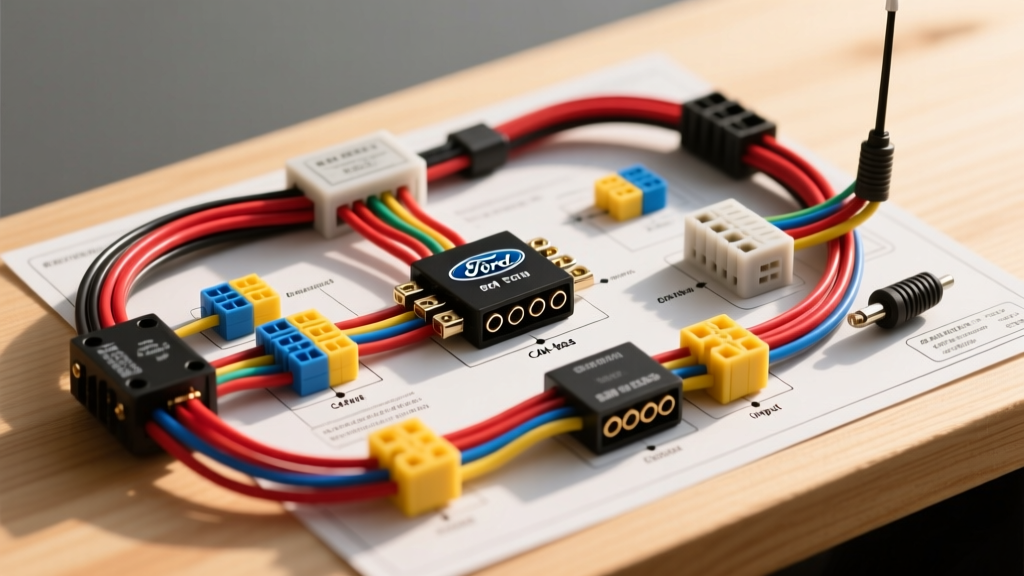
The Hidden Dangers of the F-250 Center Stack
Upgrading or replacing the head unit in a Ford F-250 Super Duty is rarely a simple plug-and-play affair. Whether you are working on a 2011-2016 MyFord Touch generation or a 2017+ Sync 3 / Sync 4 APIM (Accessory Protocol Interface Module) system, the vehicle's electrical architecture is heavily integrated. The Ford F250 radio wiring harness diagram reveals a complex network of CAN-bus data lines, Retained Accessory Power (RAP) circuits, and sensitive Body Control Module (BCM) gateways. Making a single wiring mistake can result in parasitic battery draws, blown BCM fuses, or catastrophic U-codes (network communication faults) that disable the instrument cluster or 4WD selectors.
As an automotive electrical resource, we have compiled the critical safety warnings, OEM pinout data, and the most common mistakes DIYers and inexperienced installers make when tapping into the F-250 radio harness.
Critical Safety Warnings Before You Cut or Splice
- SRS and Airbag Proximity: The Passenger Airbag Deactivation (PAD) indicator and side-curtain airbag wiring harnesses are frequently routed directly behind or adjacent to the F-250 center dash bezel. Always disconnect the negative battery terminal and wait a minimum of 10 minutes for the SRS backup capacitor to discharge before removing dash trim. Never probe yellow or yellow-sleeved wires.
- Avoid Standard Test Lights on Data Lines: Using an incandescent test light or a low-impedance multimeter on the MS-CAN (Medium Speed Controller Area Network) or HS-CAN lines will pull the network voltage down, potentially crashing the BCM gateway or frying the APIM. Always use a high-impedance Digital Multimeter (DMM) or an automotive logic probe when testing the F-250 radio harness.
- Static Discharge Threats: The APIM and radio modules are highly sensitive to Electrostatic Discharge (ESD). Ground yourself to the bare metal chassis before handling exposed OEM connector pins. Refer to SAE J1113 standards for electromagnetic compatibility and ESD handling in vehicle electronics.
OEM 24-Pin Radio Harness Pinout Reference (Standard Audio / APIM)
The following table represents the standard 24-pin connector found on many 2011-2016 F-250 audio units and APIM gateways. Wire colors may vary slightly by exact trim (XLT, Lariat, King Ranch), but the pin assignments remain consistent for power and data.
| Pin | Circuit Function | OEM Wire Color | AWG |
|---|---|---|---|
| 1 | +12V Constant Battery (B+) | Violet/Yellow (VT/YE) | 16 |
| 2 | Chassis Ground | Black/Yellow (BK/YE) | 16 |
| 3 | +12V Accessory / RAP Wake | Violet/Gray (VT/GY) | 18 |
| 14 | MS-CAN High (+) | Green/Orange (GN/OG) | 20 (Shielded) |
| 15 | MS-CAN Low (-) | Brown/White (BN/WH) | 20 (Shielded) |
| 22 | Illumination (Panel Dimming) | Brown/White (BN/WH) | 20 |
| 24 | Amplifier Enable / Turn-On | Blue/White (BU/WH) | 18 |
Note: Always verify against the official Ford Motorcraft Service wiring schematics for your specific VIN, as fleet and upfitter packages can alter standard pinouts.
5 Costly Mistakes When Wiring F-250 Aftermarket Radios
Mistake 1: Tapping CAN-Bus Lines for 12V Accessory Power
One of the most destructive errors occurs when installers cannot find a traditional "ignition-switched" 12V+ wire at the radio cavity. In modern F-250s, the radio is often "woken up" via a digital CAN-bus message rather than a physical 12V ignition feed. Desperate for a switched power source, some mistakenly splice into the MS-CAN High or Low lines. This immediately backfeeds 12V into the data network, destroying the BCM and throwing U0147 (Lost Communication With Gateway) codes across the dashboard.
Mistake 2: Misunderstanding Retained Accessory Power (RAP)
The F-250 utilizes a RAP circuit. This means the radio stays powered until the driver's door is opened, even if the key is removed. If you are using an aftermarket wiring interface (like an iDatalink Maestro or Axxess ASWC-1), you must map the RAP circuit correctly. Bypassing the RAP module and hardwiring the radio to a fuse box "Add-A-Circuit" that is only hot in the "Run" position will cause the radio to shut off prematurely, corrupting firmware updates and resetting user presets.
Mistake 3: Overloading the BCM Audio Fuse
The OEM radio and APIM are typically protected by a 20A fuse in the passenger compartment BCM (often Fuse 29 or 31, depending on the year). When adding high-draw aftermarket accessories (like a large DSP or an off-road light bar relay trigger) to the radio's constant 12V wire (Pin 1), you risk exceeding the 20A limit. Always use a PAC TR-44 or a dedicated relay triggered by the Amp Enable wire (Pin 24) for high-current accessories.
Mistake 4: Grounding to the Painted Tubular Dash Frame
The F-250 dash is supported by a heavy tubular steel frame. Installers often scrape away a tiny patch of paint and ground their aftermarket radio or amplifier here. This causes severe alternator whine and ground-loop noise because the tubular frame is not a dedicated electrical ground path. Always route your 12 AWG or 16 AWG ground wire to a dedicated OEM "Star Ground" point (such as G200 or G201) located behind the kick panels or lower dash, where multiple thick black wires bolt directly to bare, threaded chassis metal.
Mistake 5: Using Improper Wire Splicing Methods
Using "Scotchlok" tap connectors or twisting and taping wires under the dash of an F-250 is a recipe for failure. The Super Duty is a work truck subjected to heavy vibration, door-slams, and temperature extremes. Scotchloks cut through the copper strands, reducing the wire's ampacity and inviting corrosion. For a reliable connection, use a proper terminal extraction tool to remove the pin from the Yazaki or TE Connectivity connector, crimp a new pigtail using an open-barrel F-crimp, and seal it with adhesive-lined marine heat shrink.
Wire Sizing Standards for F-250 Audio Upgrades
When bypassing the OEM harness to run direct power for high-output amplifiers, you must adhere to strict AWG (American Wire Gauge) standards to prevent voltage drop and fire hazards. Consult Crutchfield's vehicle fitment and power wire guides for further amplifier matching.
| Application | Recommended AWG | Max Fuse Rating | Routing Notes |
|---|---|---|---|
| OEM Radio / APIM Power | 16 AWG (OEM) | 20A | Do not upsize without upgrading BCM fuse |
| Aftermarket DSP / Line Driver | 12 AWG | 30A | Run direct to battery with inline fuse |
| Subwoofer Amplifier (<800W) | 4 AWG | 120A | Use existing firewall grommet behind brake booster |
| High-Output System (>1500W) | 1/0 AWG | 250A | Requires secondary alternator / Big 3 upgrade |
Expert Troubleshooting: Parasitic Draws and U-Codes
If your F-250 battery is dying overnight after a radio installation, the issue is almost always a failure to interface with the CAN-bus sleep mode. An aftermarket radio wired to a constant 12V source without a proper CAN-bus sleep interface will keep the BCM awake, drawing 1.5 to 3 amps continuously. To diagnose this, perform a parasitic draw test using a DMM in series with the negative battery terminal. Wait 45 minutes for the Ford modules to enter "deep sleep." If the draw remains above 50mA, check your radio interface module configuration and ensure the MS-CAN shield drain wire is properly grounded, not pinched or shorted to the 12V constant line.