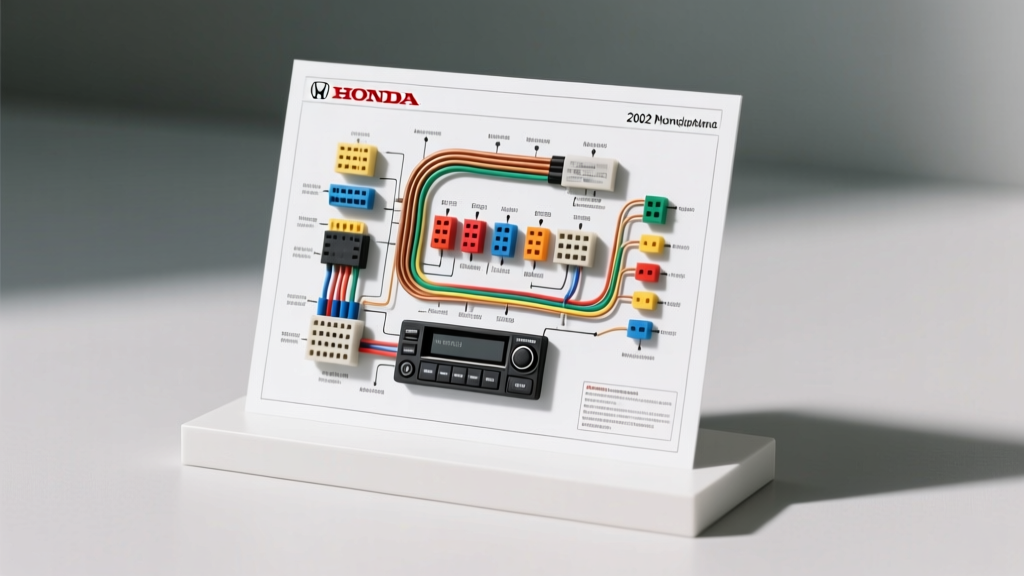
2002 Honda Accord Radio Wiring Diagram & Diagnostic Flow
Troubleshooting the audio system in a 6th-generation (1998–2002) Honda Accord requires a methodical, electrically sound approach. Whether you are diagnosing a completely dead OEM head unit, tracking down an alternator whine, or verifying pinouts for an aftermarket harness adapter (such as the Metra 70-1721 or Axxess HD-70-1771), understanding the factory 14-pin connector is critical. According to the Honda Technical Information System, improper probing of the under-dash harness can lead to blown ECU fuses or accidental SRS (airbag) circuit interference. This guide provides a step-by-step troubleshooting flow, complete with OEM wire color codes, AWG specifications, and multimeter testing procedures to isolate your electrical fault.
OEM 14-Pin Radio Connector Pinout Reference
The standard 2002 Honda Accord (DX, LX, and base EX models) utilizes a 14-pin proprietary Honda connector. Premium EX V6 models with the factory amplifier will also feature a secondary connector for speaker outputs and amp turn-on signals. Below is the primary 14-pin power and speaker schematic.
| Pin | Function | OEM Wire Color | AWG | Testing Notes |
|---|---|---|---|---|
| 1 | Constant 12V (Battery) | Yellow | 18 | Hot at all times. Tied to Backup fuse. |
| 2 | Switched 12V (Ignition) | Red/White | 18 | Hot only in ACC or ON position. |
| 3 | Chassis Ground | Black | 18 | Must read <0.1V voltage drop to battery negative. |
| 4 | Power Antenna / Amp Turn-On | Blue/White | 20 | Outputs +12V when radio is powered on (EX models). |
| 5 | Front Left Speaker (+) | Green | 22 | Verify 4-ohm impedance to ground. |
| 6 | Front Left Speaker (-) | Green/Black | 22 | Do not ground to chassis; must float to head unit. |
| 7 | Front Right Speaker (+) | Gray | 22 | Verify 4-ohm impedance to ground. |
| 8 | Front Right Speaker (-) | Gray/Black | 22 | Do not ground to chassis; must float to head unit. |
| 9 | Rear Left Speaker (+) | Blue | 22 | Check for continuity at rear deck connector. |
| 10 | Rear Left Speaker (-) | Blue/Black | 22 | Do not ground to chassis; must float to head unit. |
| 11 | Rear Right Speaker (+) | White | 22 | Check for continuity at rear deck connector. |
| 12 | Rear Right Speaker (-) | White/Black | 22 | Do not ground to chassis; must float to head unit. |
| 13 | Illumination (Dimmer) | Red/Black | 20 | Variable voltage based on headlight switch dimmer. |
| 14 | Security / Data (If Equipped) | Orange | 22 | Used for anti-theft communication on select trims. |
Step-by-Step Troubleshooting Flow
Use the following diagnostic decision trees to isolate your specific audio system failure. Always use a high-impedance Digital Multimeter (DMM) rather than a test light to prevent drawing excess current and damaging sensitive OEM multiplex wiring.
Symptom 1: Radio is Completely Dead (No Display, No Audio)
Step 1: Verify Under-Dash and Under-Hood Fuses
Before pulling the head unit, check the under-dash fuse/relay box for the Radio Fuse (typically 10A) and the under-hood fuse box for the Backup/Clock Fuse (typically 15A). If the backup fuse is blown, the radio will not receive constant 12V, preventing it from waking up even if the switched ignition wire is live.
Step 2: Test Constant and Switched 12V at the Harness
Remove the radio and unplug the 14-pin connector. Turn the ignition key to the ACC position. Using your DMM, probe Pin 2 (Red/White) and Pin 1 (Yellow) against a known good chassis ground. Both should read between 12.2V and 12.6V. If Pin 2 is dead, trace the ignition feed back to the steering column ignition switch.
Step 3: Perform a Voltage Drop Test on the Ground
A common failure on 6th-generation Accords is corrosion at the main chassis ground point (G401) located behind the lower dash trim. Set your DMM to DC Volts. Place the red probe on the battery positive terminal and the black probe on Pin 3 (Black wire) of the radio harness. A reading above 0.1V indicates a high-resistance ground. You must clean the G401 ground ring terminal or run a new 18 AWG ground wire directly to the chassis.
Symptom 2: Radio Loses Memory Presets When Ignition is Off
Step 1: Check for Swapped Power Wires
If you recently installed an aftermarket radio using a generic adapter, the Constant 12V (Yellow) and Switched 12V (Red) wires may be reversed at the splice block. If the radio is wired to switched power only, it will die completely when the key is removed, losing all presets and clock settings.
Step 2: Test for Parasitic Draw on the Yellow Wire
If the wiring is correct but memory still fails, the Yellow wire (Pin 1) may be sharing a circuit with a failing accessory (like an aftermarket alarm or cigarette lighter USB charger) that is dropping voltage below 9V when the car sleeps. Isolate the Yellow wire and test continuity back to the backup fuse to ensure no splices are bleeding voltage.
Symptom 3: Alternator Whine or Ground Loop Noise
According to SAE J1113 Electromagnetic Compatibility standards, alternator whine is caused by a ground loop—a difference in electrical potential between the audio source (head unit) and the amplification stage (speakers or external amp).
Step 1: Isolate the Head Unit Ground
Ensure the radio's black ground wire is NOT grounded to the same bolt as the climate control panel or instrument cluster. These modules generate PWM (Pulse Width Modulation) noise. Ground the radio to a dedicated, bare-metal point on the steel dash support beam using a star washer to bite through the factory E-coat paint.
Step 2: Verify RCA Shield Grounding (Aftermarket Installs)
If using an external amplifier, ensure the RCA cables are routed on the opposite side of the vehicle from the power wire and door speaker harnesses. The 2002 Accord's factory speaker wires (22 AWG) are unshielded and can induce high-frequency noise into low-level RCA cables if run in parallel.
Symptom 4: Display Reads "CODE" After Battery Disconnect
This is not a wiring fault, but a critical feature of the 2002 Accord OEM audio system. The head unit is serial-locked to the vehicle's PCM. If power to Pin 1 (Yellow) is severed for more than a few minutes, the anti-theft protocol engages.
Resolution Flow:
1. Locate the 5-digit anti-theft code on the sticker inside the glovebox or on the side of the fuse box door.
2. Turn the ignition to ON. The display will read "CODE".
3. Use the radio preset buttons (1-6) to enter the code. For example, if the code is 42156, press '4' four times, '2' two times, etc.
4. If the wrong code is entered 10 times, the unit will lock out completely. You must leave the ignition in the ON position with the radio powered for exactly one hour to reset the attempt counter before trying again.
Special Considerations for EX V6 Premium Audio Models
If you are working on a 2002 Accord EX V6 with the factory premium amplifier, the wiring topology changes significantly. The head unit outputs low-level pre-amp signals rather than high-level speaker power. When bypassing the OEM amplifier to install an aftermarket unit, you cannot simply plug in a standard 14-pin harness. You must use a specialized bypass harness (like the Axxess HD-70-1771) that intercepts the pre-amp signals from the secondary connector and routes them to standard high-level speaker outputs. Furthermore, you must provide a +12V trigger signal to the Blue/White wire (Pin 4) to activate any retained OEM signal processors or power antennas. Failing to provide this turn-on signal will result in a head unit that powers on but produces zero audio output.
Final Safety and Verification Protocols
Before reassembling the center console and dash trim, perform a full functional test. Verify that the illumination circuit (Pin 13, Red/Black) dims the display when the headlight switch is rotated to the parking light position. Test all four speaker channels for proper phase using a Crutchfield-approved phase tester or a 9V battery pop test on the raw speaker wires. Finally, ensure no wiring harnesses are resting against the back of the climate control cables or the SRS diagnostic connector, as the physical depth of the 2002 Accord's radio cavity is notoriously tight, and pinched wires will cause intermittent faults the moment the dash panels are snapped back into place.