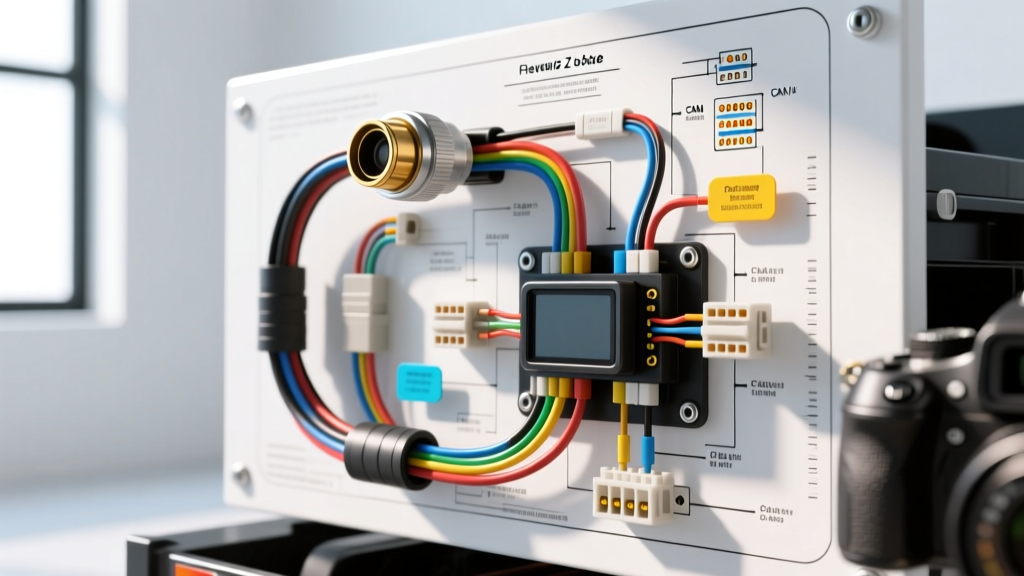
Architecture of the GM Transparent Trailer System
The Chevy invisible trailer camera installation is fundamentally different from legacy analog backup camera retrofits. General Motors utilizes a sophisticated digital video stitching algorithm housed within the K44 Surround Vision Control Module. To achieve the 'transparent' effect, the K44 module simultaneously processes the field of view (FOV) from the tailgate camera, the cargo bed camera, and the auxiliary trailer-mounted camera. By mapping the trailer's physical dimensions—inputted via the infotainment system—the K44 module crops and blends the video feeds in real-time, effectively rendering the trailer invisible on the central display.
Unlike standard RCA composite video lines, this system relies on high-bandwidth digital video transmission over 50-ohm coaxial cabling utilizing Fakra Z connectors, alongside High-Speed Global Local Area Network (HS GMLAN) communication for module handshakes and telemetry. A failure to adhere to strict impedance, shielding, and CAN bus topology requirements will result in video tearing, latency, or hard Diagnostic Trouble Codes (DTCs) such as U0073 (Control Module Communication Bus Off) or B1245 (Trailer Camera Signal Loss).
Truck-Side Receiver Integration and Fakra Z Coax Routing
The truck-side receiver module acts as the bridge between the trailer's wireless transmitter (or hardwired trailer camera) and the K44 module. This receiver is typically mounted behind the rear bumper fascia or inside the bed rail, requiring a coaxial run through the vehicle floor pan and into the cabin.
Coaxial Cable Specifications and Routing
The digital video stream requires a 50-ohm impedance match. Using standard 75-ohm RG-59 or RG-6 cable will cause signal reflection and result in a 'Service Camera' message on the Driver Information Center (DIC).
- Cable Type: RG-316 or RG-174 (50-ohm, double-shielded).
- Connector: Fakra Z (Water Blue) coaxial connector.
- Minimum Bend Radius: 1.5 inches. Kinking the coaxial cable alters the dielectric spacing, destroying the 50-ohm impedance and causing packet loss.
- Shielding Ground: The outer braid of the coaxial cable must be grounded at the receiver module chassis, but left floating at the K44 module to prevent ground loops that introduce alternator whine into the digital signal.
K44 Module Pinout (X2 Connector)
To integrate the receiver into the K44 Surround Vision Module (located behind the infotainment head unit), you must interface with the X2 harness connector. According to GM Upfitter Integration guidelines, always disconnect the negative battery cable and wait 60 seconds for the infotainment capacitors to discharge before unseating the K44 connectors.
| Pin | Wire Color | Function | Specification |
|---|---|---|---|
| X2-14 | Dark Green | HS GMLAN High (+) | CAN H (Idle ~2.5V) |
| X2-15 | Light Green | HS GMLAN Low (-) | CAN L (Idle ~2.5V) |
| X2-22 | Red/White | Battery Positive Voltage | 12V Constant (10A Fuse) |
| X2-23 | Black | Module Ground | Clean Chassis Ground (< 0.05Ω) |
| X2-31 | Coax Shield/Center | Digital Video In (Trailer) | 50Ω Fakra Z |
Trailer-Side Transmitter Power and 7-Way RV Integration
The trailer-side camera assembly includes a wireless video transmitter that must be powered continuously while the truck is running and in reverse. A critical mistake during a Chevy invisible trailer camera installation is tapping into the incorrect circuit on the standard 7-way RV blade connector. Tapping the running lights (Pin 3) or left/right turn signals will cause voltage sags and signal dropout.
Voltage Drop Calculations for Trailer Harnesses
The transmitter module draws approximately 3.5A under peak processing loads. If your trailer is 25 feet long, the round-trip wire distance is 50 feet. Using the standard copper resistance formula, we can determine the correct American Wire Gauge (AWG) to prevent low-voltage DTCs.
- 18 AWG Wire: ~6.38Ω per 1,000 ft. For 50 ft, resistance is 0.319Ω. Voltage drop at 3.5A = 1.11V. (12.6V - 1.11V = 11.49V). This is dangerously close to the K44 module's low-voltage threshold of 11.0V.
- 14 AWG Wire: ~2.52Ω per 1,000 ft. For 50 ft, resistance is 0.126Ω. Voltage drop at 3.5A = 0.44V. (12.6V - 0.44V = 12.16V). This provides a safe, stable operating voltage.
Recommendation: Always use a minimum of 14 AWG stranded copper wire for the 12V B+ and Ground runs from the 7-way connector to the trailer camera transmitter.
7-Way RV Blade Pinout for Camera Power
| Pin Position | Function | Wire Color (Truck Side) | Usage for Invisible Trailer |
|---|---|---|---|
| Pin 1 (Ground) | System Ground | White (8-10 AWG) | Transmitter Main Ground |
| Pin 4 (Aux) | 12V Auxiliary Power | Red (10-12 AWG) | Transmitter Main B+ Power |
| Pin 6 (12V) | 12V Constant Battery | Orange (10-12 AWG) | Keep-Alive Memory (KAM) if required |
GMLAN Network Topology and Terminating Resistors
For the infotainment system to recognize the trailer camera, the receiver and transmitter modules must communicate over the HS GMLAN bus. As documented in the SAE J2284 High-Speed CAN standard, the network relies on a differential signaling architecture and specific terminating resistors to prevent signal reflection at the ends of the bus.
The HS GMLAN bus requires two 120-ohm terminating resistors placed in parallel at the extreme ends of the network topology, yielding a total bus resistance of 60 ohms. If you are extending the CAN bus wires (Dark Green and Light Green) to an auxiliary junction block on the trailer hitch, you must ensure you are not accidentally adding a third terminating resistor, which will drop the bus resistance to 40 ohms and corrupt the data packets.
Measuring CAN Bus Integrity
- Turn the ignition OFF and remove the key fob from the vehicle.
- Disconnect the negative battery terminal to wake down all modules.
- Wait 5 minutes for all modules to enter sleep mode.
- Set your digital multimeter to Ohms (Ω).
- Probe the OBD-II Data Link Connector (DLC) at Pin 6 (CAN H) and Pin 14 (CAN L).
- Expected Reading: 58 to 62 ohms. If you read 120 ohms, one terminating resistor is missing or a wire is broken. If you read < 50 ohms, there is a short to ground or an extra resistor in the circuit.
Diagnostic Decision Tree: Resolving 'Check Camera' Errors
When the DIC displays 'Service Trailer Camera' or the video feed stutters, follow this advanced diagnostic sequence to isolate the fault.
Symptom: Video Tearing, Stuttering, or Black Screen
- Cause 1: Fakra Z connector center pin is recessed. Fix: Inspect the Fakra Z male/female mating depth. Use a pick tool to gently push the center pin forward until it clicks into the retention barb.
- Cause 2: Coaxial cable shield is shorting to the chassis. Fix: Perform a continuity test between the Fakra Z outer shell and a known good chassis ground. It should read 'OL' (Open Loop). If it shows continuity, inspect the cable run for pinch points near the tailgate hinges.
Symptom: 'Trailer Camera Not Found' (No Video Option in Menu)
- Cause 1: HS GMLAN communication failure. Fix: Use an oscilloscope to monitor Pin 6 and Pin 14 at the DLC while the ignition is ON. You should see a clean differential square wave peaking at 3.5V (CAN H) and 1.5V (CAN L). A flatline indicates a module has pulled the bus down.
- Cause 2: Missing SPS Programming. Fix: The K44 module must be reprogrammed via GM's Service Programming System (SPS) to enable the 'Transparent Trailer' calibration file. Without this software configuration, the K44 will ignore the Fakra Z input entirely.
Symptom: Camera Works in Drive, Drops Out in Reverse
- Cause: Voltage drop on the 7-way RV connector when the reverse lights and trailer brakes engage simultaneously. Fix: Measure voltage at the trailer transmitter B+ pin while the truck is actively in reverse. If voltage drops below 11.2V, clean the 7-way blade contacts with electrical contact cleaner and apply dielectric grease, or upgrade the truck-to-trailer umbilical cord to a heavier 10 AWG internal gauge harness.
Final Calibration and FOV Mapping
Once the physical Chevy invisible trailer camera installation is verified and all DTCs are cleared, the system requires physical calibration. The vehicle must be parked on a level surface with the trailer hitched. Through the infotainment system's 'Trailer' settings, input the exact length, width, and height of the trailer. The K44 module uses these physical dimensions to calculate the parallax and stitch the cargo bed camera feed with the trailer camera feed. If the dimensions are off by more than 2 inches, the 'invisible' overlay will appear misaligned, creating a ghosting effect around the trailer's edges during tight maneuvers.