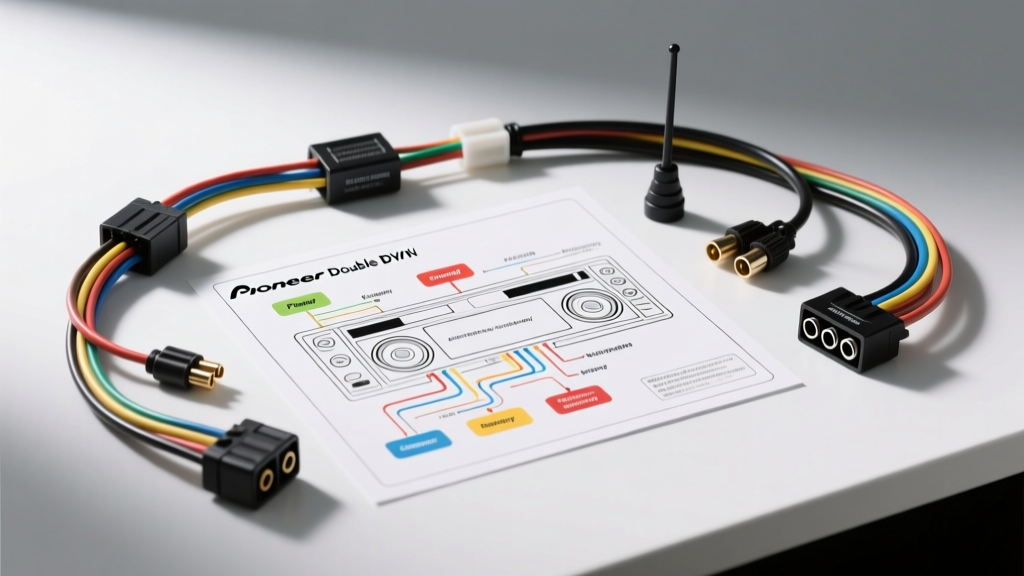
Mastering the Pioneer Double DIN Radio Wiring Diagram
Installing an aftermarket head unit, such as a Pioneer NEX or AppRadio series, requires more than just plugging in a harness. Modern vehicle electrical systems are highly sensitive to voltage drops, CAN-bus communication protocols, and impedance mismatches. When a Pioneer double DIN radio wiring diagram is misinterpreted, the result ranges from parasitic battery drains to blown internal MOSFET amplifiers. This guide provides a systematic, step-by-step troubleshooting flow to diagnose and resolve the most common wiring faults encountered during Pioneer head unit installations.
Essential Diagnostic Tools
Before dissecting the wiring harness, ensure you have the correct diagnostic equipment. Visual inspections are insufficient for modern automotive electrical systems.
- Digital Multimeter (DMM): Must measure DC Voltage (up to 20V) and Resistance/Continuity (Ohms).
- Wire Strippers & Crimpers: For 18-14 AWG automotive wire.
- Marine-Grade Heat Shrink Butt Connectors: Adhesive-lined to prevent moisture ingress and corrosion.
- Tone Generator / Inductive Amplifier: For tracing unlabeled factory speaker wires behind the dash.
Step 1: The "No Power" Diagnostic Flow
If your Pioneer double DIN unit does not power on, or clicks repeatedly without booting, the issue lies in the primary power circuit. Pioneer units require two distinct 12V sources and a dedicated ground.
1.1 Verify Constant and Switched 12V Sources
Set your DMM to DC Volts. Probe the vehicle-side T-harness (e.g., Metra or Axxess interface) before connecting it to the Pioneer pigtail.
- Yellow Wire (Battery/Constant 12V): Should read 12.2V to 12.6V at all times. If voltage drops below 11.5V, the head unit will trigger a low-voltage protection shutoff.
- Red Wire (Ignition/Switched 12V): Should read 0V with the key off, and 11.5V to 14.4V when the key is in the ACC or ON position.
Troubleshooting Decision Tree:
- IF Yellow wire has 12V but Red wire has 0V in ACC -> FIX: Check the factory radio fuse (often labeled 'AUDIO' or 'RADIO' in the interior fuse block). Verify the T-harness pin is making contact with the female terminal.
- IF Both wires have 12V, but the unit clicks and resets -> FIX: The ground circuit has high resistance. Proceed to Step 1.2.
1.2 Ground Circuit Validation
The Black wire on the Pioneer harness is the chassis ground. A poor ground causes the internal voltage regulator to overheat and the unit to reboot when the bass hits.
- Set the DMM to Continuity/Ohms.
- Place one probe on the Black wire terminal of the harness and the other on a known bare metal point on the vehicle chassis.
- Target Spec: Less than 0.5 ohms. If it reads higher, the factory ground point is corroded or the T-harness pin is loose. Do not rely on the metal DIN sleeve for grounding; always wire the Black lead directly to the vehicle's ground circuit.
Step 2: Display and Memory Loss Troubleshooting
A classic symptom in aftermarket installations is the Pioneer unit losing its presets, EQ settings, and clock every time the vehicle is turned off. This is a direct result of misinterpreting the pioneer double din radio wiring diagram regarding the Yellow and Red wires.
The Yellow/Red Swap Dilemma
In many modern European and Chrysler/Stellantis vehicles, the factory "switched" 12V wire does not turn off immediately; it stays live for 10–15 minutes until the CAN-bus system goes to sleep. If you wire the Pioneer Red wire to this delayed source, the unit will not shut down properly, leading to parasitic draw or memory corruption.
- Standard Wiring: Pioneer Yellow to Vehicle Constant 12V; Pioneer Red to Vehicle Switched 12V.
- Delayed Sleep Vehicles (e.g., VW, Dodge): If the unit fails to retain memory, you may need to wire BOTH the Pioneer Yellow and Pioneer Red wires to a verified Constant 12V source, and use the CAN-bus interface's dedicated "Accessory Output" wire to trigger the head unit's wake/sleep logic. Always consult the specific interface module instructions (like the PAC RP7-VW) alongside the Pioneer Support documentation.
Step 3: Audio Output and "AMP ERROR" Faults
Pioneer double DIN units feature a built-in MOSFET amplifier (typically 50W x 4 channels). If a speaker wire touches the chassis ground, the unit will immediately shut down the audio IC and display an "AMP ERROR" or "ERROR-02" on the screen.
Isolating the Short Circuit
- Disconnect the main speaker harness from the back of the Pioneer unit.
- Turn the unit back on. If the "AMP ERROR" disappears, the fault is in the speaker wiring, not the head unit.
- Set your DMM to Continuity. Probe each speaker wire (e.g., White/White-Black for Front Left) against the vehicle chassis ground.
- Target Spec: Infinite resistance (OL). If the meter beeps, that specific speaker wire is pinched or grounded out somewhere behind the dash or in the door boot.
Expert Note: Never twist and tape speaker wires. According to SAE J1128 standards for automotive primary cable, exposed copper in high-vibration environments will inevitably oxidize and short. Use adhesive-lined heat shrink crimps for all speaker connections. For runs longer than 6 feet, upgrade from standard 18 AWG to 16 AWG Oxygen-Free Copper (OFC) speaker wire to minimize high-frequency signal loss.
Pioneer Standard 16-Pin Harness Pinout Reference
While many vehicles require a T-harness adapter, the Pioneer head unit pigtail generally follows this standard color code and pin configuration. Use this table to verify your adapter harness mapping.
| Wire Color | Function | AWG / Spec | Troubleshooting Note |
|---|---|---|---|
| Yellow | B+ (Constant 12V Memory) | 16 AWG | Must never be interrupted. Drains battery if wired to ACC. |
| Red | ACC (Switched 12V Ignition) | 16 AWG | Triggers boot sequence. Requires minimum 11.5V to prevent reset. |
| Black | Chassis Ground | 16 AWG | Must read <0.5 ohms to bare chassis. Causes reboot loops if poor. |
| Blue/White | System Remote Control (P.Con) | 18 AWG | Outputs 12V/300mA to turn on external amplifiers. |
| Orange | Illumination | 18 AWG | Dimmer trigger. Connect to factory dash light circuit. |
| Light Green | Parking Brake Interlock | 18 AWG | Must see ground to enable video playback. Do not bypass while driving. |
| Purple / Purple-Black | Rear Right Speaker (+/-) | 18 AWG | Check for chassis shorts if AMP ERROR is displayed. |
Step 4: CAN-Bus and Steering Wheel Control (SWC) Integration
Modern vehicles use CAN-bus networks to transmit steering wheel button presses and chime alerts. Miswiring these data lines can cause the radio to freeze or the vehicle's CAN network to throw diagnostic trouble codes (DTCs).
Data Wire Diagnostics
When using an interface module (e.g., Axxess ASWC-1 or PAC RP7-CH), you will connect to the vehicle's CAN-High and CAN-Low wires.
- CAN-High (Usually Yellow or Green): Idle voltage is ~2.5V, active is ~3.5V.
- CAN-Low (Usually Green/White or Purple): Idle voltage is ~2.5V, active is ~1.5V.
Use a DMM set to DC Volts to verify the resting state of the CAN wires at the OBD2 port (Pins 6 and 14) or behind the factory radio. If the interface module fails to program, verify that the Pioneer "Wired Remote" or "SWC" input wire (typically a 3.5mm jack or a specific 3-wire proprietary harness) is securely seated. For detailed vehicle-specific wiring layouts, referencing a comprehensive database like the Crutchfield Car Audio Wiring Guide is highly recommended to confirm factory pinouts before splicing into data lines.
Final Validation and Bench Testing
Before pushing the Pioneer double DIN unit into the dashboard and securing the trim rings, perform a full bench test. Connect the main harness, at least one speaker, and the GPS/FM antennas outside of the dash cavity. Cycle the ignition, test the backup camera trigger (Purple/White wire), verify steering wheel controls, and ensure the unit powers down completely when the key is removed. Proper adherence to the wiring diagram and methodical troubleshooting will ensure a factory-fit finish and long-term electrical reliability.