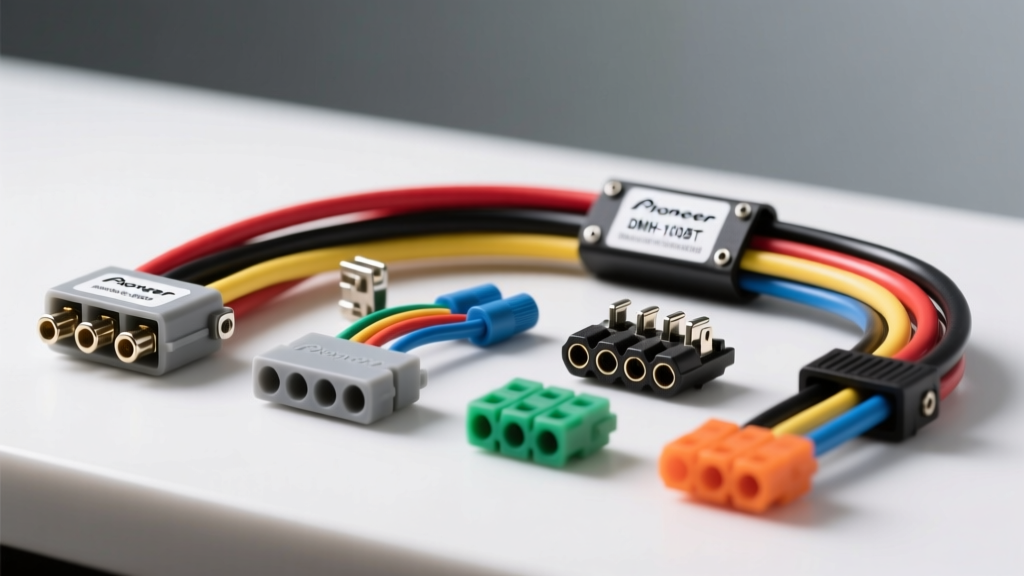
Decoding the Pioneer DMH-100BT Wiring Harness Diagram
Upgrading to the Pioneer DMH-100BT digital media receiver requires a precise understanding of its 16-pin aftermarket wiring harness. Unlike OEM integrations that rely heavily on proprietary CAN-Bus data streams, the DMH-100BT utilizes a standardized color-coded harness for power, ground, and speaker outputs. However, interpreting the Pioneer DMH-100BT wiring harness diagram is only the first step. A successful, long-lasting installation hinges on selecting the correct vehicle-specific adapters and utilizing professional-grade electrical tools.
The factory harness included with the DMH-100BT features 18 AWG stranded copper for primary power, ground, and speaker circuits, which aligns with SAE J1128 standards for low-tension primary automotive cables. The illumination, dimmer, and amplifier turn-on circuits utilize 22 AWG wire due to their low current draw (typically under 1 Amp). Below is the complete pinout reference for the standard 16-pin connector.
Standard 16-Pin Harness Pinout & Specifications
| Pin | Wire Color | Function | AWG | Max Load / Notes |
|---|---|---|---|---|
| 1 | Purple | Rear Right Speaker (+) | 18 | 14W RMS per channel |
| 2 | Purple w/ Black Stripe | Rear Right Speaker (-) | 18 | Do not ground to chassis |
| 3 | Gray | Front Right Speaker (+) | 18 | 14W RMS per channel |
| 4 | Gray w/ Black Stripe | Front Right Speaker (-) | 18 | Do not ground to chassis |
| 5 | White | Front Left Speaker (+) | 18 | 14W RMS per channel |
| 6 | White w/ Black Stripe | Front Left Speaker (-) | 18 | Do not ground to chassis |
| 7 | Green | Rear Left Speaker (+) | 18 | 14W RMS per channel |
| 8 | Green w/ Black Stripe | Rear Left Speaker (-) | 18 | Do not ground to chassis |
| 9 | Brown | Phone Mute / Auxiliary | 22 | Ground to mute audio |
| 10 | Blue w/ White Stripe | System Remote Control | 22 | +12V Amp Turn-On (300mA max) |
| 11 | Light Green | Reverse Gear Input | 22 | Connect to backup camera trigger |
| 12 | Orange w/ White Stripe | Illumination | 22 | +12V Parking Lights On |
| 13 | Orange | Dimmer | 22 | Variable voltage (analog dimming) |
| 14 | Red | Accessory Power | 18 | +12V Switched (Ignition) |
| 15 | Yellow | Battery Power | 18 | +12V Constant (Memory) |
| 16 | Black | Chassis Ground | 18 | Must connect to bare metal |
Cost Analysis: OEM Harness Adapters vs. Direct Splicing
When analyzing the financial and temporal investment of a stereo upgrade, cutting and splicing the factory OEM harness is a false economy. Direct splicing voids vehicle warranties, introduces high-resistance joints, and drastically reduces the resale value of the vehicle. Professional installers rely on vehicle-specific wiring harness adapters (often manufactured by Metra, Axxess, or Scosche) to create a plug-and-play bridge between the Pioneer DMH-100BT and the vehicle's factory plug.
Integration Cost Breakdown by Vehicle Complexity
The total cost of your harness and adapter kit depends heavily on the vehicle's data network architecture. Vehicles built after 2008 heavily utilize CAN-Bus (Controller Area Network) systems, meaning the radio receives its 'accessory' wake-up signal via data packets rather than a physical 12V wire.
| Integration Level | Required Components | Estimated Cost | Target Vehicle Era |
|---|---|---|---|
| Level 1: Basic Analog | Standard 16-Pin Harness Adapter, Antenna Adapter, Dash Kit | $35 - $55 | Pre-2006 Vehicles (Standard 12V Acc) |
| Level 2: CAN-Bus Data | Data Interface Module (e.g., PAC RP4-CH11), Harness, Dash Kit | $120 - $180 | 2008+ Chrysler/Dodge/Jeep/Ford |
| Level 3: Premium Audio Retain | DSP Bypass Harness, CAN-Bus Interface, Fiber Optic Adapter | $200 - $350 | Vehicles with Bose/Harman/Kardon Amps |
According to fitment data from Crutchfield's vehicle database, attempting to wire a Level 2 CAN-Bus vehicle without the proper data interface will result in the DMH-100BT failing to power on, as the Red (Pin 14) Accessory wire will never receive 12V. The data interface module intercepts the CAN-High and CAN-Low twisted pair (typically 22 AWG), translates the digital wake-up command, and outputs a simulated 12V analog signal to the Pioneer's Red wire.
Mandatory Tooling & Material Requirements
A common failure mode in aftermarket car audio is the degradation of wire connections due to thermal cycling and chassis vibration. The standard 'twist-and-tape' method or the use of cheap PVC electrical tape will inevitably fail, leading to intermittent ground loss, stereo reboots, or alternator whine in the audio signal. To ensure a factory-grade connection, specific tooling is required.
Professional Electrical Tool Checklist
- Wire Strippers (18-22 AWG): Precision notches are required to strip the PVC insulation without nicking the stranded copper. Nicked 18 AWG wire loses up to 30% of its tensile strength and current-carrying capacity.
- Adhesive-Lined Heat Shrink: Standard heat shrink is insufficient for automotive environments. You must use dual-wall, adhesive-lined heat shrink (3/16 inch for 18 AWG, 1/8 inch for 22 AWG). When heated, the inner thermoplastic lining melts and seals out moisture and corrosion.
- Hex Crimp Tool or Soldering Iron: If using butt connectors, a ratcheting hex crimp tool ensures a gas-tight mechanical bond. Alternatively, rosin-core solder (60/40) combined with heat shrink provides the highest reliability.
- Digital Multimeter (DMM): Essential for verifying the Yellow (Constant 12V) and Red (Switched 12V) wires at the vehicle's OEM plug before connecting the Pioneer harness.
- Panel Removal Tools: Nylon pry tools prevent marring the dashboard plastics and breaking brittle OEM retention clips.
Advanced Integration: Steering Wheel Controls (SWC)
The Pioneer DMH-100BT features a dedicated 3.5mm SWC input jack on the rear chassis. However, modern vehicles do not use simple analog resistance ladders on the steering column; they multiplex steering wheel button presses over the CAN-Bus network.
To bridge this gap, an interface module like the Axxess ASWC-1 or a vehicle-specific PAC module is required. This adds approximately $60 to $90 to your project cost. The installation requires wiring the module's data lines into the vehicle's OBD-II CAN network or the back of the factory radio plug, and then running a standard 3.5mm male-to-male audio cable from the module to the Pioneer's SWC port. Failing to properly ground the SWC interface module to a verified chassis ground (testing for less than 0.5 ohms of resistance with a DMM) will result in erratic volume jumps or unresponsive track skipping.
Real-World Failure Modes & Troubleshooting
Even with the correct Pioneer DMH-100BT wiring harness diagram in hand, installers frequently encounter specific electrical gremlins. Understanding these failure modes saves hours of diagnostic time.
- Stereo Resets When Engine Cranks: This occurs when the Yellow (Constant) and Red (Accessory) wires are reversed, or if the Yellow wire is tapped into a circuit that drops below 9V during starter engagement. The DMH-100BT requires a stable 11V+ on Pin 15 to retain memory. Fix: Verify Pin 15 with a DMM while a helper cranks the engine.
- Alternator Whine in Speakers: Caused by grounding the speaker negative wires (Pins 2, 4, 6, 8) to the vehicle chassis, or by a ground loop between the head unit and an external amplifier. Pioneer amplifiers are BTL (Bridged Tied Load); grounding a negative speaker wire will short-circuit the internal IC, triggering thermal protection or destroying the chip. Fix: Ensure all speaker negatives float and only tie to their corresponding positive wire at the speaker.
- Bluetooth Audio Drops / Reboots: The DMH-100BT draws peak current during Bluetooth handshakes and Wi-Fi scanning. If the 18 AWG ground wire (Pin 16) is connected to a painted or rusted dash brace, voltage drop will cause the logic board to brownout. Fix: Sand the ground point to bare metal and secure with a self-tapping screw or factory bolt, applying dielectric grease to prevent oxidation.
Conclusion: The ROI of Proper Harness Integration
Analyzing the cost and tool requirements for the Pioneer DMH-100BT reveals that investing $100 to $150 in high-quality data interfaces, adhesive heat shrink, and proper crimping tools yields a massive return on investment. It eliminates the risk of parasitic battery draws, protects the vehicle's sensitive CAN-Bus network from back-feeding, and ensures the digital media receiver operates flawlessly for its entire lifespan. Always cross-reference the vehicle-specific adapter manual with the official Pioneer DMH-100BT documentation to verify illumination and dimmer wire compatibility before finalizing the dash assembly.