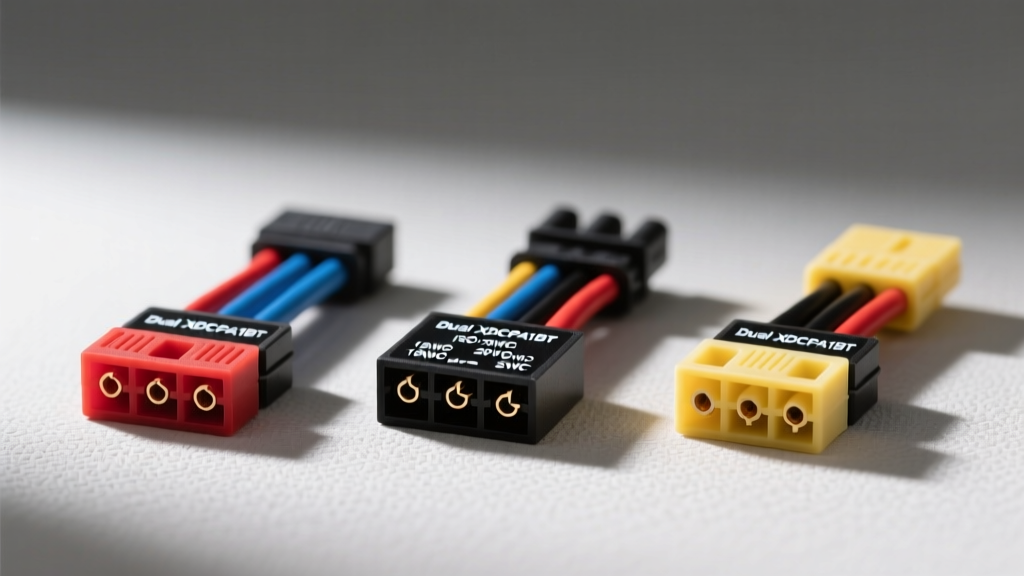
Decoding the Dual XDCPA11BT Factory ISO Connector
The Dual XDCPA11BT is a highly popular, budget-friendly digital media receiver featuring Bluetooth, USB, and AUX inputs. Because it is a mechless (no CD) single-DIN unit, it features a shallow chassis depth, making it an excellent candidate for tight dashboards in older vehicles, UTVs, and marine applications. However, a successful installation hinges entirely on selecting the correct Dual XDCPA11BT wiring harness adapter. Unlike factory-installed head units that use proprietary, manufacturer-specific plugs, the XDCPA11BT utilizes the standardized EIA/ISO 10487 connector. Understanding this standard is the first step toward a reliable, noise-free audio system.
According to automotive electrical standards documented by The 12 Volt Resource, the ISO 10487 standard separates power and speaker connections into two distinct blocks: Block A (Power and Auxiliary) and Block B (Speakers). Below is the exact pinout, wire color code, and American Wire Gauge (AWG) specification for the harness included in the XDCPA11BT box.
XDCPA11BT ISO 10487 Pinout Specification
| Pin | Wire Color | AWG | Function |
|---|---|---|---|
| A4 | Yellow | 18 AWG | 12V+ Constant (Battery / Memory) |
| A5 | Blue/White Stripe | 22 AWG | Amplifier / Power Antenna Turn-On |
| A7 | Red | 18 AWG | 12V+ Switched (Ignition / Accessory) |
| A8 | Black | 16 AWG | Chassis Ground |
| B1 | Purple | 22 AWG | Rear Right Speaker (+) |
| B2 | Purple/Black | 22 AWG | Rear Right Speaker (-) |
| B3 | Gray | 22 AWG | Front Right Speaker (+) |
| B4 | Gray/Black | 22 AWG | Front Right Speaker (-) |
| B5 | White | 22 AWG | Front Left Speaker (+) |
| B6 | White/Black | 22 AWG | Front Left Speaker (-) |
| B7 | Green | 22 AWG | Rear Left Speaker (+) |
| B8 | Green/Black | 22 AWG | Rear Left Speaker (-) |
Note: The XDCPA11BT does not include an orange 'Illumination' or 'Dimmer' wire on its primary ISO block, as the unit's button lighting is fixed or controlled internally via the display settings.
Harness Adapter Comparison: Which Route Should You Take?
When installing this head unit, you have three primary harness routing options. Selecting the right one depends on your vehicle's year, make, and whether it utilizes a traditional 12V switched ignition circuit or a modern CAN-bus data network.
1. Universal ISO to Bare Wire Pigtail (e.g., Metra 70-1003)
This is the most basic Dual XDCPA11BT wiring harness solution. It features an ISO plug on one end and bare, color-coded wires on the other. You will splice this directly into your vehicle's factory radio plug (which you must cut off).
- Best For: Classic cars (pre-1990), custom fabricated dash panels, golf carts, and tractors where no standardized vehicle harness exists.
- Pros: Extremely inexpensive; universally adaptable.
- Cons: Destroys the factory wiring; requires extensive soldering and heat-shrinking; lowers the resale value of the vehicle.
2. Vehicle-Specific Plug-and-Play Adapters (Metra / Scosche)
For 90% of installations, a vehicle-specific adapter (such as the Metra 71-5721 for Ford Sync or Scosche GM09SR for General Motors) is the correct choice. These harnesses plug directly into the factory radio connector behind the dash, and the color-coded wires match the standard EIA/ISO colors of the Dual XDCPA11BT harness.
- Best For: Vehicles from 1990 to roughly 2012 that use standard 12V switched ignition systems.
- Pros: No cutting of factory wires; allows you to revert to the stock radio; color-matched for easy splicing.
- Cons: Does not retain factory steering wheel controls or amplified audio systems without additional modules.
3. CAN-Bus Data Interfaces (iDatalink Maestro / Axxess Integrate)
Modern vehicles (typically 2011 and newer) do not use a physical 12V switched ignition wire. Instead, the radio turns on via a digital data signal over the CAN-bus. If you plug a standard harness into these cars, the XDCPA11BT will not turn on. You must use a data module like the iDatalink Maestro RR or an Axxess CAN-bus interface.
- Best For: Late-model Chrysler, Ford, GM, Toyota, and Subaru vehicles with integrated climate controls or factory amplifiers.
- Pros: Retains OEM features (backup cameras, chimes, steering wheel buttons, climate data).
- Cons: Expensive; requires flashing the module via a PC or smartphone before installation.
Integrating Steering Wheel Controls (SWC) and Antennas
The Dual XDCPA11BT features a dedicated 3.5mm SWC input jack on the rear chassis. To retain your factory steering wheel audio buttons, you cannot use a simple wire adapter. You must install a universal SWC interface like the Axxess ASWC-1 or the PAC RP5-RB1.
When wiring the ASWC-1 to the vehicle's SWC data lines, you will typically connect the Gray/Green wire to the vehicle's 'Key 1' circuit and the Gray/Brown wire to 'Key 2'. The 3.5mm jack then plugs directly into the XDCPA11BT. Crucial Warning: Never connect the SWC wires directly to the radio's ISO harness; they operate on a low-voltage resistance ladder network and require the interface to translate the resistance drops into digital infrared or 3.5mm pulses.
Additionally, while the XDCPA11BT uses a standard Motorola AM/FM antenna plug, many modern vehicles use amplified, low-profile antennas (common in VW, Nissan, and Chevy). You will need an amplified antenna adapter (like the Metra 40-VW10). The blue/white stripe wire (Pin A5) on the Dual harness must be spliced to the blue power wire on the antenna adapter to activate the internal signal booster. Failure to do this will result in severe static and poor FM reception.
Professional Termination: Why Electrical Tape Fails
Automotive environments are hostile to electrical connections. The dashboard experiences extreme thermal cycling (from sub-zero winters to 160°F+ summer dash temperatures) and constant vibration. According to installation guidelines referenced by Metra Automotive, 'twist and tape' methods or 3M Scotchlok T-Taps are the leading causes of aftermarket radio failure.
For a permanent connection between the Dual XDCPA11BT harness and your vehicle adapter, use adhesive-lined marine-grade heat shrink butt connectors.
- Strip the wires: Remove exactly 5/16 inch of insulation from both the 18 AWG power wires and 22 AWG speaker wires.
- Insert and Crimp: Use a ratcheting crimping tool (such as the Knoweasy IWS-3220M) to ensure a gas-tight mechanical bond. A proper crimp deforms the copper strands into a solid mass, preventing oxygen from entering and causing corrosion.
- Apply Heat: Use a dedicated heat gun (not a lighter) set to approximately 250°F. The adhesive lining will melt and seep out the ends, creating a waterproof seal that prevents capillary action from drawing moisture into the copper.
Troubleshooting the XDCPA11BT Harness Installation
Even with the correct Dual XDCPA11BT wiring harness, installation errors can cause frustrating symptoms. Use this diagnostic matrix to resolve common issues.
Symptom: Radio Loses Presets and Bluetooth Pairings
- Cause: The Yellow (Constant 12V) and Red (Switched 12V) wires are swapped.
- Fix: The Yellow wire must connect to a circuit that has 12V at all times to maintain the volatile memory. The Red wire must connect to a circuit that only receives 12V when the key is in the ACC or ON position. If your vehicle's factory harness colors do not match the standard, use a digital multimeter to verify the constant and switched leads before crimping.
Symptom: Alternator Whine in the Speakers
- Cause: A ground loop caused by sharing a ground path with other accessories, or using the factory antenna shield as a ground.
- Fix: Ensure the Black ground wire (Pin A8) is terminated to a clean, unpainted metal surface on the chassis using a ring terminal and a self-tapping sheet metal screw. Do not ground the radio to the plastic dashboard support brackets or the steering column.
Symptom: Bluetooth Audio Drops During High-Volume Bass
- Cause: Voltage drop on the 18 AWG power wires. The XDCPA11BT's internal amplifier requires up to 10 amps of peak current. If the vehicle's factory wiring is undersized or degraded, voltage drops below 11V, causing the Bluetooth module to reboot.
- Fix: Bypass the factory radio power wiring entirely. Run a dedicated 14 AWG power wire directly from the vehicle's battery (with a 15A inline ATC fuse within 18 inches of the battery terminal) and a dedicated 14 AWG ground wire to the chassis. Connect these directly to the Yellow and Black wires on the Dual harness.
By selecting the appropriate vehicle-specific adapter, utilizing proper ratcheting crimp tools, and adhering to the EIA/ISO 10487 color standards, your Dual XDCPA11BT installation will be reliable, safe, and free of electrical gremlins. For further reading on automotive electrical safety and relay wiring, consult the technical articles at SAE International to ensure your mobile audio upgrades meet rigorous OEM-level standards.