The Financial Reality of Aftermarket Android Installs
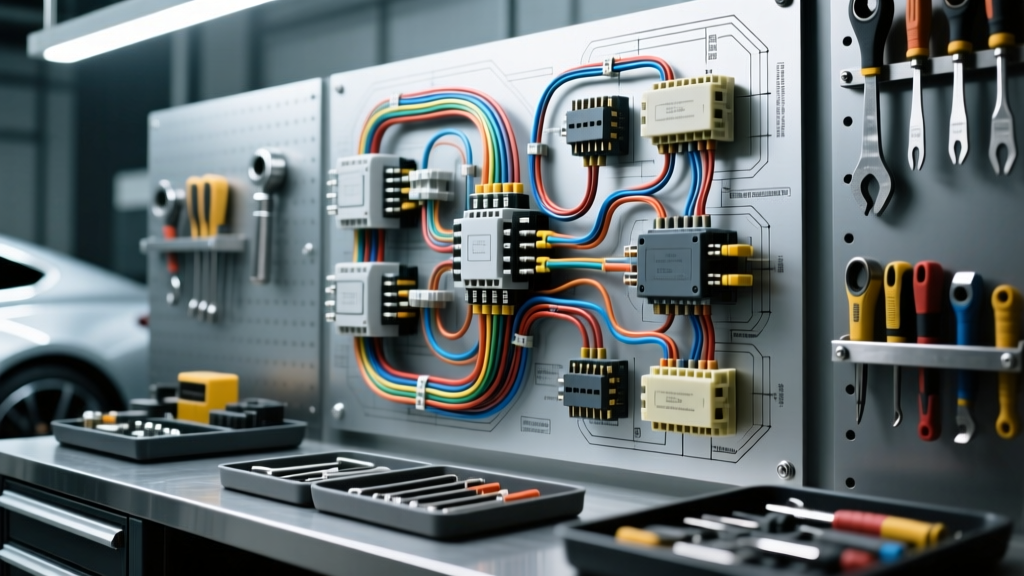
When upgrading to an aftermarket multimedia system, studying the car android player wiring diagram is the crucial first step before making a single cut or crimp. Many enthusiasts focus solely on the retail price of the tablet-style head unit, only to discover that the hidden costs of vehicle-specific wiring harnesses, CAN bus decoders, and professional-grade crimping tools can add 40% to 60% to the total project budget. A factory integration install is never as simple as plugging in a universal ISO connector; modern vehicles utilize complex multiplexed data networks that require precise voltage thresholds and resistance ladders to function correctly.
This comprehensive cost and tool requirements analysis breaks down exactly what you need to execute a flawless, safe, and reliable installation. By understanding the specific AWG requirements, pin configurations, and interface modules dictated by your vehicle's schematic, you can avoid the costly mistakes that lead to parasitic battery drains, blown ECU fuses, and degraded audio signals.
Decoding the Car Android Player Wiring Diagram
The universal wiring diagram provided with most Android head units adheres to the EIA/CEA-315-E standard for mobile electronics. However, matching these universal pigtail wires to your vehicle's OEM harness requires a deep understanding of current draw and wire gauge limitations. Android units typically feature high-draw processors and built-in amplifiers (often 4x50W peak), meaning the power delivery circuit must be robust enough to handle sustained loads without voltage drop.
Standard EIA/CEA Color Codes and AWG Requirements
| Wire Color | Function | Required AWG | Technical Notes & Failure Modes |
|---|---|---|---|
| Yellow | +12V Constant (Memory) | 14 - 16 AWG | Must connect directly to the battery or a high-amp constant source. Tying into a low-amp factory clock wire will cause voltage drops and ECU reboots. |
| Red | +12V Switched (Accessory) | 16 - 18 AWG | Triggers the unit on/off. In CAN bus vehicles, this must be driven by a data bus interface, not spliced into a 12V socket. |
| Black | Chassis Ground | 14 - 16 AWG | Must be secured to bare, unpainted metal. Poor grounding introduces alternator whine and ground loop noise into the audio stage. |
| Orange / Dimmer | Illumination / Dimmer | 18 - 20 AWG | Connects to the factory headlight circuit. Many Android units only support on/off illumination, not variable PWM dimming. |
| White/Gray/Green/Purple | Speaker Outputs (+) | 18 AWG OFC | Oxygen-Free Copper is recommended to prevent corrosion and signal degradation over time. |
| Striped Variants | Speaker Outputs (-) | 18 AWG OFC | Never ground speaker negatives to the chassis; Android units use BTL (Bridge-Tied Load) amplifiers. Grounding a negative will destroy the internal IC. |
Essential Tool Requirements Analysis
Attempting a modern vehicle integration with cheap hardware store wire strippers and electrical tape is a recipe for catastrophic failure. Automotive environments subject wiring to extreme thermal cycling (-40°F to 185°F) and high-frequency vibrations. The tools you select must ensure gas-tight connections that will outlast the vehicle itself.
Professional vs. DIY Tooling Breakdown
| Tool Category | Budget / DIY Option | Professional Requirement | Estimated Cost (Pro) |
|---|---|---|---|
| Wire Strippers | Standard plier-style strippers | Ratcheting self-adjusting strippers (10-22 AWG) | $35 - $50 |
| Crimpers | Non-ratcheting multi-crimper | Ratcheting crimper for non-insulated terminals | $45 - $80 |
| Soldering | Butane pen iron | Temperature-controlled 60W station (rosin-core solder) | $60 - $120 |
| Insulation | Standard vinyl electrical tape | 3:1 Adhesive-lined marine heat shrink | $15 - $25 |
| Testing | Basic 12V test light | Digital Multimeter (True RMS) & Logic Probe | $50 - $150 |
Expert Insight: A digital multimeter is non-negotiable when analyzing a car android player wiring diagram. You must verify the exact voltage drop across the constant 12V and ground circuits under load. Furthermore, a test light can inadvertently trigger airbag circuits or damage sensitive CAN bus transceivers due to its high current draw; always use a high-impedance digital meter or a dedicated automotive logic probe.
Cost Breakdown: Harnesses, Adapters, and Interfaces
The most significant variable in your budget is the vehicle-specific integration hardware. A universal Android unit might cost $200, but the wiring ecosystem required to make it function safely with your car's computers can easily exceed $150. Below is an analysis of the necessary components based on vehicle complexity.
Budget vs. Premium Wiring Solutions
- Basic Wire Harness (Non-Data Vehicles): $15 - $25. Used for older vehicles (pre-2005) with standard analog 12V switched and constant feeds. Examples include standard Metra or Scosche ISO harnesses.
- Antenna Adapter: $10 - $20. Required to step down OEM amplified antenna signals (like VW Fakra or GM OnStar) to the standard Motorola plug used by Android units.
- CAN Bus Data Interface (Premium): $60 - $140. Essential for modern vehicles (e.g., 2013+ Ram, VW MQB, Ford Sync). Modules like the PAC RP4-CH11 or Axxess XSVI interfaces read the vehicle's CAN network and output a clean 12V accessory wire to wake up the Android unit, while retaining steering wheel controls and chimes.
- Steering Wheel Control (SWC) Adapter: $40 - $80. If not bundled with the CAN bus decoder, an Axxess ASWC-1 is required to translate the factory resistance ladder signals into commands the Android unit's 'Key 1' and 'Key 2' inputs can understand.
Advanced Wiring: CAN Bus, SWC, and Parasitic Draw
Modern vehicles do not use a simple 12V accessory wire to turn the radio on. Instead, the factory infotainment system is a node on the Controller Area Network (CAN bus). When you turn the key, the Body Control Module (BCM) sends a high-speed digital wake-up message (typically CAN-H at 3.5V and CAN-L at 1.5V) to the radio. If you attempt to bypass this by splicing the Android unit's red accessory wire into a nearby 12V fuse (like the cigarette lighter), you risk severe electrical issues.
The Parasitic Draw Problem: Cheap, unbranded 'CAN bus decoders' found on online marketplaces often fail to enter 'sleep mode' when the vehicle is locked. According to SAE J1211 standards for automotive electrical environments, aftermarket modules must draw less than 2mA in quiescent sleep mode. Inferior decoders can draw 50mA to 200mA continuously, draining your battery dead within 48 hours. Always invest in name-brand data interfaces that guarantee OEM-level sleep current compliance.
Steering Wheel Controls (SWC) Resistance Ladders
Most factory steering wheel buttons operate on a resistance ladder network. The car android player wiring diagram will feature two wires labeled 'KEY 1' and 'KEY 2' (and a dedicated SWC Ground).
- KEY 1: Typically handles Volume Up/Down and Mode.
- KEY 2: Typically handles Seek, Track, and Voice.
When a button is pressed, it routes current through a specific resistor, changing the voltage seen by the head unit. You must use a multimeter to map the exact resistance values of your factory clock spring to program the Android unit's learning menu correctly. Splicing these wires requires precision 22 AWG to 18 AWG step-down crimps or careful soldering to avoid adding unintended resistance, which will cause button misfires.
Common Wiring Mistakes That Destroy Budgets
- Grounding Speaker Negatives: As mentioned, Android head units use Bridge-Tied Load (BTL) amplifier ICs. Both the positive and negative speaker wires carry an amplified AC signal. Grounding the negative wire to the chassis will instantly short-circuit and destroy the internal Toshiba or STMicroelectronics amplifier chip, bricking the unit and voiding the warranty.
- Ignoring the Parking Brake Bypass: Android units feature a safety wire (usually light green) that must be grounded to enable video playback and advanced settings. Hardwiring this directly to a constant ground is illegal and dangerous. The proper, cost-effective method is to wire it through a toggle switch or a PAC TR-44 relay tied to the OEM parking brake circuit, ensuring compliance with DOT regulations.
- Using T-Taps on Data Lines: Never use scotch locks or T-taps to splice into CAN bus or SWC wires. These connectors pierce the wire insulation, exposing the copper core to moisture and oxidation, which alters the resistance and causes intermittent network faults. Always use proper solder-and-shrink methods or T-harness adapters that plug directly into the OEM connectors.
Authoritative References
To ensure your installation meets automotive safety and electrical standards, consult the following resources before beginning your project:
- Crutchfield Vehicle Fit Guide & Wiring Documentation - Provides verified, vehicle-specific dash kit and harness compatibility data.
- PAC (Pacific Accessory Corporation) Interface Manuals - The industry standard for CAN bus decoding, SWC retention, and OEM amplifier bypass schematics.
- SAE International (SAE J1113 / J1211) - Standards governing electromagnetic compatibility (EMC) and quiescent current limits for aftermarket automotive electronics.
By investing in the correct tools, high-quality data interfaces, and adhering strictly to the EIA/CEA wiring standards, your Android head unit installation will deliver years of reliable, noise-free performance without compromising your vehicle's delicate electrical architecture.