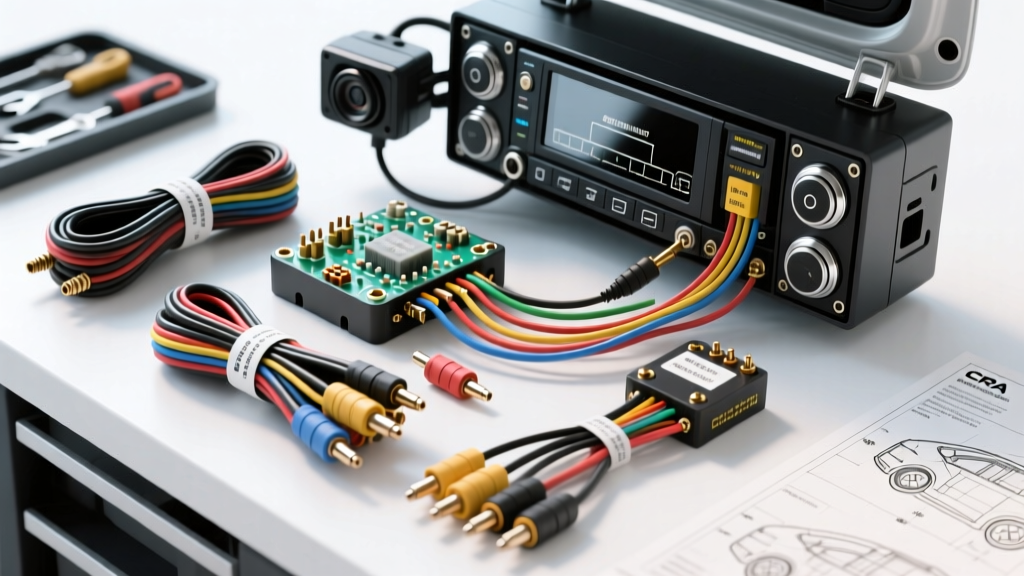
Introduction to Modern Camera Integration
Upgrading your vehicle's infotainment system is one of the most rewarding modifications you can perform, but integrating video introduces a new layer of electrical complexity. A successful car stereo with backup camera installation requires more than just plugging in an RCA cable; it demands a thorough understanding of signal shielding, reverse trigger logic, and modern vehicle lighting circuits. Unlike standard audio wiring, video signals are highly susceptible to Electromagnetic Interference (EMI), and improper grounding or power tapping can result in flickering screens, alternator whine, or complete signal failure. This practical how-to guide will walk you through the professional-grade wiring techniques required to achieve a flawless, factory-looking camera integration.
Essential Tools and Material Specifications
Before removing a single trim panel, ensure you have the correct materials. Using substandard wire or improper connectors is the leading cause of post-installation voltage drop and video noise.
- Multimeter: Essential for verifying 12V reference and checking for Pulse Width Modulation (PWM) on taillight circuits.
- Wire Connectors: Avoid standard T-taps. Use Posi-Taps, solder-seal heat shrink connectors, or adhesive-lined crimp caps for reliable, moisture-proof connections.
- RCA Video Cable: Must be a shielded 75-ohm coaxial cable. Unshielded or low-impedance cables will pick up EMI from the vehicle's alternator and ignition system.
- Relay (Bosch-style 12V 4-pin): Required if your vehicle uses PWM for the reverse lights (common in European and late-model domestic vehicles).
- Trim Removal Tools: Nylon pry tools to prevent damage to dashboard soft-touch materials and clip retention.
Wire Gauge and Connector Requirements
For the camera's power and ground, 18 AWG stranded copper wire is the standard. Most aftermarket license plate or flush-mount cameras draw between 100mA and 250mA, making 18 AWG more than sufficient to prevent voltage drop over the 15-to-20-foot run from the front dash to the rear trunk. For the head unit's main power and ground, always adhere to 14 AWG or 12 AWG specifications, terminating the ground to a clean, unpainted chassis point using a ring terminal and a star washer to bite through any residual clear coat.
Standard EIA/CEA-770-C Pinout and Color Codes
The automotive aftermarket industry relies on the EIA/CEA-770-C standard for head unit wiring harnesses. Understanding these color codes is critical when splicing the reverse trigger wire to your new stereo harness.
| Wire Function | Standard Color | AWG Size | Connection Point |
|---|---|---|---|
| Reverse Trigger Input | Purple with White Stripe | 18 AWG | Head Unit Harness to Camera RCA Trigger |
| Camera Power (12V+) | Red (Camera specific) | 18 AWG | Tapped to Reverse Light or Relay Output |
| Camera Ground | Black (Camera specific) | 18 AWG | Vehicle Chassis or Tail light Ground |
| Video Signal (Center Pin) | RCA Coaxial Core | 75-Ohm | Camera Video Out to HU Camera In |
For deeper insights into industry-standard wiring practices, refer to the Mobile Electronics Certification Program (MECP) guidelines, which outline best practices for mobile electronics integration and EMI mitigation.
Step-by-Step Car Stereo with Backup Camera Installation
Phase 1: Head Unit Harness Preparation
Begin at the dashboard. Before mounting the new stereo, locate the Purple/White reverse trigger wire on the aftermarket head unit's harness. This wire tells the stereo's internal processor to switch the video input from the front AV to the rear camera when 12V is applied. Connect this wire to the single 'trigger' wire attached to the female RCA end of your camera's video cable. Use a solder-seal heat shrink connector for this joint. Do not simply twist and tape this connection; the vibration behind a DIN sleeve will eventually cause a open circuit, leaving you with a blank screen when shifting into reverse.
Phase 2: RCA Routing and EMI Mitigation
Routing the RCA video cable requires strategic planning to avoid alternator whine and digital noise. According to SAE J1113 Electromagnetic Compatibility Standards, signal cables should be separated from high-current power cables to prevent inductive coupling.
- Separation: Run the RCA video cable down the driver's side of the vehicle's interior, while running the main amplifier power wire down the passenger side.
- Crossing: If the RCA cable must cross a power wire or a factory wiring loom, ensure they cross at a strict 90-degree angle to minimize the surface area for EMI induction.
- Shielding Ground: Ensure the outer braided shield of the RCA cable is only grounded at the head unit end (which happens automatically when plugged in). Grounding both ends of an RCA shield can create a ground loop, introducing a severe 60Hz hum or high-frequency whine into the video signal.
Phase 3: Rear Camera Power and the PWM Taillight Dilemma
The most common point of failure in a backup camera installation occurs at the rear of the vehicle when tapping the reverse light for 12V power. In older vehicles, the reverse light receives a steady 12V DC signal when the transmission is shifted into reverse. However, modern vehicles (particularly VW, Audi, BMW, Dodge, and Chrysler) use Pulse Width Modulation (PWM) or CAN-bus checked lighting circuits.
If you tap a PWM reverse light directly, the camera will receive rapidly pulsing voltage instead of a steady 12V. This results in the camera flickering, rolling horizontally, or displaying a 'No Signal' error on the head unit. To diagnose this, use a digital multimeter set to DC Voltage. If the voltage rapidly fluctuates or reads lower than 12V (often around 6V-9V) when the car is running and in reverse, you have a PWM circuit.
The Fix: You must install a standard 12V 4-pin automotive relay. Tap the PWM reverse light wire only to trigger the relay's coil (Pin 86). Run a dedicated 12V constant or switched accessory wire to the relay's common terminal (Pin 30), and use the relay's normally open terminal (Pin 87) to deliver a clean, steady 12V to the camera's red power wire. Alternatively, you can install a PWM filter (a 12V 4700µF electrolytic capacitor and a 1N4001 diode) to smooth the voltage ripple.
Head Unit Configuration and Signal Calibration
Once the physical wiring is complete, the installation is not finished until the head unit's software is configured. Boot up the stereo and navigate to the hidden or advanced settings menu.
- Video Format: Ensure the head unit is set to NTSC (standard for North America) or PAL (standard for Europe/Asia). A mismatch will result in a black-and-white or rolling image.
- Reverse Trigger Logic: Some Android-based head units require you to manually enable the 'Back Car Video In' or 'Reverse Trigger' toggle in the factory settings menu.
- Trajectory Lines: Decide whether you want dynamic (steering-responsive) or static trajectory lines. If your camera has built-in static lines and your head unit also generates them, disable one set to avoid a cluttered display. Note: Dynamic lines require the camera to be connected to the vehicle's CAN-bus steering angle sensor, which usually requires a specialized interface module.
Advanced Troubleshooting Decision Tree
Even with meticulous planning, issues can arise. Use this diagnostic table to identify and resolve common video signal anomalies.
| Symptom | Probable Cause | Technical Fix |
|---|---|---|
| Screen flickers or rolls when engine is running | PWM reverse light circuit or poor camera ground. | Install a 4-pin relay or PWM filter capacitor; verify camera ground to bare chassis metal. |
| Audio alternator whine synced to engine RPM | RCA cable routed too close to power wires or ground loop. | Reroute RCA away from power; check for shield grounding at both ends; install a ground loop isolator. |
| Head unit does not switch to camera in reverse | Blown fuse, broken Purple/White trigger wire, or HU setting disabled. | Test Purple/White wire for 12V with multimeter while in reverse; enable 'Reverse' in HU menu. |
| Image is black and white or distorted | NTSC/PAL mismatch or damaged RCA center pin. | Change HU video format setting; inspect RCA male connector for bent or recessed center pin. |
For further reading on integrating complex vehicle networks with aftermarket accessories, Crutchfield's Backup Camera Installation Guide provides excellent vehicle-specific fitment data and interface module recommendations. By respecting wire gauge limits, mitigating EMI, and properly addressing PWM lighting circuits, your car stereo with backup camera installation will deliver reliable, crystal-clear visibility for years to come.